Headless CMS for Business Blogs: Get the Benefits Without the Complexity
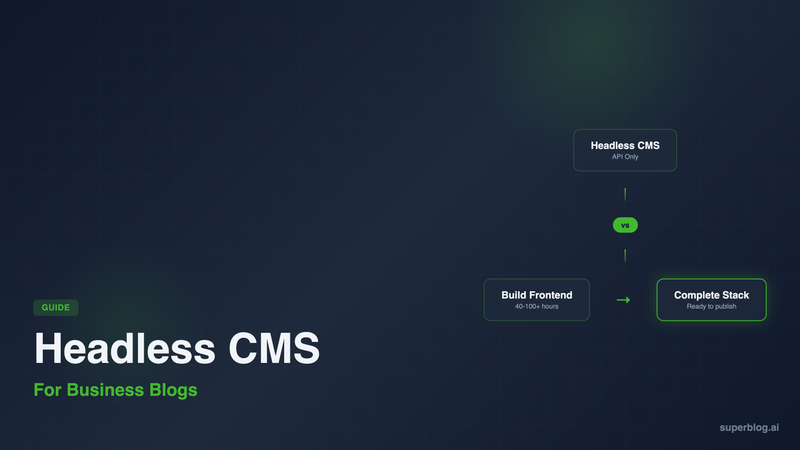
The headless CMS market is projected to grow from $605 million to $3.8 billion by 2032. Every enterprise technology blog recommends going headless. Every developer conference features sessions on decoupled architecture.
But here's what most of that content doesn't tell you: for business blogs focused on organic growth, a headless CMS might be the most expensive, time-consuming choice you can make.
This guide explains what headless CMS actually means, when it makes sense, and why most businesses end up with something simpler.
What Is a Headless CMS?
A traditional CMS like WordPress bundles everything together: the content management system (where you write), the database (where content is stored), and the frontend (what visitors see). They're tightly coupled. Change one, and you often affect the others.
A headless CMS separates the backend from the frontend. You get a content management interface and an API, but no website. The "head" (the frontend) is decoupled from the "body" (the content).
What you get:
A dashboard for writing and managing content
An API (REST or GraphQL) to retrieve that content
Usually cloud-hosted infrastructure
What you don't get:
A website
Blog templates
Any way for visitors to read your content
That's the tradeoff. A headless CMS gives you flexibility but requires you to build everything visitors actually see.
The Promise vs. The Reality
The Promise
Headless CMS vendors pitch flexibility and future-proofing:
"Omnichannel content delivery." Write once, publish everywhere: website, mobile app, smart displays, IoT devices.
"Freedom to use any frontend framework." React, Next.js, Vue, Svelte, whatever your team prefers.
"API-first architecture." Clean separation of concerns. Modern development practices.
"No vendor lock-in." Your content lives in structured data, not tangled with presentation.
These benefits are real. For the right use case, headless architecture is genuinely superior.
The Reality for Business Blogs
For a company that wants a blog to drive organic traffic, the headless approach introduces significant complexity:
You need to build a frontend. A headless CMS provides content via API. Someone needs to build the website that displays it. That means:
Choosing a frontend framework (Next.js, Gatsby, Nuxt, Astro)
Building blog templates (post pages, archive pages, category pages)
Implementing pagination, search, RSS feeds
Setting up hosting and deployment
Handling image optimization, caching, CDN configuration
You need to handle SEO yourself. Headless CMSs don't generate:
JSON-LD structured data (Article, FAQ, Breadcrumb schemas)
XML sitemaps
Canonical URLs
Open Graph tags
IndexNow submissions
LLMs.txt for AI discoverability
You'll write code for all of this or install additional libraries.
Maintenance becomes your responsibility. When Next.js releases version 15, you update. When your hosting provider changes their build pipeline, you adapt. When a security vulnerability appears in a dependency, you patch.
The total cost is often hidden. Headless CMS pricing looks attractive ($0-300/month for the CMS itself), but the real cost is developer time. Building and maintaining a custom blog frontend takes 40-100+ hours upfront and ongoing maintenance.
When Headless Actually Makes Sense
Headless CMS architecture is the right choice when:
You're already building a custom frontend. If your engineering team is building a Next.js marketing site from scratch anyway, adding a headless CMS for the blog section makes sense. The marginal complexity is low.
You need true omnichannel. If the same content genuinely needs to appear in a web app, mobile app, and API for partners, headless provides that flexibility.
You have developer resources to spare. Building and maintaining a custom blog frontend requires ongoing engineering time. If that resource is already allocated, headless works.
You have complex content relationships. If your content model involves deeply nested references, custom fields, and relationships that traditional CMSs can't handle, headless offers the flexibility.
For a business that wants to publish blog posts and rank in Google, these conditions rarely apply.
Popular Headless CMS Options Compared
If you've determined headless is right for your situation, here are the major players:
Contentful
The enterprise standard. Contentful offers a mature platform with strong content modeling, localization, and a large ecosystem of integrations.
Strengths:
Robust content modeling with references and validations
Strong enterprise features (SSO, audit logs, environments)
Large integration ecosystem
Reliable infrastructure
Limitations:
Pricing scales aggressively (free tier is limited, paid starts at $300/mo)
Steep learning curve for content modeling
No frontend; you build everything
Pricing: Free tier (limited), Team at $300/mo, Enterprise pricing varies.
Best for: Enterprise teams with dedicated developers and complex content needs.
Sanity
Developer-focused headless CMS with a unique approach: your content schema is defined in code, giving you complete control over the editing experience.
Strengths:
Flexible schema definition in JavaScript/TypeScript
Real-time collaborative editing
Customizable editing interface (Sanity Studio)
GROQ query language is powerful once learned
Limitations:
Requires developer setup (Sanity Studio must be deployed)
Learning curve for GROQ queries
No frontend; build everything yourself
Pricing: Free tier (generous for small projects), Team at $15/user/mo, Enterprise pricing varies.
Best for: Development teams who want maximum flexibility and don't mind writing code to configure the CMS.
Strapi
Open-source headless CMS that you can self-host or use their cloud offering. Popular choice for teams that want control over their infrastructure.
Strengths:
Open source (MIT license)
Self-hostable for full control
REST and GraphQL APIs included
Plugin ecosystem for extending functionality
Limitations:
Self-hosting requires DevOps knowledge
Cloud hosting adds cost
No frontend; you build everything
Pricing: Self-hosted is free. Strapi Cloud starts at $29/mo.
Best for: Teams with DevOps capability who want open-source and self-hosting options.
Hygraph (formerly GraphCMS)
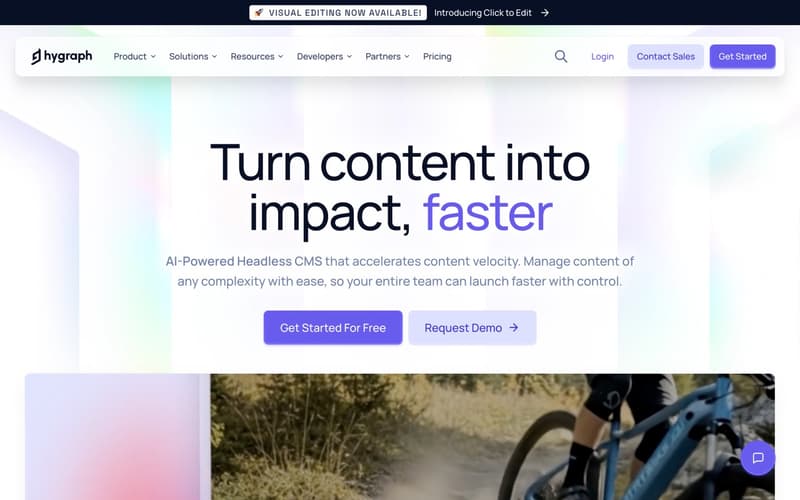
GraphQL-native headless CMS designed for content-heavy applications. Strong content federation features for pulling in content from multiple sources.
Strengths:
Native GraphQL (not REST-to-GraphQL wrapper)
Content federation from external APIs
Good localization support
Generous free tier
Limitations:
GraphQL-only (no REST API)
Smaller ecosystem than Contentful/Sanity
No frontend; you build everything
Pricing: Free tier (100k API calls/mo), Professional at $299/mo.
Best for: Teams already committed to GraphQL who need content federation.
Prismic
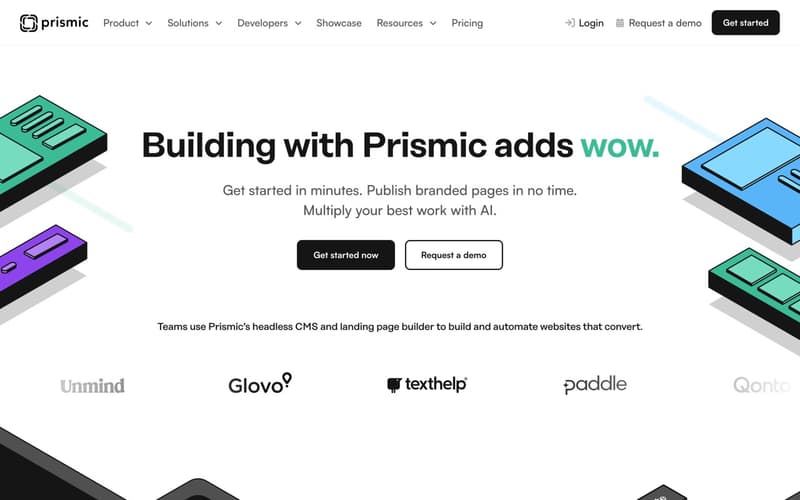
Headless CMS with a focus on visual page building through "Slices," reusable content components that editors can arrange.
Strengths:
Slice-based content modeling for flexible page building
Good Next.js integration and starter templates
Reasonable pricing for small teams
Solid preview functionality
Limitations:
Slice system has a learning curve
Templates help but you still need developers
No frontend; you build everything
Pricing: Free tier (1 user), Small at $100/mo (3 users).
Best for: Marketing teams that want more control over page layouts while still having developer involvement.
The Middle Path: Hosted Platforms with Headless Benefits
What if you want the modern architecture benefits of headless without building your own frontend?
A new category of platforms provides:
Modern, API-driven architecture
Pre-built, optimized frontend templates
Managed hosting and infrastructure
SEO automation out of the box
You get the performance and flexibility of headless without the development cost.
Superblog
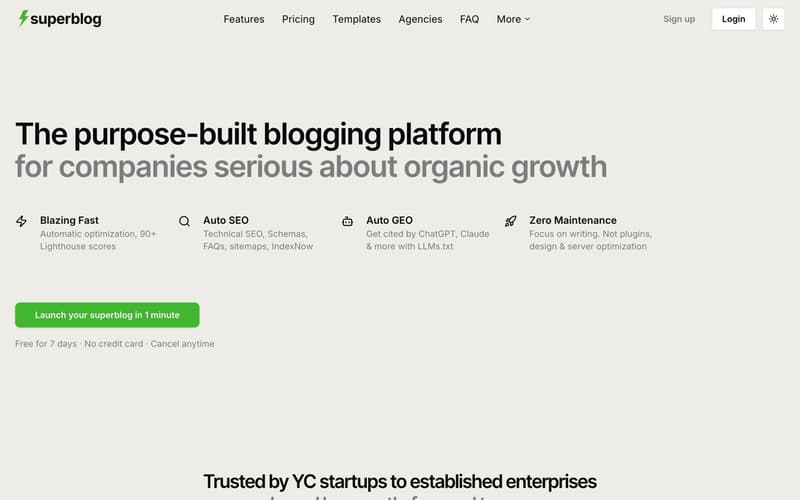
Superblog is a fully-managed blogging platform built on JAMStack architecture. It provides the complete stack: CMS, frontend UI, hosting, and SEO engine.
Why it works for business blogs:
JAMStack performance. Pre-built static pages served from 200+ CDN edge locations. 90+ Lighthouse scores on every page without optimization work.
SEO automation. JSON-LD schemas (Article, FAQ, Organization, Breadcrumb), XML sitemaps, IndexNow protocol, canonical URLs, Open Graph tags. All generated automatically.
LLMs.txt. Generates a machine-readable file at
/.well-known/llms.txtfor AI tools like ChatGPT, Claude, and Perplexity to discover your content. No headless CMS offers this.Subdirectory hosting. Run your blog at
yoursite.com/blogregardless of your main site's tech stack. Works with Next.js, React, Webflow, Shopify, or any platform.Zero maintenance. No servers to manage. No frameworks to update. No security patches.
Built-in lead generation. Capture leads from blog posts without third-party tools.
What you give up compared to headless:
Less control over frontend customization (you work within templates)
Content is tied to the platform (though export is available)
Not suitable if you need the same content in a mobile app
Pricing: $29/mo (Basic), $49/mo (Pro), $99/mo (Super). 7-day free trial.
Best for: Businesses that want modern blog architecture and SEO automation without the development overhead.
Ghost (Pro)
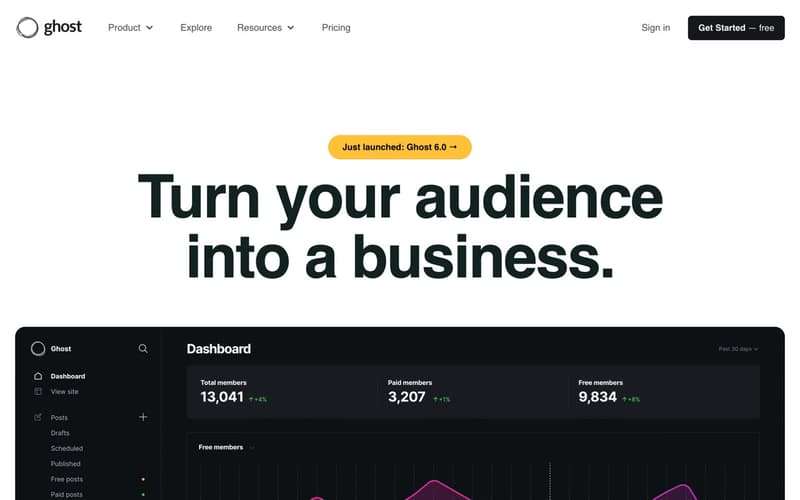
Ghost offers headless capabilities through its Content API while also providing a built-in frontend. You can use it as a traditional blog platform or go headless.
Hybrid approach:
Use the built-in theme system for a quick start
Access content via API if you want a custom frontend later
Built-in newsletter and membership features
Limitations:
Subdirectory hosting requires complex proxy setup
No automatic JSON-LD schemas beyond basics
Self-hosted option requires server management
Pricing: Ghost(Pro) starts at $16/mo (Starter), scales with traffic and members.
Best for: Publishers who want newsletters and memberships alongside blogging, with optional headless flexibility.
Making the Decision
Choose a headless CMS if:
You're already building a custom frontend with React/Next.js/Vue
You have dedicated developer resources for ongoing maintenance
You need true omnichannel content delivery
Content modeling requirements exceed traditional CMS capabilities
Choose a hosted platform like Superblog if:
Your goal is a business blog that drives organic traffic
You want to focus on writing content, not managing infrastructure
SEO automation matters more than frontend customization
Developer time is better spent on your core product
Choose Ghost if:
Newsletters and paid memberships are central to your strategy
You want optional headless flexibility for the future
You're comfortable with subdomain-only hosting (or proxy configuration)
The Real Cost Comparison
The headless path makes sense when flexibility justifies the investment. For most business blogs, it doesn't.
Conclusion
Headless CMS architecture solves real problems for complex, multi-channel content operations. The flexibility is genuine, and for the right use case, the investment pays off.
But for a business blog focused on organic growth, headless often means paying a premium in time and money for flexibility you won't use. You build a frontend to display blog posts. You implement SEO features that other platforms include. You maintain infrastructure instead of writing content.
The question isn't whether headless is good technology. It's whether your specific situation requires it.
If your goal is publishing blog content that ranks in search, platforms like Superblog deliver modern architecture benefits without the development overhead. You get JAMStack performance, SEO automation, and managed hosting, then focus your time on the content that actually drives traffic.
Sometimes the best architecture is the one you don't have to build.
Ready to skip the complexity?Try Superblog free for 7 days. No credit card required. Your blog goes live in under a minute.
