Blog SEO Tools: The Complete Stack for Ranking in 2026
You need tools to rank. But the wrong tool stack creates more problems than it solves.
Most businesses running a blog end up with 8+ SEO subscriptions: one for keyword research, another for content optimization, a third for technical audits, a fourth for analytics. The monthly tab climbs past $300, and half the features overlap.
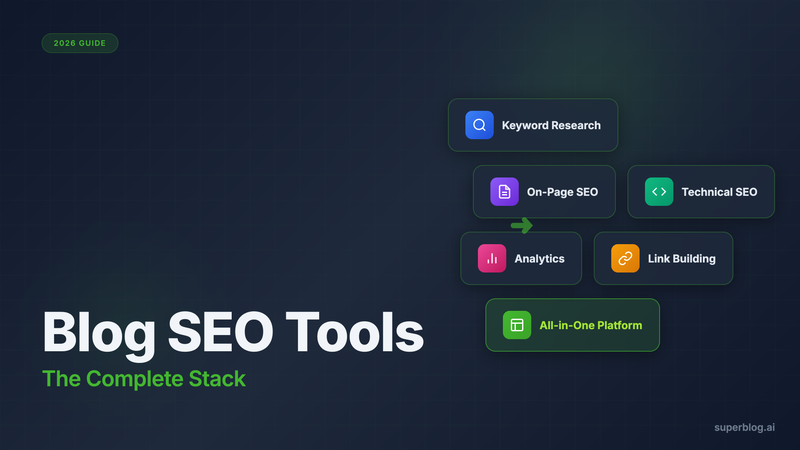
This guide covers the essential blog SEO tools across every category, what each does well, what it costs, and where the tool sprawl starts to work against you.
Keyword Research Tools
Every blog post starts with a keyword. These tools help you find the right ones.
Ahrefs

Ahrefs is the gold standard for keyword research and backlink analysis. The Keywords Explorer shows search volume, keyword difficulty, click-through rate estimates, and parent topics. The Content Explorer helps you find what's already ranking for your target keywords.
Pricing: $99/mo (Lite), $199/mo (Standard), $399/mo (Advanced)
Best for: Teams with budget who need comprehensive keyword data and competitor analysis. The backlink database is unmatched.
Limitation: Expensive for solo operators or small teams. The Lite plan restricts you to 500 tracked keywords.
SEMrush
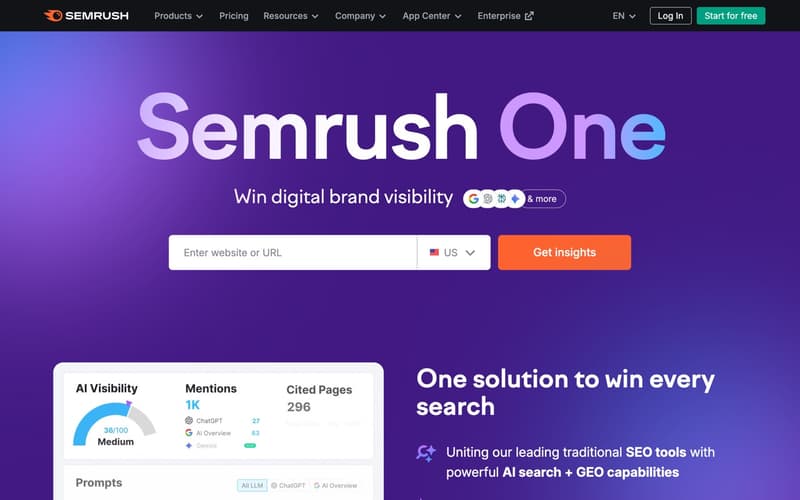
SEMrush offers similar capabilities to Ahrefs with a different interface. The Keyword Magic Tool generates thousands of keyword ideas from a seed term. Position tracking shows how your rankings change over time.
Pricing: $129.95/mo (Pro), $249.95/mo (Guru), $499.95/mo (Business)
Best for: Marketing teams who want an all-in-one SEO suite. SEMrush also includes content marketing, social media, and PPC tools.
Limitation: The interface can be overwhelming. Feature bloat makes it hard to focus on what matters for blog SEO specifically.
Ubersuggest
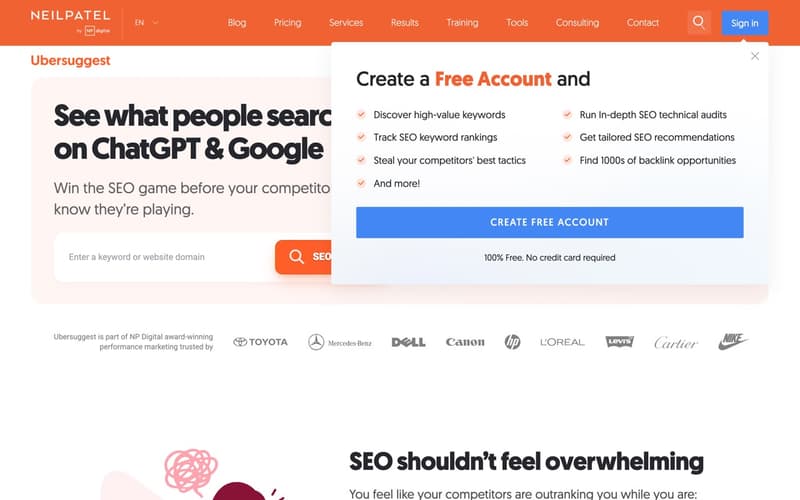
Ubersuggest is Neil Patel's budget-friendly alternative. It covers keyword research, site audits, and backlink data at a fraction of the Ahrefs/SEMrush price.
Pricing: $29/mo (Individual), $49/mo (Business), $99/mo (Enterprise). Also offers lifetime deals around $290-490.
Best for: Small businesses and solo bloggers who need core keyword research without enterprise features.
Limitation: Smaller database than Ahrefs or SEMrush. Data accuracy can be inconsistent for lower-volume keywords.
Keywords Everywhere
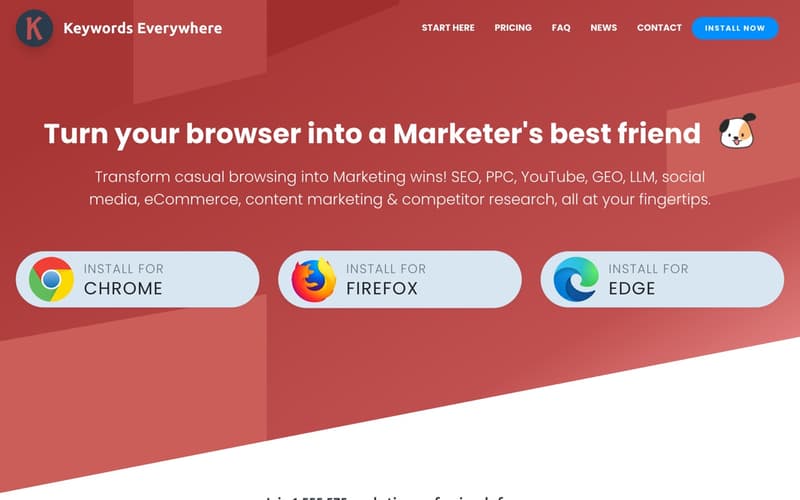
Keywords Everywhere is a browser extension that displays search volume, CPC, and competition data directly in Google search results. It shows related keywords and "People Also Search For" queries as you browse.
Pricing: $1.25/mo for 100,000 credits (pay-as-you-go model)
Best for: Quick keyword validation while browsing. Helpful for spot-checking ideas without opening a dedicated tool.
Limitation: Not a replacement for proper keyword research. The data is useful for validation, not discovery.
Google Search Console (Free)
Search Console is underrated for keyword research. The Performance report shows which queries your site already ranks for, including keywords you didn't know you were targeting. This is real data from Google, not estimates.
Pricing: Free
Best for: Finding keyword opportunities you're already close to ranking for. If you're position 11-20 for a keyword with decent volume, that's your optimization target.
Limitation: Only shows data for your own site. No competitor research or keyword discovery for new topics.
Keyword Research Tools Comparison
| Tool | Starting Price | Best For | Key Limitation |
|---|---|---|---|
| Ahrefs | $99/mo | Comprehensive research + backlinks | Expensive |
| SEMrush | $129.95/mo | All-in-one marketing suite | Feature overload |
| Ubersuggest | $29/mo | Budget keyword research | Smaller database |
| Keywords Everywhere | $1.25/mo | Quick validation | Limited discovery |
| Google Search Console | Free | Existing keyword opportunities | Only your own data |
On-Page SEO Tools
Once you have your keywords, these tools help you optimize individual posts for ranking.
Clearscope

Clearscope analyzes top-ranking content for your target keyword and generates a list of related terms you should include. The editor grades your content in real-time, showing how well-optimized it is compared to competitors.
Pricing: $170/mo (Essentials), custom pricing for higher tiers
Best for: Content teams publishing high-volume, competitive content. Clearscope improves consistency across multiple writers.
Limitation: Expensive for the value it provides. The "include these terms" approach can lead to keyword stuffing if used mechanically.
SurferSEO
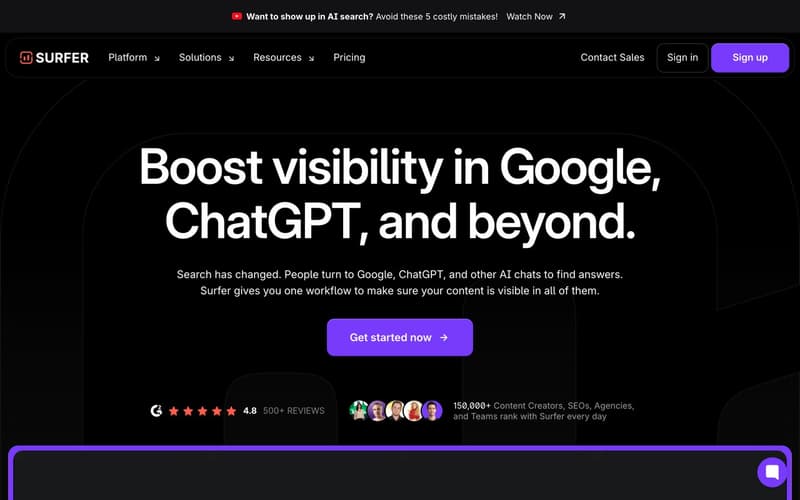
SurferSEO uses NLP (natural language processing) to analyze content structure, term usage, and SERP factors. The Content Editor shows word count targets, headings to include, and an optimization score.
Pricing: $89/mo (Essential), $179/mo (Scale), $299/mo (Scale AI)
Best for: Writers who want data-driven optimization guidance without guessing what top-ranking content includes.
Limitation: Following the tool's suggestions too rigidly can make content feel formulaic.
Frase
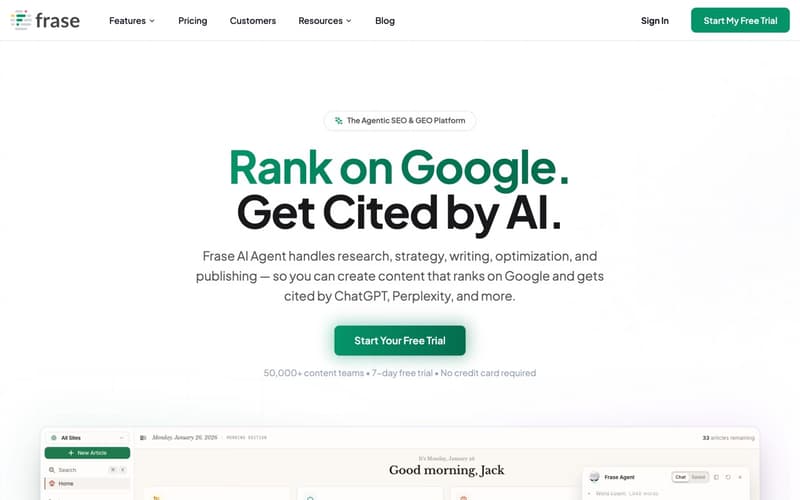
Frase combines content research with AI writing. It generates content briefs from SERP analysis, showing what topics and questions to cover. The AI can draft sections based on those briefs.
Pricing: $15/mo (Solo), $115/mo (Team), $179/mo (Enterprise)
Best for: Solo operators who want brief generation and AI assistance in one tool.
Limitation: AI-generated drafts require heavy editing. The research is useful, but the writing output is a starting point, not finished content.
Yoast SEO (WordPress Plugin)
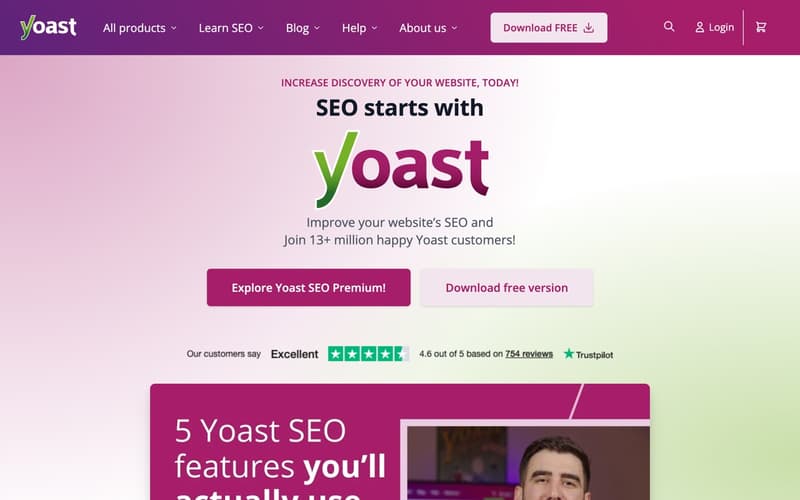
Yoast is the most popular WordPress SEO plugin. It provides on-page optimization feedback, generates XML sitemaps, and handles basic schema markup. The traffic light system (red, orange, green) gives quick optimization feedback.
Pricing: Free, $99/year (Premium)
Best for: WordPress users who need basic on-page SEO guidance.
Limitation: WordPress-only. The checklist approach can lead to over-optimization (targeting exact keyword density, for example). Technical SEO features are basic compared to dedicated tools.
RankMath (WordPress Plugin)
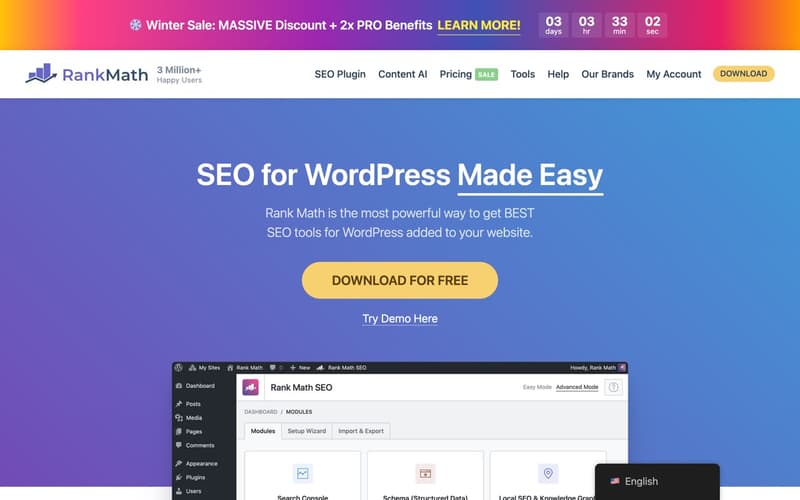
RankMath is Yoast's main competitor. It offers more features in the free tier, including multiple keyword tracking per post and advanced schema options.
Pricing: Free, $59/year (Pro), $199/year (Business)
Best for: WordPress users who want more features than Yoast Free without paying Yoast Premium prices.
Limitation: Still WordPress-only. More features means more complexity and more things that can conflict with other plugins.
On-Page Tools Comparison
| Tool | Starting Price | Best For | Key Limitation |
|---|---|---|---|
| Clearscope | $170/mo | High-volume content teams | Expensive |
| SurferSEO | $89/mo | Data-driven optimization | Can feel formulaic |
| Frase | $15/mo | Solo operators, AI assistance | AI output needs editing |
| Yoast SEO | Free/$99yr | Basic WordPress SEO | WordPress-only, basic features |
| RankMath | Free/$59yr | Advanced WordPress SEO | WordPress-only, complexity |
Technical SEO Tools
Technical SEO is what happens behind the content: site crawling, page speed, structured data, and indexing.
Screaming Frog
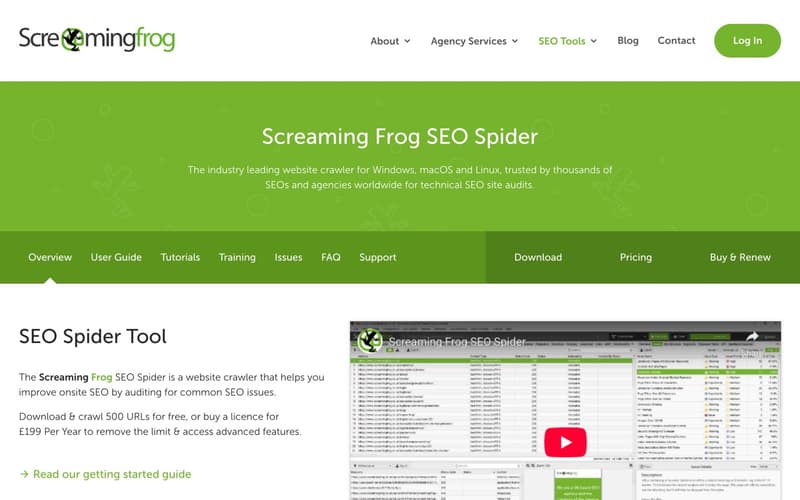
Screaming Frog is a desktop crawler that audits your site for technical SEO issues. It finds broken links, duplicate content, missing meta tags, redirect chains, and crawl depth problems. The free version crawls up to 500 URLs.
Pricing: Free (500 URLs), $259/year (unlimited)
Best for: Technical audits of medium to large sites. Essential for finding issues at scale.
Limitation: Desktop software with a steep learning curve. The output is data, not recommendations. You need to know what to do with what it finds.
Sitebulb
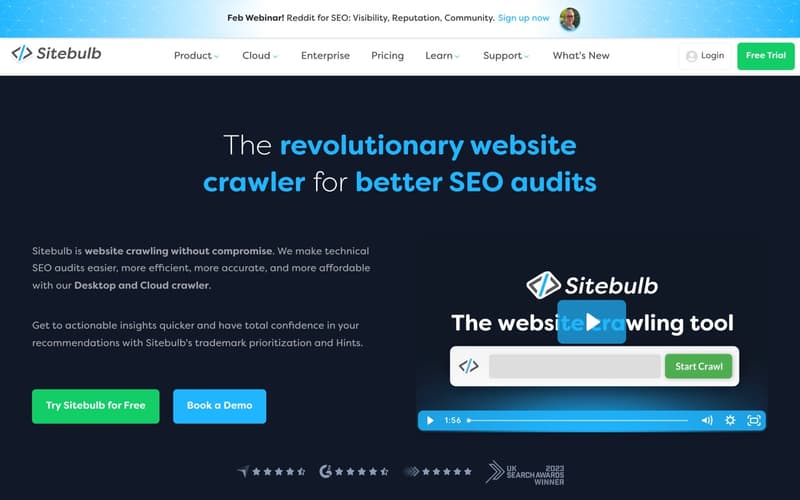
Sitebulb is a visual site auditor that presents crawl data in digestible charts and prioritized recommendations. It explains issues in plain language and suggests fixes.
Pricing: $13.50/mo (Lite), $35/mo (Pro)
Best for: Teams who want crawl data without the Screaming Frog learning curve. The visualizations make it easier to explain issues to non-technical stakeholders.
Limitation: Monthly subscription adds up compared to Screaming Frog's annual license.
Google PageSpeed Insights
PageSpeed Insights measures your Core Web Vitals and provides specific recommendations for improving page speed. It shows both lab data (simulated) and field data (real user metrics).
Pricing: Free
Best for: Page speed audits and Core Web Vitals monitoring. Essential for every blog.
Limitation: Shows problems but doesn't fix them. Implementing the recommendations often requires developer time.
Schema Markup Validators
Google's Rich Results Test and Schema.org Validator check whether your structured data is valid and eligible for rich results. These tools catch errors in your JSON-LD before they affect search visibility.
Pricing: Free
Best for: Validating schema markup after implementation. Run these before publishing posts with FAQ blocks or other structured content.
Limitation: Only validates what's already implemented. Doesn't help you generate schemas.
Technical SEO Tools Comparison
| Tool | Starting Price | Best For | Key Limitation |
|---|---|---|---|
| Screaming Frog | Free/$259yr | Comprehensive crawling | Steep learning curve |
| Sitebulb | $13.50/mo | Visual audits | Ongoing subscription cost |
| PageSpeed Insights | Free | Core Web Vitals | Shows problems, doesn't fix them |
| Schema Validators | Free | Markup validation | Only validates existing markup |
Analytics Tools
You need data to know what's working. These tools track traffic, rankings, and user behavior.
Google Analytics 4 (Free)
GA4 is Google's current analytics platform. It tracks page views, user sessions, traffic sources, conversions, and user behavior. The event-based model is more flexible than Universal Analytics but has a steeper learning curve.
Pricing: Free (GA4), custom pricing (GA4 360)
Best for: Comprehensive traffic analysis. Everyone should have GA4 installed.
Limitation: Complex to configure properly. Privacy concerns require cookie consent banners in many regions. The interface changed significantly from Universal Analytics.
Google Search Console (Free)
Search Console shows how your site performs in Google search. The Performance report tracks impressions, clicks, click-through rate, and average position for your keywords. Coverage reports show indexing issues.
Pricing: Free
Best for: Understanding search performance. This is the only source of real Google ranking data.
Limitation: Data is delayed 2-3 days. Limited to 16 months of historical data.
Plausible Analytics
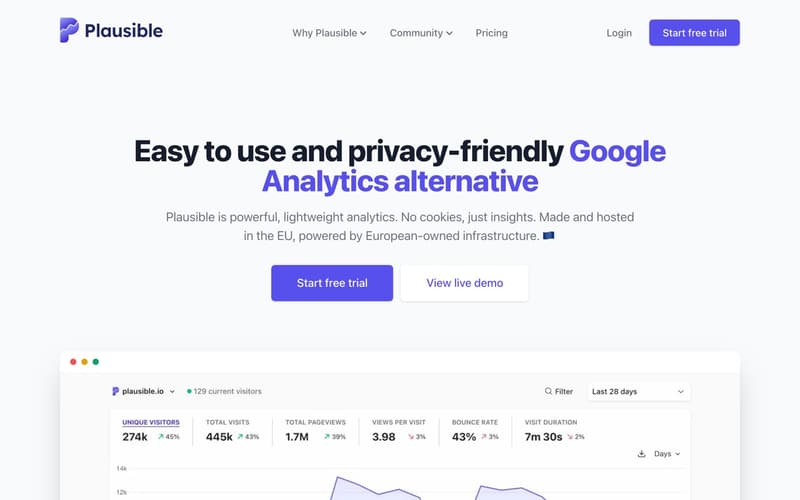
Plausible is a privacy-friendly alternative to Google Analytics. It's lightweight (under 1KB), doesn't use cookies, and doesn't require consent banners. The dashboard is simple and focuses on essential metrics.
Pricing: $9/mo (10K pageviews), $19/mo (100K), $29/mo (200K)
Best for: Teams who value privacy and want simple, GDPR-compliant analytics without consent management.
Limitation: Less detailed than GA4. No user-level data, limited segmentation.
Fathom Analytics
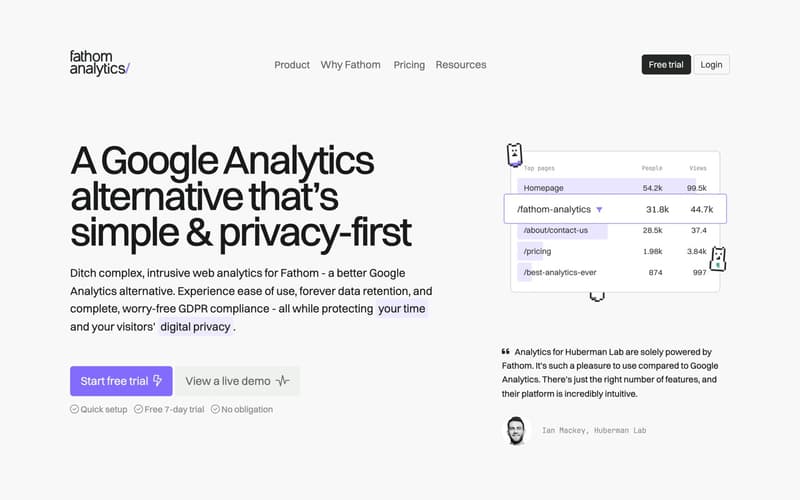
Fathom is similar to Plausible: privacy-focused, cookie-free, and simple. It tracks page views, unique visitors, bounce rate, and referral sources.
Pricing: $14/mo (100K pageviews), $24/mo (200K)
Best for: Privacy-conscious teams who prefer Fathom's interface over Plausible's.
Limitation: Same trade-offs as Plausible. Simpler means less powerful.
Pirsch Analytics
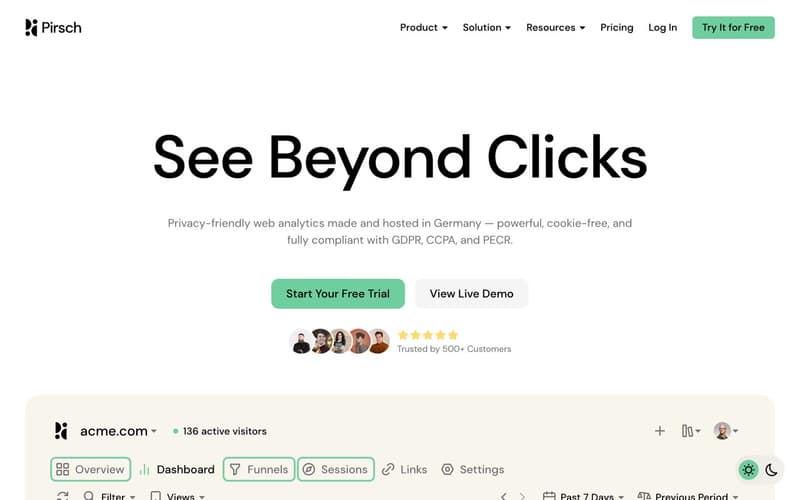
Pirsch is another privacy-friendly option that's GDPR-compliant without requiring consent banners. It tracks core metrics, referrers, UTM parameters, and conversion goals. Some blogging platforms include Pirsch as a built-in option.
Pricing: Starting at $6/mo (10K pageviews)
Best for: Teams who want privacy-friendly analytics integrated directly into their blogging platform.
Limitation: Less feature-rich than GA4 for advanced segmentation and custom reporting.
Analytics Tools Comparison
| Tool | Starting Price | Best For | Key Limitation |
|---|---|---|---|
| Google Analytics 4 | Free | Comprehensive analysis | Complex, privacy concerns |
| Google Search Console | Free | Search performance data | Delayed data, limited history |
| Plausible | $9/mo | Privacy-friendly, simple | Less detailed than GA4 |
| Fathom | $14/mo | Privacy-friendly, simple | Less detailed than GA4 |
| Pirsch | $6/mo | Built-in privacy analytics | Limited advanced features |
Link Building and Outreach Tools
Backlinks remain a ranking factor. These tools help you analyze and build your link profile.
Ahrefs (Backlink Analysis)
Ahrefs has the largest backlink database. Site Explorer shows every link pointing to your site (and your competitors), including anchor text, referring domains, and link quality metrics. The Link Intersect tool finds sites that link to competitors but not to you.
Pricing: Included in Ahrefs subscription ($99+/mo)
Best for: Comprehensive backlink analysis and competitor link research.
Limitation: The same cost barrier as the keyword research side.
Hunter.io
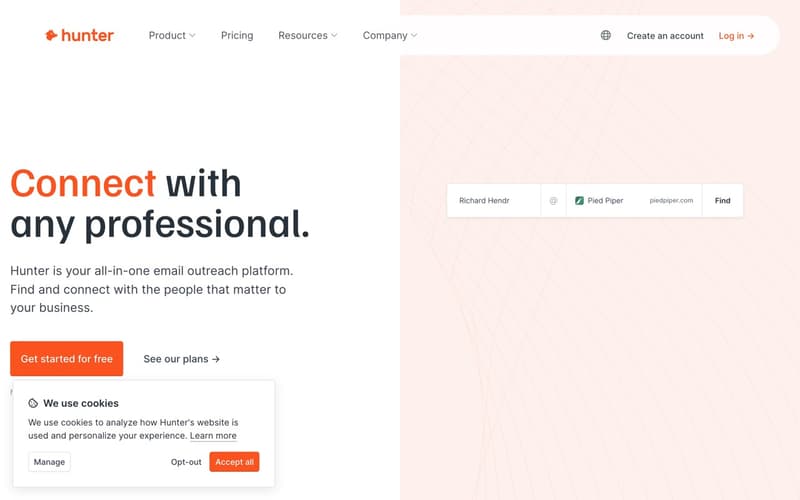
Hunter finds email addresses associated with a domain. Enter a company website, and it returns verified email addresses for outreach. The email finder helps you reach the right person for guest posting or link requests.
Pricing: Free (25 searches/mo), $49/mo (500 searches), $99/mo (2,500 searches)
Best for: Finding contact information for link building outreach.
Limitation: Cold outreach has low response rates regardless of how good your contact data is.
HARO (Help a Reporter Out)

HARO connects journalists with expert sources. Sign up as a source, receive daily emails with journalist queries, and respond to relevant ones. A successful placement means a backlink from a news site.
Pricing: Free (basic), $19/mo (Standard), $49/mo (Advanced)
Best for: Earning editorial backlinks through genuine expertise.
Limitation: Time-intensive. Most pitches don't result in placements. The free tier is limited but sufficient for most bloggers.
Link Building Tools Comparison
| Tool | Starting Price | Best For | Key Limitation |
|---|---|---|---|
| Ahrefs | $99/mo | Backlink analysis | Expensive |
| Hunter.io | Free/25 | Email finding | Low outreach response rates |
| HARO | Free | Editorial backlinks | Time-intensive |
The Tool Sprawl Problem
Count the tools mentioned above. If you signed up for a reasonable stack, you might have:
- Ahrefs or SEMrush for keyword research: $99-129/mo
- SurferSEO for content optimization: $89/mo
- Screaming Frog for technical audits: $259/year ($22/mo equivalent)
- Plausible for analytics: $19/mo
- Hunter for outreach: $49/mo
That's $278-308/month for five tools, and you're still managing them separately. Updates, logins, exports, cross-referencing data. Each tool does one thing well, but the overhead of running them together adds up.
Then there's the WordPress stack: Yoast Premium for on-page SEO ($99/year), WP Rocket for caching ($59/year), ShortPixel for image optimization ($25/year), Schema Pro for structured data ($79/year). Four plugins just to get technical SEO right, plus the time spent troubleshooting conflicts.
This is the SEO tool tax: money and time spent on tools instead of content.
Platforms That Automate Blog SEO
The alternative to tool sprawl is a blogging platform that handles technical SEO automatically.
Most blogging platforms treat SEO as an afterthought. WordPress gives you flexibility but requires plugins for everything. Ghost focuses on publishing, not SEO optimization. Medium optimizes for their domain, not yours.
Superblog takes a different approach: automate everything that can be automated, so you can focus on keyword research and content.
What Superblog Automates
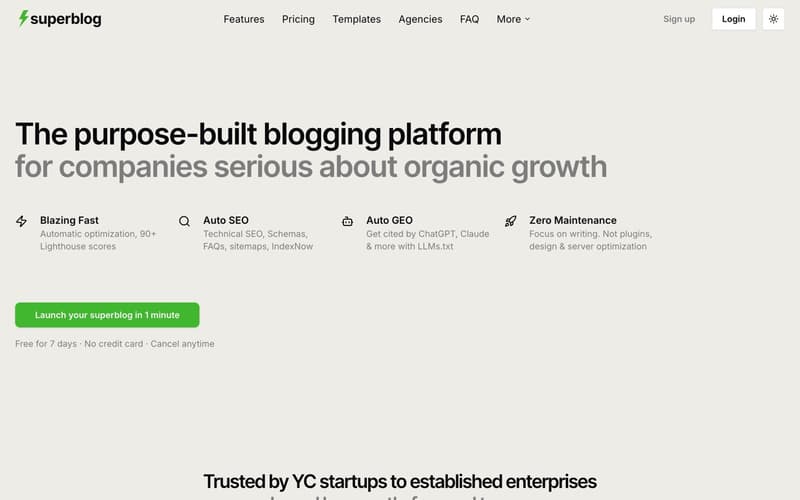
JSON-LD schemas generate automatically for every post. Article schema, FAQ schema, Breadcrumb schema, Organization schema. No plugin configuration, no manual markup.
XML sitemaps build and update on every deploy. New post published? The sitemap updates. No action required.
IndexNow protocol fires automatically when you publish. Bing, Yandex, and supporting search engines get notified immediately. No waiting days for crawlers to discover new content.
LLMs.txt generates at /.well-known/llms.txt, making your content visible to ChatGPT, Claude, Gemini, and Perplexity. This is AI search visibility that most blogs don't have yet.
Page speed scores 90+ on Lighthouse automatically. JAMStack architecture, auto WebP image conversion, and a global CDN handle the performance optimization that WordPress blogs struggle with.
Internal link suggestions analyze your post content and surface related posts with recommended anchor text. Insert links in one click instead of hunting through your archive.
AI Helper generates SEO-optimized outlines from a keyword. Enter your target keyword, and it produces a structured outline with H2/H3 headings.
What You Still Need
Superblog doesn't replace everything. You still need:
Keyword research: Ahrefs, SEMrush, or Ubersuggest. There's no substitute for proper keyword research before you write.
Content strategy: The platform can't decide what to write about. Keyword selection, topic clustering, and editorial planning remain human decisions.
Backlink building: Outreach and link earning happen outside your blogging platform.
Competitive analysis: Understanding what competitors rank for and why still requires external tools.
The difference is what you don't need: plugins for sitemaps, plugins for schemas, plugins for caching, tools for Core Web Vitals, separate analytics platforms. The technical SEO layer is handled.
The Math
| Expense | Tool Stack | Superblog |
|---|---|---|
| Keyword Research | $99/mo (Ahrefs) | $99/mo (Ahrefs) |
| On-Page Optimization | $89/mo (SurferSEO) | Built-in suggestions |
| Technical SEO | $22/mo (Screaming Frog) | Automatic |
| Schema Markup | $79/year plugin | Automatic |
| Caching/Speed | $59/year plugin | Automatic |
| Image Optimization | $25/year plugin | Automatic |
| Analytics | $19/mo (Plausible) | Included (Pirsch) |
| Platform Cost | $0-30/mo (WordPress hosting) | $29-99/mo |
| Monthly Total | ~$280/mo + plugins | ~$130/mo |
The tool stack costs more and requires more maintenance. The platform approach costs less and frees up time for content.
Building Your SEO Tool Stack
Not everyone needs the same tools. Here are three stacks for different stages.
Starter Stack (Under $30/month)
For new blogs with limited budget:
- Keyword Research: Google Search Console (free) + Keywords Everywhere ($1.25/mo)
- On-Page: Yoast Free or RankMath Free (WordPress) or platform built-ins
- Technical: PageSpeed Insights (free) + Schema Validators (free)
- Analytics: Google Analytics 4 (free) + Google Search Console (free)
- Link Building: HARO Free
Total: Under $5/month
This stack works for getting started, but you'll outgrow it. Free tools have limitations that become bottlenecks as traffic grows.
Growth Stack ($100-200/month)
For blogs with traction that need better data:
- Keyword Research: Ahrefs Lite ($99/mo) or Ubersuggest Business ($49/mo)
- On-Page: SurferSEO Essential ($89/mo) or Frase Solo ($15/mo)
- Technical: Screaming Frog ($259/year) or Sitebulb Lite ($13.50/mo)
- Analytics: Plausible ($19/mo) + Google Search Console (free)
- Link Building: Ahrefs backlink tools (included) + Hunter Free
Total: $130-220/month
This is the sweet spot for most growing blogs. Solid data, reasonable cost, manageable complexity.
Enterprise Stack ($400+/month)
For content teams at scale:
- Keyword Research: Ahrefs Standard ($199/mo) or SEMrush Guru ($249.95/mo)
- On-Page: Clearscope ($170/mo) or SurferSEO Scale ($179/mo)
- Technical: Screaming Frog + Sitebulb Pro
- Analytics: GA4 360 + custom dashboards
- Link Building: Full Ahrefs + Hunter Pro + dedicated outreach tools
Total: $400-700/month
At this level, you're likely running a content operation with multiple writers. The tools need to support team collaboration and high-volume publishing.
The Platform Alternative
Or you can simplify: use a platform like Superblog that handles technical SEO automatically, and spend your tool budget on the one thing that can't be automated: keyword research with Ahrefs or SEMrush.
Total: $130-200/month (Superblog + Ahrefs Lite)
Same keyword data, same ranking potential, less overhead.
What Actually Moves Rankings
Tools don't rank pages. Content ranks pages.
The best tool stack in the world won't help if your content doesn't match search intent, answer questions better than competitors, or provide genuine value. Tools are infrastructure. Content is the asset.
Here's how to prioritize:
Keyword research: This is non-negotiable. Every post should target a keyword with real search volume and manageable competition. Invest in a proper keyword research tool.
Technical SEO foundation: Your blog needs fast pages, proper schemas, XML sitemaps, and good indexing. Either configure this manually or use a platform that handles it.
Content optimization: Optional for most blogs. If you're publishing 10+ posts per month with multiple writers, content optimization tools help maintain quality. For most teams, understanding what makes content rank is more valuable than a tool that grades your keyword density.
Analytics: You need to know what's working. Google Search Console is essential. A privacy-friendly analytics tool is useful. Advanced analytics matters more as traffic scales.
Link building tools: Backlinks matter, but tools only help you find opportunities. The work of earning links is relationship-building, not software.
The pattern: invest in research tools, automate technical SEO, and spend most of your time on content. That's what drives results.
Start With the Foundation
Every hour spent configuring plugins, troubleshooting schema markup, or optimizing page speed is an hour not spent writing content that ranks.
The tools you choose matter less than how you spend your time. A blogger with Ubersuggest and a fast, well-optimized platform will outrank a blogger with enterprise tools and a slow, plugin-heavy WordPress site.
Pick your tools. Set up your foundation. Then write.
If you want a blog platform that handles the technical SEO layer automatically, try Superblog free for 7 days. No credit card required, 90+ Lighthouse score out of the box, all the SEO automation covered in this guide built in.
Focus on content. Let the platform handle the rest.
