Blog Hosting Without the Hosting: The Rise of Managed Platforms
Most people approach blog hosting backwards. They start with servers, databases, and infrastructure decisions. They compare VPS providers, debate managed WordPress hosts, and research CDN configurations.
Then they write content.
The businesses winning at organic search have flipped this. They've realized that blog hosting is a solved problem, not a competitive advantage. The less time spent on hosting, the more time spent on content that actually ranks.
This is the shift from self-hosted blogs to managed platforms. And it's happening faster than most marketers realize.
What "Blog Hosting" Actually Means in 2026
Blog hosting used to mean one thing: renting server space to run WordPress. You'd pick a host (Bluehost, SiteGround, WP Engine), install WordPress, configure your plugins, and handle maintenance.
That model still exists. It powers millions of blogs. But it's no longer the only option, and for business blogs focused on organic growth, it's often not the best one.
Modern blog hosting falls into three categories:
Self-hosted traditional. You rent a server, install WordPress or Ghost, manage everything yourself. Full control, full responsibility.
Managed traditional. You use a managed WordPress or Ghost host. They handle server maintenance, updates, and security. You still manage the CMS, plugins, and configurations.
Fully managed platforms. You use a complete blogging platform that handles everything: CMS, frontend, hosting, SEO, and performance. You write content. The platform handles the rest.
The third category is what's growing fastest among businesses that treat content as a growth channel.
Self-Hosted vs Managed: The Real Tradeoffs
The self-hosting vs managed decision isn't about capability. Modern platforms can do nearly anything WordPress can do. The decision is about where you want to spend your time.
The Case for Self-Hosting
Self-hosting gives you control. Complete, unrestricted control.
- Plugin ecosystem. WordPress has 55,000+ plugins. If you can imagine a feature, someone built a plugin for it.
- Theme flexibility. Thousands of themes with endless customization. Every design decision is yours.
- Data ownership. Your content lives on your server, in your database. No platform dependencies.
- Pricing at scale. A $50/month VPS can handle significant traffic. Managed platforms often charge more.
For developers, agencies, and businesses that need capabilities beyond blogging (e-commerce, memberships, complex integrations), self-hosting makes sense.
The Case for Managed Platforms
Managed platforms trade control for leverage. You get less flexibility, but you ship faster and maintain less.
- Zero infrastructure. No servers to patch. No databases to optimize. No security vulnerabilities to monitor.
- Performance by default. JAMStack architecture, CDN distribution, and image optimization happen automatically.
- SEO automation. Structured data, sitemaps, and indexing protocols work out of the box.
- Time to content. Minutes from signup to published post. No installation, configuration, or setup.
For marketing teams, founders, and businesses where the blog is a growth channel (not a technical project), managed platforms remove friction.
The Hidden Costs of Self-Hosting
Self-hosting looks affordable on paper. WordPress is free. Hosting costs $10-50/month. Plugins are often free or one-time purchases.
The real costs are invisible until you've lived with them.
Time Costs
Initial setup: 4-8 hours minimum. Installing WordPress takes minutes. Configuring it properly takes days. Theme selection, plugin research, permalink structure, SSL setup, CDN configuration, caching optimization, security hardening. Each decision compounds.
Ongoing maintenance: 2-5 hours per month. WordPress core updates. Plugin updates. Theme updates. Compatibility testing. Backup verification. Performance monitoring. Security scanning. Most businesses underestimate this by 80%.
Emergency response: Unpredictable. Your site goes down on a Saturday. A plugin conflict breaks your checkout page. A security breach requires immediate action. These events don't schedule themselves.
Plugin Sprawl
A typical WordPress blog needs plugins for:
- SEO (Yoast or RankMath)
- Caching (WP Rocket or W3 Total Cache)
- Image optimization (ShortPixel or Imagify)
- Security (Wordfence or Sucuri)
- Backups (UpdraftPlus or BlogVault)
- Forms (Gravity Forms or WPForms)
- CDN integration (Cloudflare plugin)
- Analytics (MonsterInsights or site-specific)
That's 8+ plugins before publishing a single post. Each plugin is a potential point of failure. Each update is a compatibility risk. Each premium plugin is a recurring cost.
Performance Debt
WordPress sites typically score 40-60 on Lighthouse out of the box. Getting to 90+ requires:
- Advanced caching configuration
- Database optimization
- Image compression and lazy loading
- Code minification and deferral
- CDN setup and tuning
- Server-level optimizations
This work is technical. It takes time. And it's ongoing, because every new plugin, theme update, or content change can regress performance.
Security Surface
WordPress powers 40%+ of the web. That makes it the most targeted CMS on the internet. Plugins are the primary attack vector.
A single vulnerable plugin exposes your entire site. And with 8+ plugins running, your attack surface is significant. You need security monitoring, regular updates, and incident response capabilities.
Best Managed Blog Platforms by Category
Not all managed platforms serve the same audience. Here's how the market segments.
For Writers and Creators
Medium
Medium offers zero-setup publishing with a built-in audience. Create an account, start writing, reach readers immediately.
The tradeoff: you don't own the relationship. Medium promotes its paid membership to your readers. Your content builds their platform, not your domain authority. No lead generation, no email capture, no SEO control.
Best for: Writers seeking exposure who don't need business outcomes from their blog.
Substack

Substack combines blogging with newsletters and paid subscriptions. Write posts, build an email list, monetize with subscriptions.
The tradeoff: Substack takes 10% of subscription revenue. No subdirectory hosting (blog lives on Substack's domain). Limited design control. SEO is secondary to the newsletter model.
Best for: Independent writers building paid newsletter businesses.
For Businesses
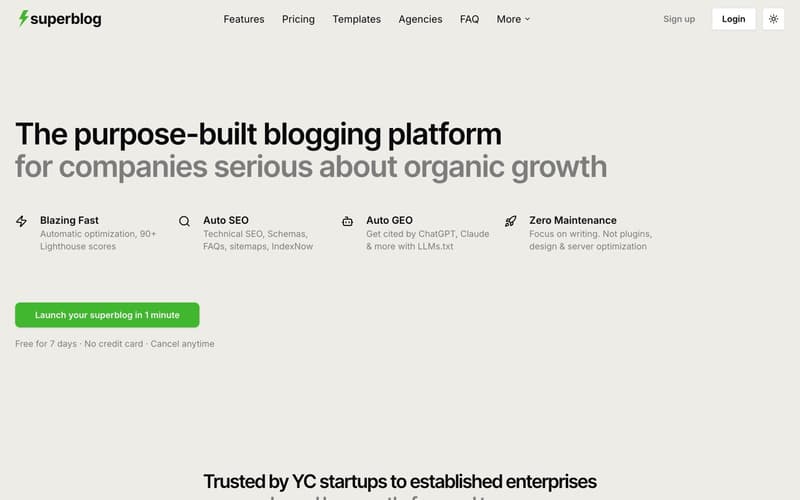
Superblog is built specifically for businesses that want their blog to drive organic traffic. It's a fully-managed blogging platform with CMS, frontend, hosting, and SEO engine in one product.
What makes it different:
- JAMStack architecture. Pre-built static pages served from 200+ CDN edge locations. No servers to crash, no databases to fail. 90+ Lighthouse scores on every page automatically.
- SEO automation. JSON-LD schemas (Article, FAQ, Organization, Breadcrumb), XML sitemaps, IndexNow protocol, canonical URLs, Open Graph tags. All generated without configuration.
- LLMs.txt. Generates a machine-readable file at
/.well-known/llms.txtthat makes your content discoverable by AI tools like ChatGPT, Claude, Gemini, and Perplexity. Most platforms don't offer this. - Subdirectory hosting. Run your blog at
yoursite.com/blogto consolidate domain authority. Works with any tech stack: Next.js, React, Webflow, Shopify, or any platform. - Internal link suggestions. The platform analyzes your post content, finds related posts, and surfaces anchor text you can insert with one click.
- Built-in lead generation. Forms below posts, in sidebars, or as pop-ups. No third-party tools needed.
- Zero maintenance. No plugins to update. No security patches. No server management. Focus on writing.
Editor: TipTap v3 WYSIWYG with slash commands, markdown support, and keyboard shortcuts.
Team: Up to 5 members on Pro, 10 on Super. Role-based permissions with collaborative review workflows.
Pricing: $29/mo (Basic), $49/mo (Pro), $99/mo (Super). 7-day free trial, no credit card required.
Best for: Businesses that want their blog to rank without spending time on technical SEO or platform maintenance.
Ghost (Pro)
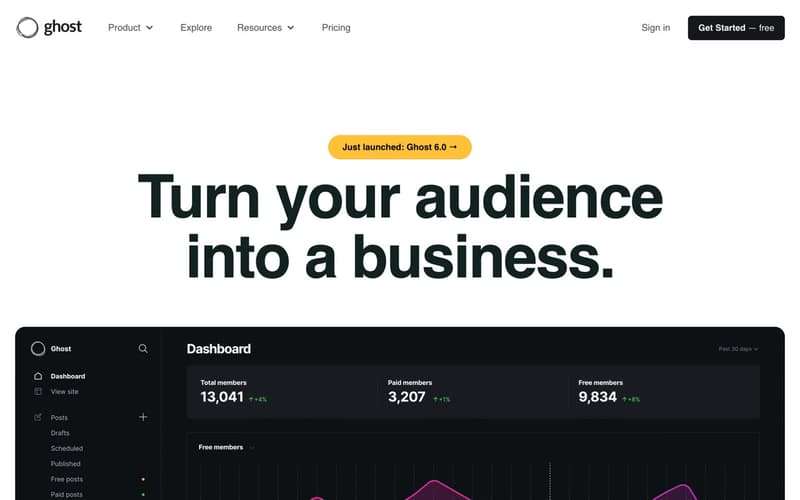
Ghost is an open-source publishing platform with managed hosting. It combines blogging with newsletters and memberships.
Strengths:
- Elegant, distraction-free editor
- Built-in newsletter and membership features
- Clean architecture, fast by default
- Active open-source development
Limitations for business blogs:
- No native subdirectory hosting. Ghost runs on its own domain or subdomain.
yoursite.com/blogrequires reverse proxy configuration. - No built-in lead generation forms without third-party tools.
- Limited SEO automation. Handles basics (meta tags, sitemaps) but lacks automatic JSON-LD schemas for FAQ and Breadcrumb. No IndexNow. No LLMs.txt.
Pricing: Ghost(Pro) starts at $16/mo (500 members), scales with traffic and member count.
Best for: Publishers building newsletter and membership businesses alongside blogging.
For Developers
Hashnode
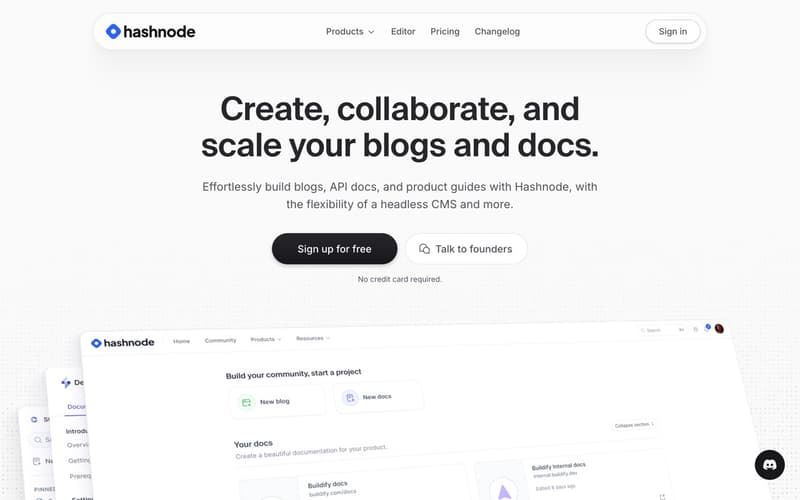
Hashnode is a developer blogging platform with a built-in community. You get a blog, audience reach, and integration with GitHub for content backup.
Strengths:
- Developer-focused features (code snippets, syntax highlighting)
- Built-in community for discovery
- Custom domain support
- GitHub backup integration
Limitations:
- Audience is developers. Not suited for general business blogs.
- Limited customization and design options.
- SEO features are basic.
Pricing: Free tier available. Pro plans from $7/mo.
Best for: Individual developers building personal brand through technical content.
Dev.to
Dev.to is a community platform for developer content. Like Medium, it prioritizes the community experience over individual blog ownership.
Strengths:
- Large, engaged developer community
- Zero setup required
- Built-in distribution
Limitations:
- You don't own the traffic. Content lives on Dev.to's platform.
- No custom domain. Your content is at dev.to/username.
- No lead generation or business features.
Pricing: Free.
Best for: Developers seeking community engagement over business outcomes.
Comparison Table
| Feature | Superblog | Ghost (Pro) | Medium | Substack | Hashnode |
|---|---|---|---|---|---|
| Hosting included | Yes | Yes | Yes | Yes | Yes |
| Maintenance required | Zero | Minimal | Zero | Zero | Zero |
| Subdirectory hosting | Yes | No (proxy needed) | No | No | No |
| Auto JSON-LD schemas | Yes (all types) | Basic only | No | No | No |
| IndexNow | Yes | No | No | No | No |
| LLMs.txt | Yes | No | No | No | No |
| Lighthouse score | 90+ auto | 70-85 | N/A | N/A | 70-85 |
| Lead gen forms | Built-in | No | No | Email only | No |
| Newsletter | Via integrations | Built-in | No | Built-in | No |
| Custom domain | Yes | Yes | Yes | Yes | Yes |
| Starting price | $29/mo | $16/mo | Free | Free | Free |
| Best for | Business blogs | Publishers | Writers | Newsletter creators | Developers |
When Managed Hosting Makes Sense
Managed platforms are the right choice for most business blogs. Here's when the fit is clear.
Your goal is organic traffic. If content is a growth channel, your time is better spent writing than maintaining infrastructure. Every hour optimizing servers is an hour not writing posts that rank.
You don't have dedicated DevOps. If your team doesn't include someone who manages servers professionally, you'll struggle with self-hosting at scale. Managed platforms eliminate this gap.
SEO matters more than customization. Managed platforms automate the technical SEO that most self-hosted blogs implement poorly or not at all. If ranking matters, automation beats manual implementation.
Speed to publish matters. Managed platforms go from zero to published in minutes. Self-hosted setups take days to configure properly. If you're launching a new content initiative, managed gets you there faster.
You want predictable costs. Managed platforms have fixed monthly pricing. Self-hosting costs vary with traffic, include hidden time costs, and spike during emergencies.
When Self-Hosting Makes Sense
Self-hosting isn't obsolete. It's the right choice for specific situations.
You need capabilities beyond blogging. If your "blog" is actually a content-heavy application with e-commerce, memberships, forums, or custom functionality, self-hosted platforms offer the flexibility you need.
You have a development team. If engineers are already managing your infrastructure and you have DevOps processes in place, adding a blog to that stack has low marginal cost.
Regulatory requirements demand it. Some industries require specific data residency, compliance certifications, or infrastructure controls that managed platforms can't provide.
You're building at massive scale. At millions of monthly visitors, self-hosting can be more cost-effective. But most business blogs never reach this scale, and if you do, migration is an option.
You need extreme customization. If your blog requires functionality that no managed platform offers and you can't build it with custom CSS or integrations, self-hosting gives you complete control.
The Real Decision Framework
The choice isn't about which approach is "better." It's about where your blog falls on two axes:
Complexity needs. How much do you need beyond straightforward blogging? E-commerce integration? Complex membership tiers? Custom applications?
Resource availability. Do you have dedicated technical resources for infrastructure management? Or is your team focused on marketing, content, and growth?
High complexity + available resources = self-hosting. You'll use the flexibility, and you can manage the overhead.
Low complexity + limited resources = managed platform. You'll appreciate the automation, and you won't miss the control.
Most business blogs sit in the second quadrant. They need a blog that performs well, ranks in search, and converts readers to leads. They don't need custom functionality. They don't have DevOps capacity. Managed platforms serve this use case better.
Conclusion
The phrase "blog hosting" is increasingly misleading. It implies that hosting is the decision, when hosting is actually the commodity. Servers are cheap. CDNs are standard. The question isn't where to host your blog, but how much of the stack you want to manage.
For businesses focused on organic growth, the answer is: as little as possible.
Managed platforms like Superblog handle the infrastructure, performance, and SEO automation so you can focus on the content that actually drives traffic. JAMStack architecture delivers 90+ Lighthouse scores automatically. SEO automation generates schemas, sitemaps, and indexing submissions without configuration. Subdirectory hosting keeps all domain authority on your main site.
The blog that ranks isn't the one on the best server. It's the one with the best content. Choose your platform accordingly.
Ready to stop managing hosting?Try Superblog free for 7 days. No credit card required. No servers to configure. Your blog goes live in under a minute.
