Best CMS for Blog in 2026: 10 Platforms Compared
Choosing a CMS for your blog is one of those decisions that's hard to undo. The wrong choice means months of migration headaches, lost SEO equity, and content stuck in a platform that doesn't serve your goals.
This guide compares 10 CMS platforms for blogging across what actually matters: SEO automation, page speed, editor experience, maintenance burden, and total cost of ownership. Whether you're launching a new blog or migrating from WordPress, this comparison will help you pick the right platform.
What to Look for in a Blog CMS
Before diving into specific platforms, here's what separates a good blog CMS from a mediocre one:
SEO automation. Does the platform generate structured data (JSON-LD schemas), XML sitemaps, and canonical URLs automatically? Or do you need plugins and manual configuration?
Page speed. Google uses Core Web Vitals as a ranking factor. A CMS that delivers 90+ Lighthouse scores out of the box gives you a ranking advantage over one that scores 50-60.
Editor experience. You'll spend hours in the editor every week. It needs to be fast, distraction-free, and support the formatting options you need (markdown, slash commands, image handling).
Hosting and infrastructure. Is hosting included? Do you need to manage servers, SSL certificates, and CDN configuration yourself?
Team collaboration. Can you invite team members with different roles? Can editors review drafts before publishing?
Maintenance burden. How much time do you spend on updates, security patches, and plugin compatibility? Time spent maintaining your CMS is time not spent writing.
Lead generation. Can you capture leads directly from blog posts without third-party tools?
With those criteria in mind, here are the 10 platforms worth considering.
1. Superblog - Best for SEO and Organic Growth
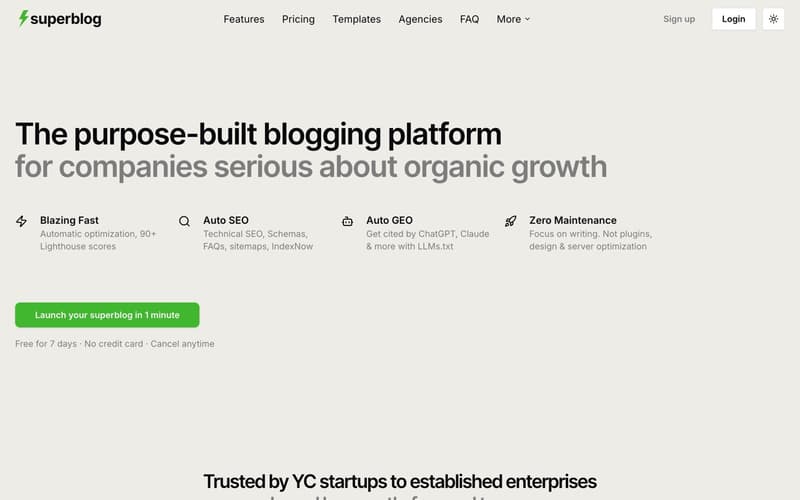
Superblog is a fully-managed blogging platform purpose-built for businesses that treat content as a growth channel. It's not a website builder that added blogging as a feature. It's not a headless CMS that requires you to build your own frontend. It's a complete blog stack: CMS, frontend UI, hosting, and SEO engine in one product.
What makes it stand out:
Automatic SEO. JSON-LD schemas (Article, FAQ, Organization, Breadcrumb), XML sitemaps, IndexNow protocol, canonical URLs, Open Graph tags, and meta tags are all generated automatically. No plugins. No configuration.
LLMs.txt. Superblog automatically generates a machine-readable file at
/.well-known/llms.txtthat makes your content discoverable by AI tools like ChatGPT, Claude, Gemini, and Perplexity. Most CMS platforms don't offer this.90+ Lighthouse score. JAMStack architecture, automatic WebP image optimization, and a global CDN with 200+ edge locations. Every page scores 90+ without any manual optimization.
Subdirectory hosting. Run your blog at
yoursite.com/bloginstead of a subdomain. This keeps all domain authority consolidated under your main site. Works with any tech stack (Next.js, React, Webflow, Shopify, and more).Internal link suggestions. The platform analyzes your post content, finds related posts by matching categories, tags, and title keywords, then surfaces anchor text suggestions you can insert with one click.
AI Helper. Enter a target keyword, and the AI generates an SEO-optimized post outline with H2/H3 structure and section guidance.
Multilingual SEO. Subdirectory URL structure (
/es/,/de/,/fr/), automatic hreflang tags, per-language sitemaps, and support for 37 languages.Built-in lead generation. Forms below posts, in the sidebar, or as pop-ups. No third-party tools needed. Webhook integrations notify you in real-time.
Zero maintenance. No plugins to update. No security patches. No server management.
Editor: TipTap v3 WYSIWYG with slash commands, markdown support, and keyboard shortcuts. Clean and fast.
Team: Up to 5 members on Pro, 10 on Super. Role-based permissions (Admin, Editor, Author) with collaborative review workflows.
Pricing: $29/mo (Basic), $49/mo (Pro), $99/mo (Super). 7-day free trial, no credit card required.
Best for: Businesses that want their blog to drive organic traffic without spending time on technical SEO configuration or platform maintenance.
2. WordPress - Most Flexible, Most Maintenance
WordPress powers over 40% of the web. It started as a blogging platform and evolved into a general-purpose CMS. The ecosystem is massive: thousands of themes, 55,000+ plugins, and a huge community.
The upside:
Unmatched flexibility. You can build almost anything with WordPress.
Huge plugin ecosystem for any feature you can think of.
Self-hosted, so you own everything.
Large developer community means finding help is straightforward.
The reality for bloggers:
Plugin dependency. A typical WordPress blog needs plugins for SEO (Yoast/RankMath), caching (WP Rocket), image optimization (ShortPixel), security (Wordfence), and CDN setup. That's 5+ plugins before you've published a post.
Maintenance overhead. WordPress core, themes, and plugins all need regular updates. Skip updates and you risk security vulnerabilities. Run updates and you risk plugin conflicts.
Performance. Most WordPress blogs score 40-60 on Lighthouse out of the box. Getting to 90+ requires significant optimization work: caching configuration, image compression, code minification, and a CDN.
Security surface. WordPress is the most targeted CMS on the internet because of its market share. Plugins are the primary attack vector.
Pricing: WordPress.org is free, but you'll pay for hosting ($5-50/mo), premium themes ($50-200), and premium plugins ($50-300/yr each). Total cost: $20-100+/mo depending on your stack.
Best for: Developers who want total control and don't mind spending time on maintenance, or sites that need functionality beyond blogging (e-commerce, memberships, forums).
3. Ghost - Best for Newsletters and Memberships
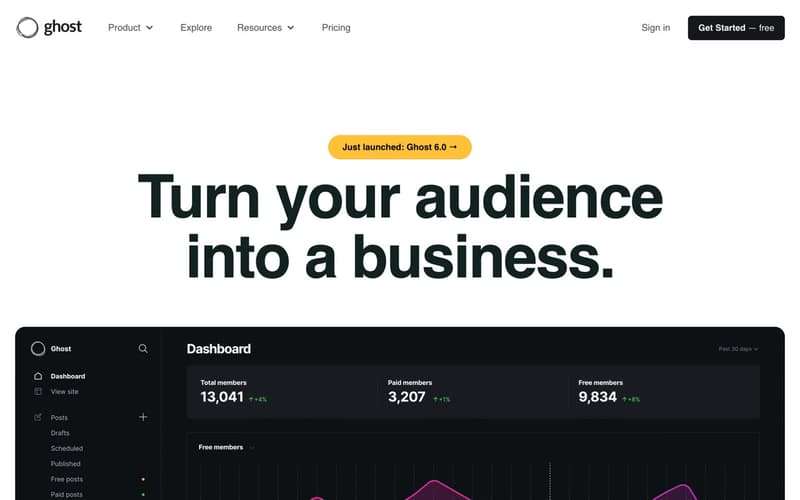
Ghost is an open-source publishing platform designed for professional publishers. It combines blogging with newsletters and paid memberships, making it popular with independent writers and media companies.
Strengths:
Elegant, distraction-free editor
Built-in newsletter and membership features
Clean codebase, fast by default
Open source with active development
Limitations for business blogs:
Hosting complexity. Ghost(Pro) managed hosting starts at $9/mo but scales up quickly. Self-hosting requires server management (Docker, Node.js, database).
No native subdirectory hosting. Ghost runs on its own domain or subdomain. If you want
yoursite.com/blog, you need to set up reverse proxy configuration, which Ghost doesn't support out of the box.No built-in lead generation forms. You'll need third-party tools for lead capture.
Limited SEO automation. Ghost handles basics (meta tags, sitemaps) but lacks automatic JSON-LD schemas for FAQ, Breadcrumb, and Organization. No IndexNow. No LLMs.txt.
Pricing: Ghost(Pro) starts at $9/mo (500 members). Self-hosted is free but requires your own server.
Best for: Independent publishers and creators who want blogging + newsletters + paid subscriptions in one platform.
4. Webflow - Best for Design-First Websites
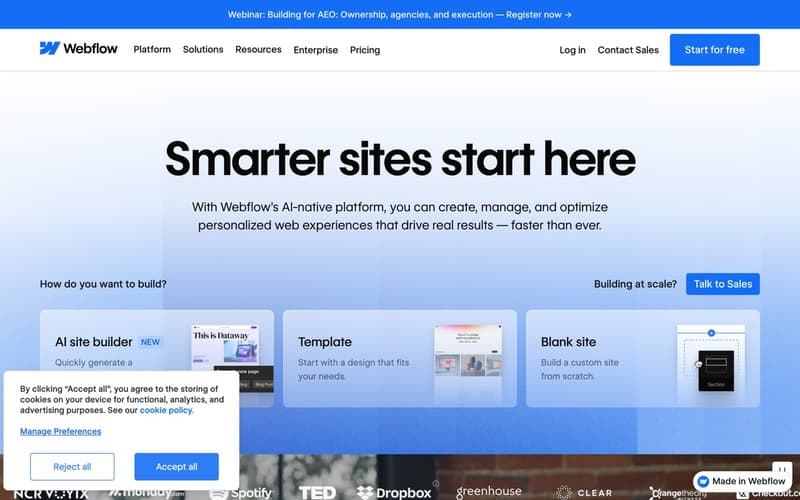
Webflow is a visual website builder that gives designers pixel-level control over every element. It includes a CMS for dynamic content, including blog posts.
Strengths:
Exceptional design flexibility with visual editor
No-code approach for building custom layouts
Good hosting performance on Webflow's CDN
Interactions and animations without code
Limitations for blogging:
Built for landing pages, not blogs. Webflow was designed as a website builder. The blogging experience is an add-on, not the core product. The content editor is clunky for regular blog writing.
Writing experience. The editor is designed for building pages, not writing long-form content. If you're publishing 4-8 posts per month, the workflow feels slow compared to purpose-built blog editors.
SEO limitations. No automatic JSON-LD schema generation. No IndexNow. No LLMs.txt. Basic meta tags are configurable, but advanced SEO requires custom code or workarounds.
CMS item limits and pricing that scale aggressively. The CMS plan ($29/mo) caps you at 2,000 CMS items. Once you outgrow that, you need the Business plan ($49/mo) for 10,000 items. Need more? Add-on pricing goes up to $1,049/mo for 20,000 items. For a content-heavy blog publishing regularly, these limits become expensive fast.
Pricing: CMS plan $29/mo (2,000 items), Business $49/mo (10,000 items). Add-ons for more items scale to $1,049/mo.
Best for: Design agencies and marketing teams that need a visually stunning website first and add a blog as a secondary feature.
5. Squarespace - Best for Non-Technical Users
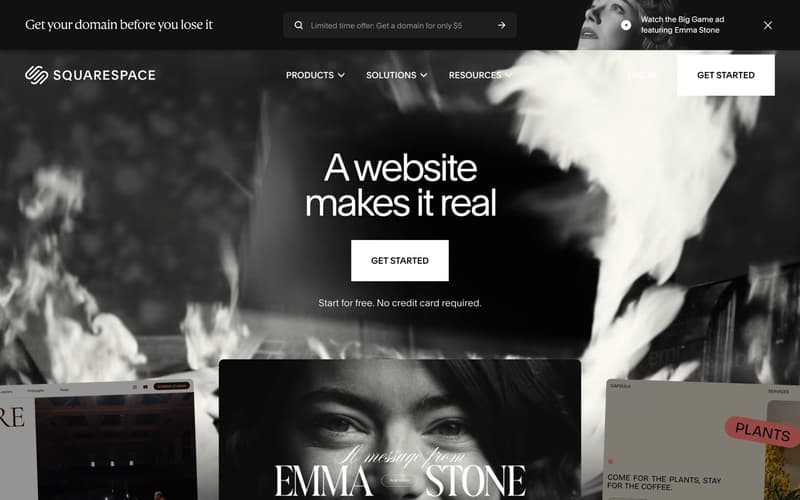
Squarespace is a hosted website builder known for beautiful templates and an approachable drag-and-drop interface. It includes basic blogging functionality.
Strengths:
Beautiful, professional templates
Drag-and-drop editing that requires no technical skills
All-in-one pricing (hosting, SSL, domain included)
Decent e-commerce integration
Limitations for blogging:
Limited SEO control. Squarespace handles basic meta tags and generates a sitemap, but offers limited control over structured data, no automatic schema generation, and no IndexNow or LLMs.txt support.
Performance. Squarespace sites tend to score lower on Lighthouse due to heavy templates and limited optimization controls.
No subdirectory hosting. Your blog lives on your Squarespace site. You can't run it as a subdirectory of a separate main website.
Limited customization beyond templates. If you need functionality that a template doesn't offer, your options are limited.
Pricing: Business plan at $33/mo (billed annually). Blog-focused features require the Business plan or higher.
Best for: Small businesses and solo entrepreneurs who want a good-looking website with basic blogging and don't need advanced SEO.
6. Wix - Best for Getting Started Quickly
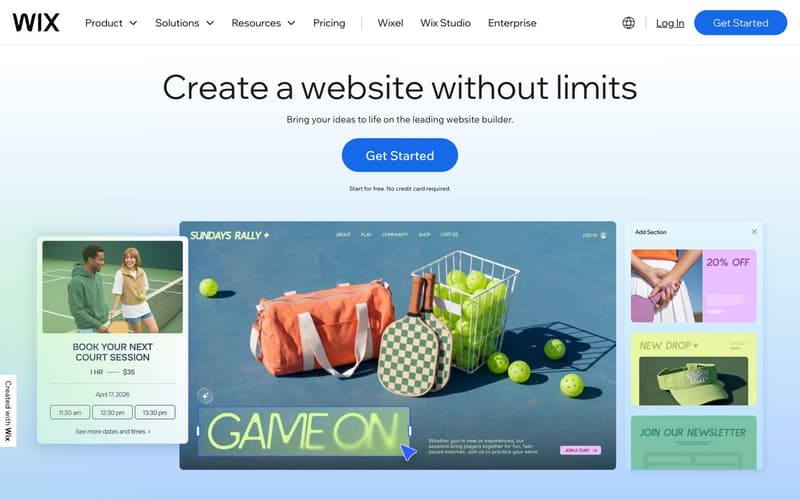
Wix is another drag-and-drop website builder with built-in blogging. It's popular with small businesses for its low learning curve and broad feature set.
Strengths:
Very low barrier to entry
Drag-and-drop editor for the full website
App market for extending functionality
Affordable entry pricing
Limitations for blogging:
Website builder first, blog second. Like Webflow and Squarespace, Wix is a website builder that includes blogging. The writing experience is not optimized for regular content publishing.
SEO constraints. Wix has improved its SEO capabilities over the years, but it still lags behind purpose-built blog platforms in structured data, page speed, and advanced SEO features.
Performance ceiling. Wix pages can be heavy due to the builder's rendering approach. Achieving consistently high Lighthouse scores is difficult.
Vendor lock-in. Migrating content out of Wix is more difficult than most platforms.
Pricing: Business plans from $17/mo (billed annually).
Best for: Very small businesses or hobby bloggers who want a complete website (not just a blog) at a low price and don't prioritize SEO performance.
7. Contentful - Best for Enterprise API-First Content
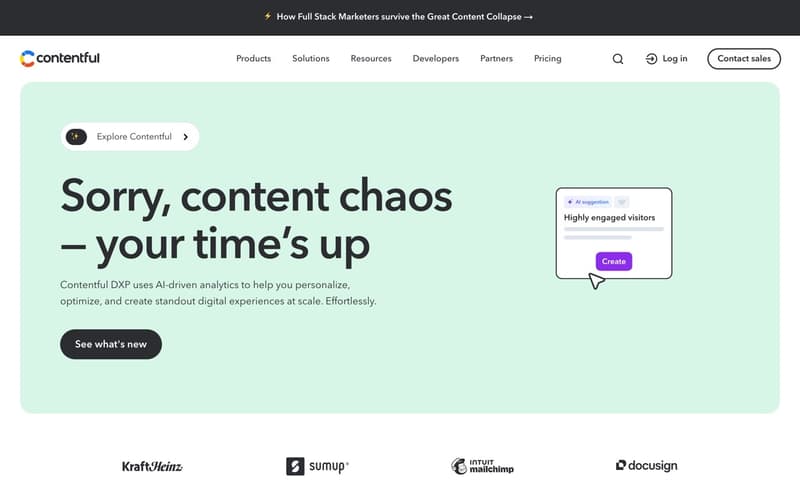
Contentful is a headless CMS used by large enterprises. It provides a content API and a structured content modeling layer, but no frontend rendering.
Strengths:
Powerful content modeling with custom content types
Robust API for delivering content to any frontend
Enterprise-grade scalability and reliability
Strong developer ecosystem and SDK support
Limitations for blogging:
No frontend. Contentful is API-only. You need to build your own blog frontend in React, Next.js, or another framework. That means hiring a developer or doing it yourself.
No built-in SEO. Since there's no frontend, there are no automatic schemas, sitemaps, or performance optimizations. You build all of that.
No hosting. You provide your own hosting (Vercel, Netlify, AWS, etc.).
Pricing. Free tier is limited. Paid plans start at $300/mo for teams.
Pricing: Free tier (limited). Team plan from $300/mo.
Best for: Engineering teams at larger companies that need a content API for multi-channel content delivery and have developers to build the frontend.
8. Sanity - Best for Developer Customization
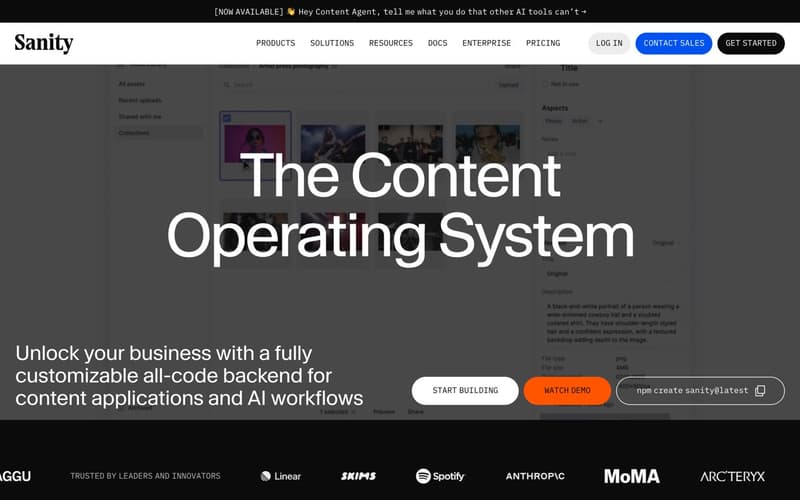
Sanity is a headless CMS popular with developers for its flexibility. It features a customizable editing studio and a real-time content API.
Strengths:
Highly customizable content schemas
Real-time collaborative editing
GROQ query language for flexible content retrieval
Open-source editing studio
Limitations for blogging:
Same headless trade-off as Contentful. No frontend, no hosting, no built-in SEO. You build everything yourself.
Developer requirement. Setting up Sanity for a blog requires meaningful development work. It's not something a marketing team can launch on their own.
Complexity for a blog. If all you need is a blog, Sanity's flexibility is over-engineered. You're building a custom content platform when you need a blogging tool.
Pricing: Free tier (generous). Team plan from $15/user/mo. Growth plan from $99/mo.
Best for: Development teams that want maximum customization and are building a content-heavy application where the blog is one part of a larger system.
9. DropInBlog - Embeddable Blog Widget
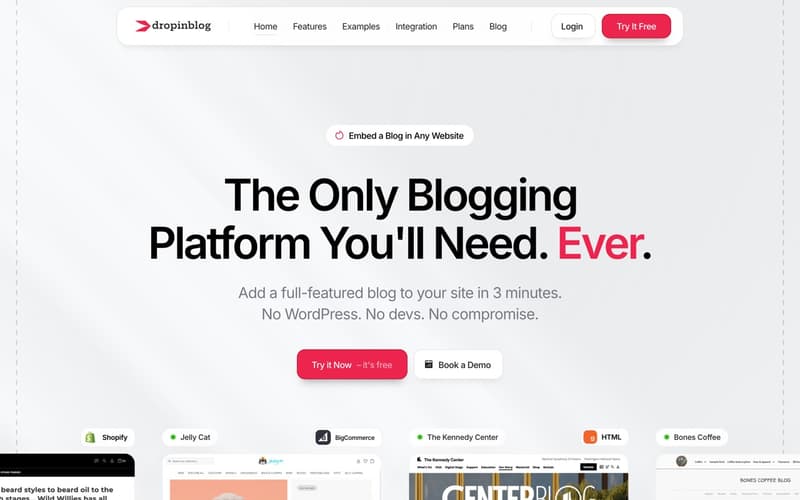
DropInBlog positions itself as an embeddable blog you can add to any existing website. The concept is similar to Superblog's subdirectory approach: add a blog to your site without rebuilding it.
Strengths:
Can be added to existing websites
Doesn't require migrating your main site
Includes basic SEO features (meta tags, sitemaps)
Limitations:
Iframe-based embedding. DropInBlog uses iframes to embed blog content on your site. This is a fundamental problem for SEO. Search engines struggle to crawl and index iframe content. Link equity from your blog posts does not pass to your parent domain, which defeats one of the main purposes of having a blog on your site.
Weak SEO foundation. The iframe approach means your blog content is technically on a separate domain, even if it visually appears on yours. This undermines the SEO benefit of subdirectory hosting.
Limited feature set. Fewer automation features compared to purpose-built platforms. No IndexNow, no LLMs.txt, no automatic JSON-LD schemas beyond basics.
Pricing: Plans from $49/mo.
Best for: Websites that need a quick blog add-on and are not prioritizing SEO performance. If organic growth is your goal, the iframe approach is a significant limitation.
10. Medium - Best for Built-In Audience
Medium is a hosted publishing platform with a built-in reader community. You publish on Medium's platform, and their algorithm distributes your content to readers.
Strengths:
Zero setup. Create an account and start writing immediately.
Built-in audience of millions of Medium readers
Clean, distraction-free writing experience
Custom domain support
Limitations for business blogs:
No subdirectory hosting. Your blog lives on Medium's platform, not on
yoursite.com/blog. The SEO benefit goes to Medium's domain, not yours.No lead generation. Medium has no forms, no email capture, no CTAs. You cannot convert readers into leads on your own blog.
Medium converts your readers into their customers. Medium actively promotes its paid membership to your readers. You bring the content. Medium monetizes the audience.
You don't own the traffic. Medium controls distribution. Algorithm changes can tank your visibility overnight. Your content lives on their platform, subject to their terms.
Limited SEO control. No structured data configuration. No sitemaps you control. No IndexNow or LLMs.txt.
Pricing: Free to publish. Medium membership ($5/mo) for readers.
Best for: Writers who want exposure to Medium's built-in audience and don't need to capture leads, build domain authority, or control their SEO. Not suitable as a primary business blog.
Comparison Table
How to Choose the Right CMS for Your Blog
The right CMS depends on what your blog needs to accomplish.
If organic growth and SEO are your primary goals: Choose a platform with automatic SEO (schemas, sitemaps, IndexNow, LLMs.txt), fast page speed, and subdirectory hosting. Superblog is built for this use case.
If you need maximum customization and have developers: WordPress (for general flexibility) or a headless CMS like Contentful or Sanity (for API-first architecture) gives you full control, at the cost of building and maintaining the stack yourself.
If you're building newsletters and paid memberships: Ghost combines publishing with subscriber management better than any other platform.
If design is your top priority and blogging is secondary: Webflow gives you visual design control that no other platform matches, but the blogging experience is a trade-off.
If you want the lowest barrier to entry: Squarespace or Wix gets you a website with a blog quickly, though you'll hit SEO and performance ceilings as you grow.
If you want exposure to a built-in audience (and don't need lead gen): Medium gives you distribution, but you trade away domain authority, lead generation, and content ownership.
Final Thoughts
Your CMS is the foundation your content strategy runs on. Switching later is possible but painful, especially once you have hundreds of posts, internal links, and indexed URLs.
For businesses where content drives growth, the criteria are clear: automatic SEO, fast pages, low maintenance, and the ability to host on your own domain. A platform built specifically for blogging handles all of this without the plugin sprawl, server management, or developer dependency that general-purpose CMS platforms require.
Choose based on where you want to be in 12 months, not what's quickest to set up today.
