Best Blogging Platform in 2026: 10 Options Compared for Business

Choosing a blogging platform in 2026 is more consequential than ever. Google's algorithm rewards fast, well-structured sites. AI search engines like ChatGPT and Perplexity are pulling content from blogs that expose their data correctly. And your readers bounce if a page takes more than two seconds to load.
The platform you choose determines whether your content ranks or disappears.
This guide compares the 10 best blogging platforms for businesses serious about organic growth. We evaluated each on SEO capabilities, performance, maintenance burden, and total cost of ownership.
Quick Comparison: Best Blogging Platforms in 2026
1. Superblog: Best for Business Blogs Focused on SEO
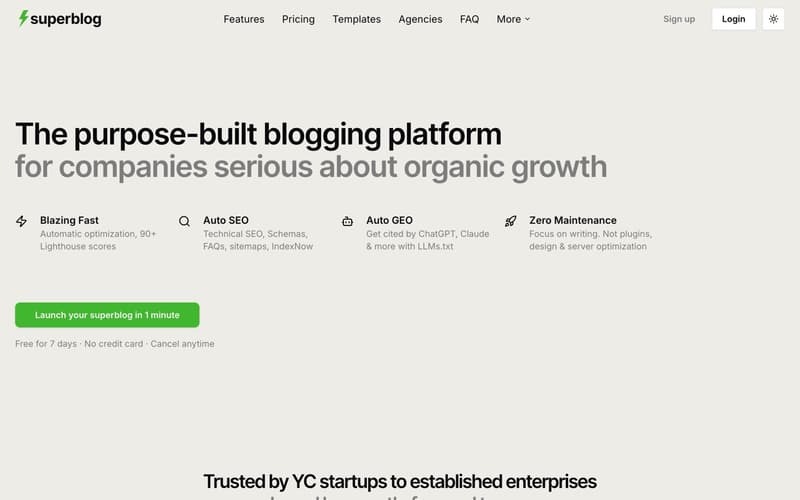
Starting price: $29/mo | Best for: Growth-stage businesses using content for acquisition
Superblog is purpose-built for one outcome: helping businesses rank and grow through content. Unlike website builders that added blogging as an afterthought, or headless CMSs that require you to build your own frontend, Superblog provides the complete stack.
What makes it different:
Every page automatically scores 90+ on Lighthouse. The platform handles image optimization (auto WebP conversion), CDN delivery across 200+ edge locations, and static page generation. You focus on writing. The platform handles performance.
SEO automation goes beyond basic meta tags. Superblog generates JSON-LD schemas (Article, FAQ, Organization, Breadcrumb), XML sitemaps, and integrates with IndexNow to notify search engines the moment you publish. The LLMs.txt feature exposes your content to AI search engines like ChatGPT and Perplexity, a capability most platforms lack entirely.
Subdirectory hosting works out of the box. You can run your blog at yoursite.com/blog, keeping all domain authority consolidated. This is the Google-recommended approach for business blogs, and Superblog supports it on every plan.
Pricing:
Basic: $29/mo (300 posts, 1 team member)
Pro: $49/mo (1,000 posts, 5 team members, analytics)
Super: $99/mo (10,000 posts, 10 team members, AI helper, API access)
Pros:
90+ Lighthouse score on every page, automatically
Full SEO automation including LLMs.txt for AI search visibility
Subdirectory hosting on all plans
Zero maintenance: no plugins, no updates, no security patches
7-day free trial, no credit card required
Cons:
Less design flexibility than website builders
Not for newsletters or paid memberships (use Ghost or Substack for those)
Smaller template library than WordPress
Best for: SaaS companies, fintech startups, B2B businesses, and any team that wants their blog to rank without hiring a developer or managing infrastructure.
2. WordPress: Most Flexible, Most Maintenance
Starting price: Free (hosting from $3-50/mo) | Best for: Teams with developer resources who need maximum customization
WordPress powers 43% of the web. That scale brings flexibility: 60,000+ plugins, thousands of themes, and the ability to customize nearly everything. It also brings complexity.
The reality of WordPress in 2026:
A fresh WordPress install scores 40-60 on Lighthouse. Reaching 90+ requires caching plugins, image optimization plugins, CDN configuration, and ongoing maintenance. Most business blogs never get there.
Security is a constant concern. WordPress sites are the most attacked on the internet because of their prevalence and plugin vulnerabilities. You need security plugins, regular updates, and monitoring. Or you pay for managed WordPress hosting ($30-300/mo) to handle it.
The "free" software costs time. Plugin conflicts, update issues, and performance troubleshooting eat hours that could go toward creating content.
Pricing:
Software: Free
Hosting: $3-50/mo (basic) or $30-300/mo (managed)
Premium plugins: $50-300/year each
Real cost: $200-500/year minimum for a properly maintained business blog
Pros:
Unmatched flexibility and customization
Massive ecosystem of plugins and themes
Large developer community for support
You own everything
Cons:
Performance requires significant optimization effort
Security vulnerabilities from plugins
Ongoing maintenance burden
True cost is much higher than "free"
Best for: Businesses with dedicated developers or agencies who need capabilities no other platform offers.
3. Ghost: Best for Creator Memberships
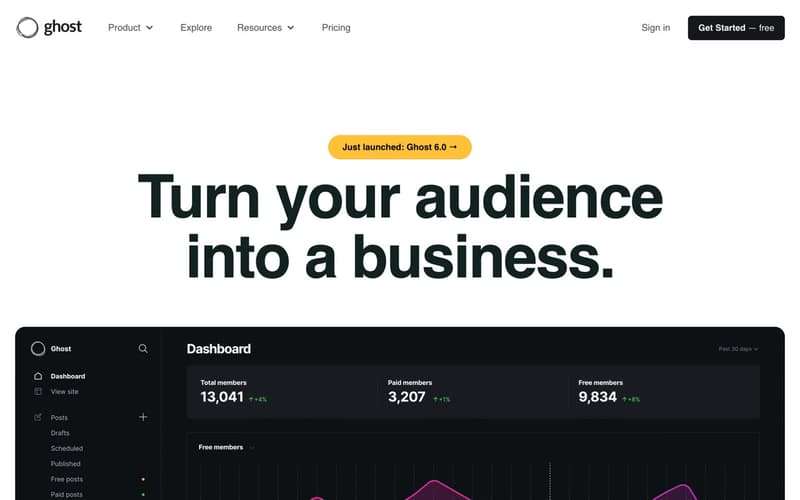
Starting price: $9/mo (self-hosted) or $25/mo (Ghost Pro) | Best for: Independent creators building paid audiences
Ghost built its platform around one use case: helping creators monetize through memberships and newsletters. If that's your goal, it delivers.
What Ghost does well:
The editor is clean and distraction-free. Membership tools are native, not bolted on. You can offer free, paid, and premium tiers without third-party integrations. Newsletter delivery is built in.
Where Ghost falls short for business blogs:
Ghost does not natively support subdirectory hosting. You cannot run your blog at yoursite.com/blog without significant reverse proxy configuration. For businesses wanting to consolidate domain authority, this is a dealbreaker.
SEO automation is partial. You get basic meta tags and sitemaps, but no auto JSON-LD schemas, no IndexNow integration, no LLMs.txt. You handle these manually or skip them.
Self-hosted Ghost requires server management. Ghost Pro handles this but starts at $25/mo for just 500 members and scales to $199/mo for 10,000 members. Pricing rises fast.
Pricing:
Self-hosted: $9/mo (DigitalOcean droplet) + your time
Ghost Pro: $25-199/mo based on member count
Pros:
Excellent membership and newsletter tools
Clean, focused writing experience
Growing integration ecosystem
Open source (self-hosted option)
Cons:
No native subdirectory hosting
Limited SEO automation
Ghost Pro pricing scales aggressively with audience size
Self-hosting requires technical knowledge
Best for: Creators building paid newsletters and membership communities. Not ideal for B2B business blogs.
4. Webflow: Best for Design-First Marketing Sites
Starting price: $29/mo (CMS plan) | Best for: Marketing teams that prioritize design control
Webflow is a powerful website builder with CMS capabilities. It excels at creating visually distinctive marketing sites. Blogging is possible but not the primary focus.
What Webflow does well:
Design freedom is unmatched among no-code tools. You can build virtually any layout without touching code. The visual editor is sophisticated and capable.
Where Webflow falls short for blogging:
The blog editing experience is poor. Webflow's CMS is designed for structured content (portfolios, product catalogs), not long-form writing. The editor lacks the features bloggers expect: slash commands, markdown support, distraction-free mode.
SEO capabilities are basic. You get meta tags and sitemaps. No auto JSON-LD schemas, no IndexNow, no advanced SEO automation.
CMS item limits create scaling problems. The $29/mo CMS plan caps you at 2,000 items. The $49/mo Business plan allows 10,000. For content-heavy blogs, these limits matter, and exceeding them requires add-ons up to $1,049/mo for 20,000 items.
Pricing:
CMS Plan: $29/mo (2,000 CMS items)
Business Plan: $49/mo (10,000 CMS items)
CMS item add-ons: Up to $1,049/mo for 20,000 items
Pros:
Exceptional design flexibility
Visual editor is powerful
Good for sites where design differentiation matters
Hosting and CDN included
Cons:
Blog editing experience is lacking
SEO automation is minimal
CMS item limits restrict scaling
Expensive for content-heavy sites
Best for: Marketing teams building visually distinctive sites where the blog is secondary to the overall design.
5. Medium: Best for Personal Writing and Exposure
Starting price: Free | Best for: Writers seeking built-in audience
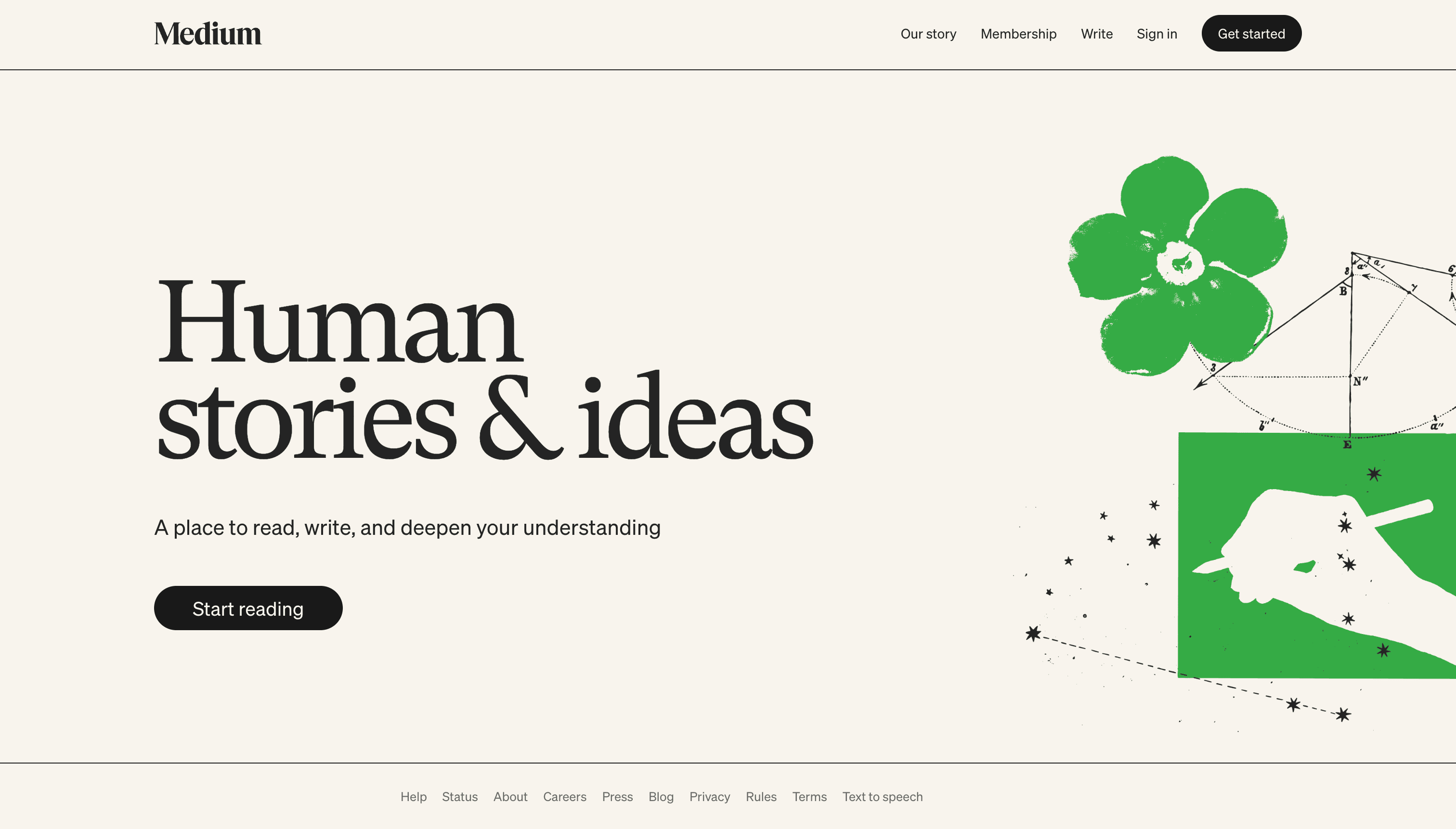
Medium offers something no self-hosted platform can: a built-in audience. Your posts appear alongside content from other writers, potentially reaching readers who would never find your domain.
The tradeoff:
Medium does not support subdirectory hosting. Your content lives on Medium's domain, not yours. You cannot run a blog at yoursite.com/blog.
No lead generation forms. Medium has no native way to capture leads. You can link to external landing pages, but you cannot embed signup forms in your posts.
Medium converts your readers into their customers. The platform constantly promotes Medium membership ($5/mo) to your readers. You build their audience, not yours.
You do not own the distribution. Medium's algorithm decides what gets promoted. Your content could be surfaced to millions or buried entirely. You have no control.
Pricing:
Free to publish
Medium Partner Program: Earn based on member reading time
Pros:
Built-in audience potential
Zero setup required
Clean reading experience
Can earn money through Partner Program
Cons:
No subdirectory hosting (no yoursite.com/blog)
No lead generation forms
Medium upsells your readers on Medium membership
You do not control distribution
Best for: Personal writing, thought leadership, and exposure. Not for business blogs needing lead generation or domain authority.
6. Substack: Best for Newsletter Monetization
Starting price: Free (10% of paid subscription revenue) | Best for: Writers building paid newsletter businesses
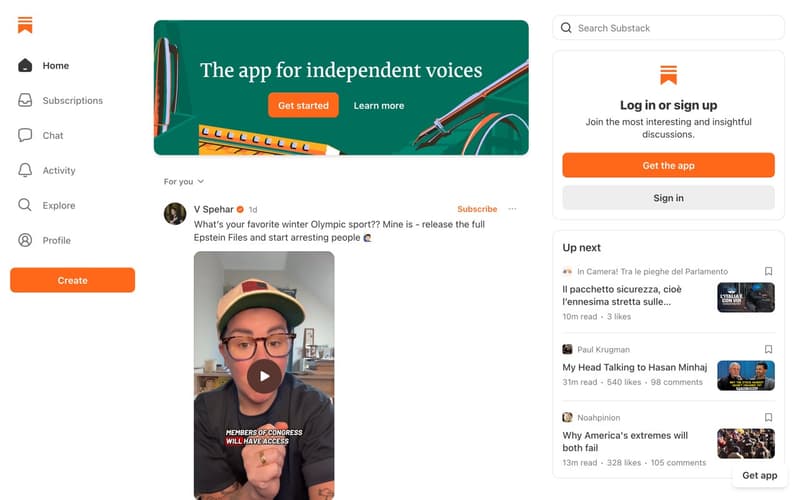
Substack built the category of paid newsletters. It makes monetization frictionless: enable paid subscriptions, set a price, and start earning. The platform handles payments, delivery, and subscriber management.
What Substack does well:
Newsletter delivery is excellent. The editor is purpose-built for email-first content. Monetization is native. Building a paid audience is the core use case.
Where Substack falls short for business blogs:
No subdirectory hosting. Your content lives on yourblog.substack.com or a custom domain, never yoursite.com/blog.
SEO is minimal. Substack is built for email, not search. Posts are optimized for inbox delivery, not Google rankings. There are no schemas, no IndexNow, limited meta tag control.
Substack takes 10% of paid revenue plus payment processing fees. For a $10/mo subscription with 1,000 paying subscribers, that's $1,200/year to Substack alone.
Pricing:
Free to publish
10% of paid subscription revenue + Stripe fees
Pros:
Frictionless newsletter monetization
Excellent email delivery
Simple, focused editor
Built-in discovery features
Cons:
No subdirectory hosting
Minimal SEO capabilities
10% revenue share adds up
Not designed for business blogs
Best for: Writers building paid newsletter businesses. Not for B2B companies using content for lead generation.
7. Hashnode: Best for Developer Content
Starting price: Free | Best for: Developers and technical writers
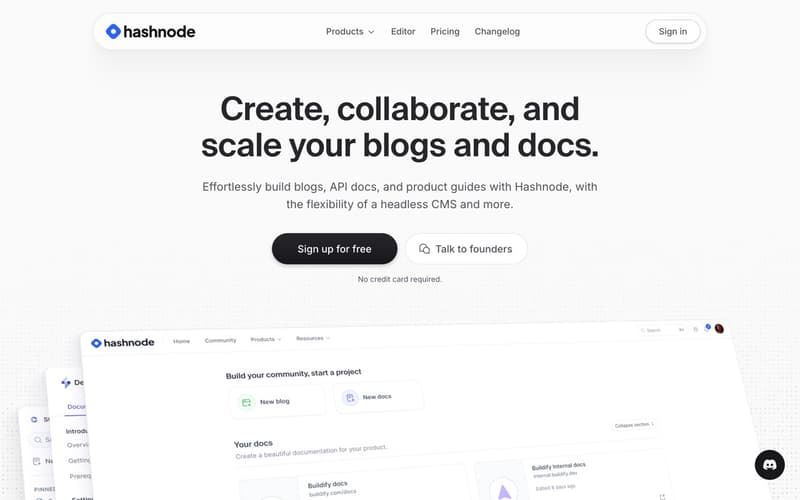
Hashnode built its platform for the developer community. It offers custom domain support, a clean editor with markdown and code highlighting, and a built-in community of technical readers.
What Hashnode does well:
Markdown is native. Code blocks render beautifully. The developer community provides built-in distribution for technical content.
Where Hashnode falls short:
No subdirectory hosting. You can use a custom domain, but not yoursite.com/blog.
The audience is narrow. Hashnode's community is developers and technical writers. If your business blog targets marketers, executives, or general business audiences, Hashnode's distribution advantages disappear.
SEO automation is basic. You get meta tags and canonical URLs, but no advanced schema generation or AI search optimization.
Pricing:
Free (with Hashnode branding)
Pro: $7/mo (remove branding, custom domain)
Teams: $49/mo (collaboration features)
Pros:
Excellent for technical content
Built-in developer community
Clean markdown editor
Free tier is generous
Cons:
No subdirectory hosting
Audience limited to developers
Basic SEO features
Not suitable for non-technical content
Best for: Developer relations teams and technical writers targeting developers.
8. HubSpot CMS: Best for HubSpot Ecosystem Users
Starting price: $25/mo (CMS Hub Starter) | Best for: Teams already using HubSpot marketing tools
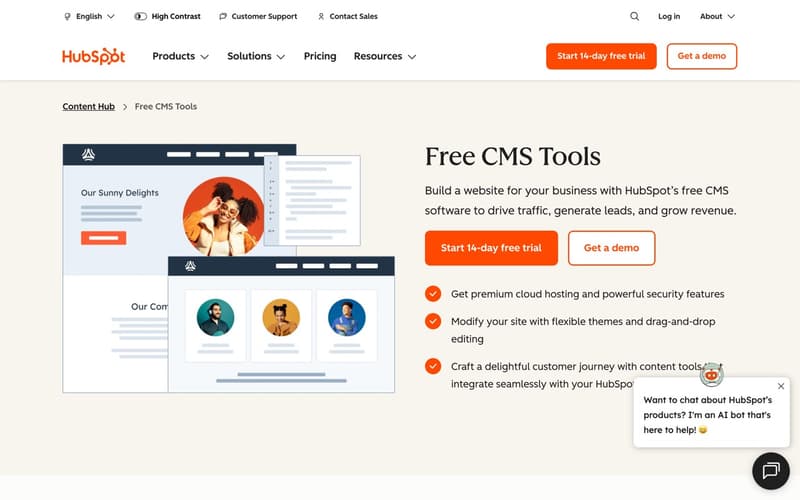
HubSpot CMS integrates deeply with HubSpot's marketing automation platform. If you already use HubSpot for CRM, email, and marketing automation, the CMS adds blogging that connects to your existing workflows.
What HubSpot does well:
Integration with HubSpot tools is seamless. Contact forms feed directly into your CRM. Content can be personalized based on contact properties. Analytics tie to your marketing dashboard.
Where HubSpot falls short:
The CMS is expensive. Starter is $25/mo with limited features. Professional starts at $400/mo. Enterprise is $1,200/mo. For a blog alone, this is hard to justify.
You are locked into HubSpot's ecosystem. If you do not use their other tools, the CMS offers little advantage over alternatives.
Performance is middling. HubSpot sites typically score 70-80 on Lighthouse. Good, but not exceptional.
Pricing:
CMS Hub Starter: $25/mo
CMS Hub Professional: $400/mo
CMS Hub Enterprise: $1,200/mo
Pros:
Deep HubSpot integration
Good SEO tools
Content personalization
Built-in analytics
Cons:
Expensive, especially at higher tiers
Only makes sense within HubSpot ecosystem
Performance is average
Lock-in concerns
Best for: Teams already invested in HubSpot's marketing platform.
9. Wix: Best for Small Business Websites
Starting price: $17/mo (Light plan) | Best for: Small businesses building their first website
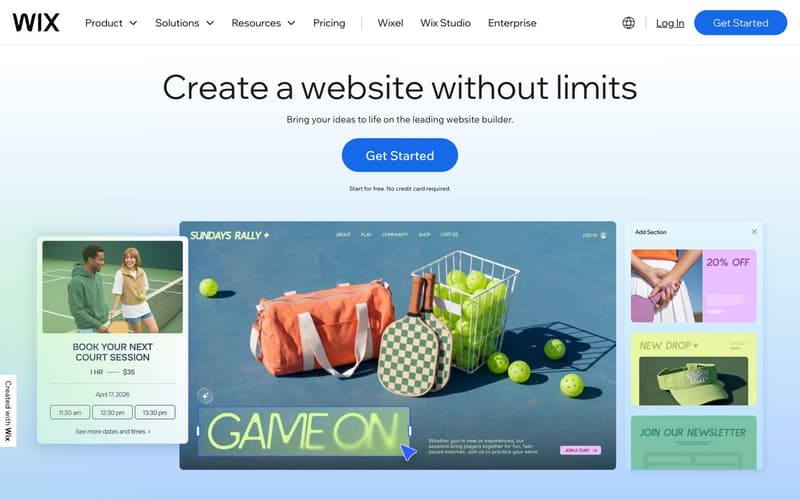
Wix is a website builder that includes blogging. It provides templates, drag-and-drop editing, and hosting in one package. For small businesses creating their first web presence, it reduces complexity.
Where Wix falls short for serious blogging:
Wix is a website builder first, blog platform second. The editing experience is not optimized for long-form content. SEO capabilities are limited compared to purpose-built blog platforms.
Performance is often poor. Wix sites typically score 50-70 on Lighthouse. The platform adds significant overhead that impacts load times.
Design flexibility comes at a cost. Wix sites often look like Wix sites. Breaking out of template constraints requires significant effort.
Pricing:
Light: $17/mo
Core: $29/mo
Business: $36/mo
Business Elite: $159/mo
Pros:
All-in-one website solution
Easy for beginners
Large template library
E-commerce included on higher tiers
Cons:
Blog is an afterthought
Poor performance scores
Limited SEO capabilities
Sites often look templated
Best for: Small businesses building a simple website where the blog is a small component.
10. Squarespace: Best for Portfolio Sites

Starting price: $16/mo (Personal plan) | Best for: Creatives showcasing visual work
Squarespace is known for beautiful templates and visual design. It works well for portfolios, restaurants, and businesses where aesthetics matter more than content volume.
Where Squarespace falls short for blogging:
Like Wix, Squarespace is a website builder with blogging added on. The content editing experience is adequate but not exceptional.
SEO tools are basic. You get meta tags and sitemaps, but no advanced automation.
Performance varies. Some Squarespace sites score well, others struggle. Much depends on template choice and image optimization.
Pricing:
Personal: $16/mo
Business: $23/mo
Commerce Basic: $27/mo
Commerce Advanced: $49/mo
Pros:
Beautiful templates
Good for visual portfolios
Includes e-commerce
Decent editor
Cons:
Blog features are secondary
Basic SEO tools
Variable performance
Less flexibility than competitors
Best for: Creatives and small businesses prioritizing visual design over content marketing.
How to Choose the Best Blogging Platform
Choose Superblog if:
SEO and organic growth are your primary goals
You want your blog at yoursite.com/blog (subdirectory)
You value 90+ Lighthouse scores without manual optimization
You want LLMs.txt for AI search visibility
You prefer zero maintenance over maximum flexibility
Choose WordPress if:
You need maximum customization and flexibility
You have developer resources for maintenance
You need specific functionality only available through plugins
You are comfortable managing security and updates
Choose Ghost if:
Building paid memberships and newsletters is your goal
You are okay with subdomain-only hosting
You can handle self-hosting or accept Ghost Pro pricing
Choose Webflow if:
Design differentiation is more important than blogging features
Your blog is secondary to your marketing site
You have budget for premium plans as content scales
Choose Medium or Substack if:
You are building personal brand and audience
Lead generation is not a goal
You want built-in distribution over SEO control
The Bottom Line
For businesses using content marketing to drive organic growth, the platform decision matters more than ever. Google rewards fast, well-structured sites. AI search engines reward content that exposes itself correctly. Your readers reward pages that load instantly.
Superblog was built for this reality. Every technical requirement that drives rankings is handled automatically. You write. The platform handles performance, SEO, schemas, sitemaps, and AI search visibility.
WordPress offers flexibility but demands maintenance. Ghost excels at memberships but lacks subdirectory hosting. Webflow and Squarespace build beautiful sites but treat blogging as an afterthought. Medium and Substack build audiences you do not fully control.
The best blogging platform depends on your goals. If those goals include ranking in search and converting readers to customers, Superblog is built for exactly that.
Start a free trial at superblog.ai. No credit card required.
