Describe posts with tags
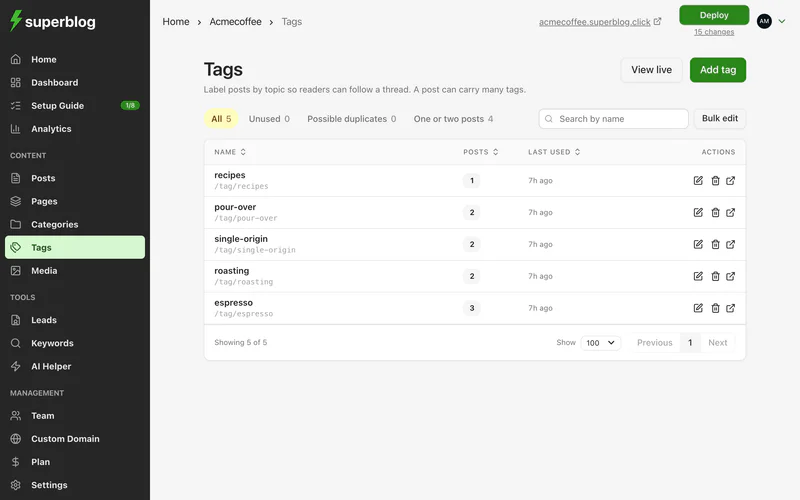
Dashboard > Tags
Tags describe the topics a post covers. A post has one category but can have several tags, and each tag gets its own page on your blog listing its posts.
The SEO best practices check suggests 2 to 5 tags per post.
Add tags to a post
- Open the post.
- In its settings, type in the tags field.
- Pick an existing tag, or choose Create to add a new one.
Manage tags
On the Tags page you can add, rename and delete tags, and see how many posts use each one.
- Click Add tag to create one.
- Click a tag's edit button to change its name, slug or search appearance.
- Click the number of posts next to a tag to see them.
Set a tag's search appearance
When you edit a tag, the optional Search appearance section sets the meta title and description of its page. If you leave them empty, the tag name is used.
Tag many posts at once
Use Assign tags in Bulk edit.