Edit your footer
Dashboard > Settings > Menu > Footer
The footer sits at the bottom of every page. Its links are grouped into sections, such as Company or Resources.
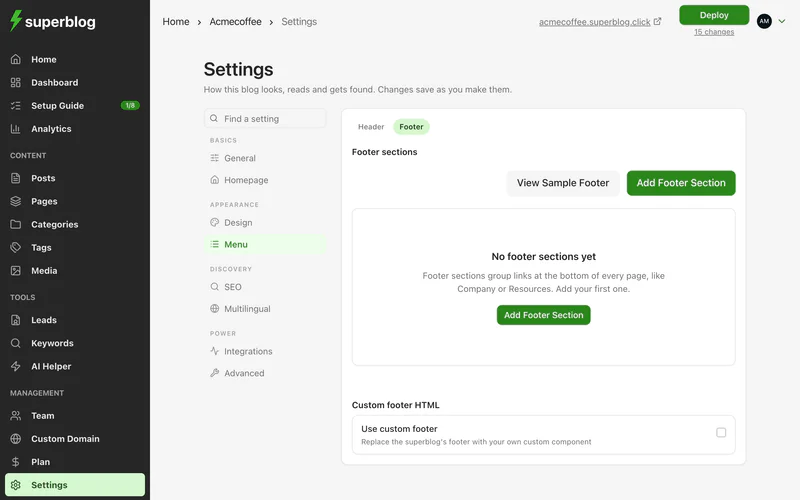
Add a section
- Click Add footer section.
- Give it a name, and click Add section.
Drag sections to change their order.
Add links to a section
- Click Add footer link in the section.
- Enter the link's name and URL, and click Add link.
Click View Sample Footer to see an example.
Footer logo
The footer shows your logo. To use a different one there, upload a footer logo in Settings > General. See Colours, fonts and logo.
Use your own website's footer
To replace the footer with your own website's footer HTML, see Custom header and footer HTML.