My changes are not live on my blog
Changes you make in the dashboard are saved straight away, but readers only see them after you deploy. This is how Superblog keeps your blog fast: your blog is a set of published files, rebuilt on each deploy.
Check whether you have deployed
Look at the line under the Deploy button at the top right of the dashboard.
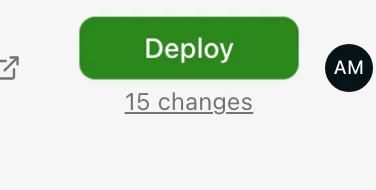
- It shows a number of changes, or Not live yet: your changes are waiting. Click Deploy.
- It says Up to date: your blog already has your latest changes. Work through the checks below.
If you deployed and still do not see the change
- Wait for the deploy to finish. For most blogs a deploy takes less than 10 seconds. The line under the button says Deploying until it is done.
- Reload without the cache. Do a hard refresh, or open your blog in a private window. Your browser may be showing an older copy.
- Check the post is published. Drafts are never put online, even after a deploy. Open the post and check its status.
- Check its publish date. A scheduled post goes live at its scheduled time, not on your next deploy.
If none of these explain it, ask in the community and include the address of the page you expected to change.
Deploy once per batch
Make all the changes you want, then deploy once at the end. See Deploy your changes.