See how many people read your blog
Dashboard > Analytics
Blogs on the PRO plan and above have built-in, privacy-friendly analytics. You do not need to add a script. On other plans, the page shows example data.
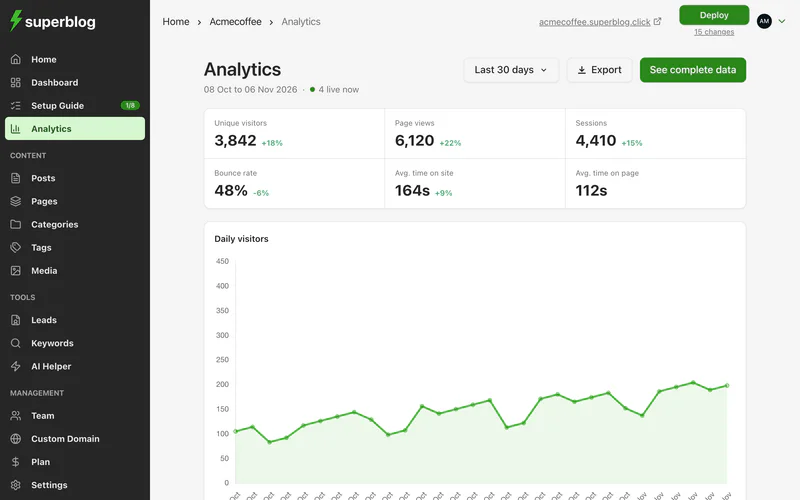
What it shows
Below the numbers:
- Daily visitors: a chart over the range you pick.
- Top pages: your most read posts and pages, with each one's visitors. This is where to see views for a single post.
- Traffic referrers: the sites and search engines that sent readers.
- Countries: where your readers are.
Pick a date range at the top, or set a Custom range. Click Export to download the data.
See the complete data
Click See complete data for the full analytics dashboard. It is hosted by Pirsch, our analytics provider in Germany, and opens in a new tab. Only your blog's analytics are shared with it.
Share your year
Under Share, Superblog draws images of your blog's year, such as the total time people spent reading it. Click Download PNG to post one wherever you like. Nothing is published unless you post it.
Use Google Analytics as well
To send data to Google Analytics too, see Google Analytics.