Draft an outline with AI Helper
Dashboard > AI Helper
AI Helper turns a keyword or topic into a suggested post title and an SEO-friendly outline. Use it to get past a blank page, then write the post with your own expertise.
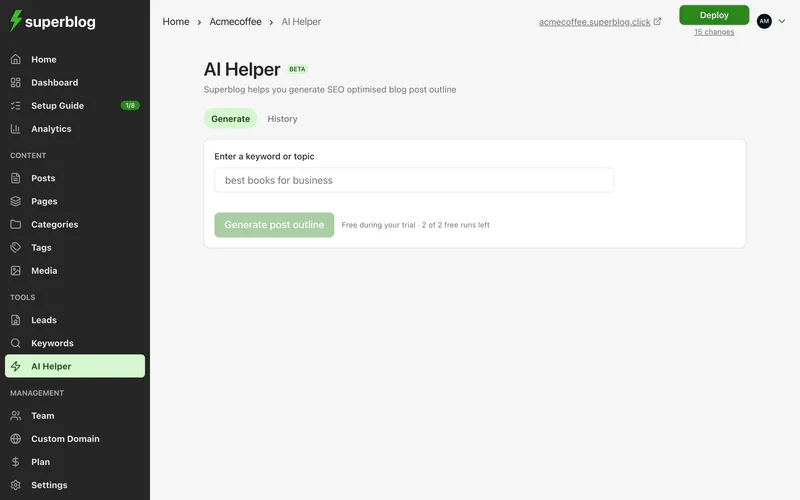
Generate an outline
- Go to AI Helper.
- Enter a keyword or topic, for example
technical seo checklist. - Click Generate post outline.
- Review the outline. To start writing from it, click Create Post with this Outline. It creates a draft you can edit before publishing.
Each outline costs 0.5 credits. During the free trial, a few runs are free.
See earlier outlines
Open the History tab to see every outline generated for your blog: the keyword, who ran it, when, and what it cost. Click View to open one.
Get a better result
- Use a specific topic rather than a single word.
- Edit the outline to match your audience and what you know.
- Add your own examples, screenshots and opinions before publishing. Search engines and readers reward original insight.