Invite your team
Dashboard > Team
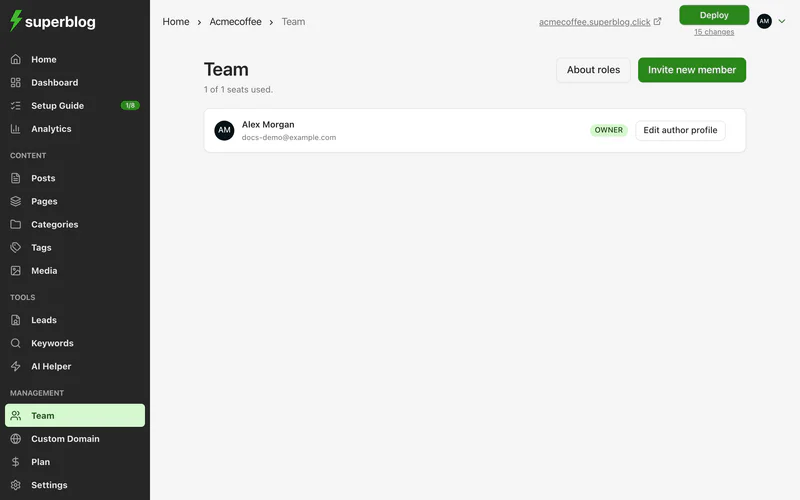
Everyone who works on your blog is a team member with a role. How many members you can have depends on your plan; the Team page shows how many seats you have used.
Roles
Click About roles on the Team page to see this table there.
Invite someone
- Click Invite new member.
- Enter their email address and choose a role.
- Click Send invitation.
They get an email with an invitation link. You can also click Copy link to send it another way. Until they accept, the invitation is listed under Pending Invitations, where you can remove it.
Change a role or remove a member
Open a member's actions to Change role or remove them.
When you remove a member:
- The posts they wrote move to the owner. Nothing is deleted.
- Any API keys and AI connectors they created stop working.
- You can invite them again later.
Author profiles
Each member has an author profile: display name, photo, short bio, long bio and social links. The short bio appears in the author box under each post. The long bio appears on the author's page; if it is empty, the short bio is shown there. Click Edit author profile to change it.
To credit someone on a post, they must be a team member. See Co-authors and changing the author.