
WordPress Review 2026: Is WordPress Still Worth It for a Business Blog?

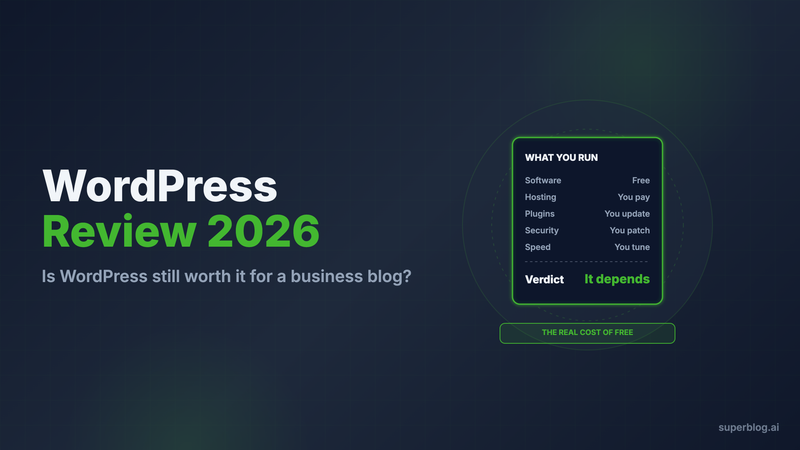
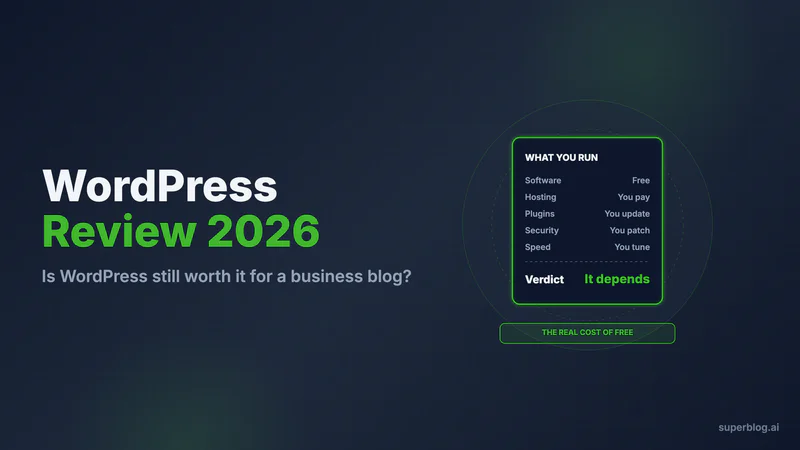
WordPress is still worth it for a business blog if you have a developer and need a site that can do anything. It is free, open source and runs 39.5% of all websites. For a marketing team that only needs a blog that ranks, the plugin stack and the upkeep cost more than the blog is worth.
Verdict in one line: pick WordPress for control and custom functionality, and pick a managed blog platform if publishing and search traffic are the whole job.
This review covers both WordPress.org (the free software you host) and WordPress.com (the hosted service from Automattic). Every WordPress fact below was checked against WordPress.org, WordPress.com or a named first-party source on November 6, 2026. We also ran our own Lighthouse test, which most WordPress reviews skip.
Who uses WordPress in 2026
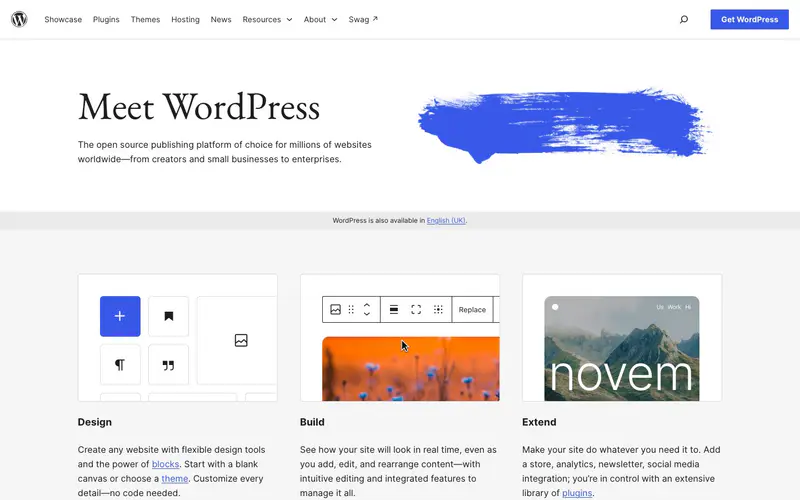
WordPress started in 2003 as a fork of b2/cafelog, created by Mike Little and Matt Mullenweg. The software is licensed under the GPL, so anyone can download, change and host it.
According to W3Techs, WordPress runs 39.5% of all websites and 58.2% of sites whose CMS it can identify. That reach covers personal blogs, news publishers, online stores on WooCommerce and corporate marketing sites.
The name covers two products, and most confusion in WordPress reviews comes from mixing them up:
- WordPress.org is the software. You install it on a server you pay for, and you own every update, plugin and backup.
- WordPress.com is a hosted service run by Automattic. It runs the same software for you, with plan limits on what you can install.
This review judges both as a home for a company blog.
What WordPress costs, in short
WordPress.com prices from wordpress.com/pricing, checked November 6, 2026, in USD.
The Free plan rules itself out for a company: WordPress.com's FAQ confirms it has no custom domain and no plugins, and visitors see ads. Any paid plan lets you install plugins. For line-by-line costs, including what a self-hosted business blog adds up to in a year, see our WordPress pricing guide.
Where WordPress earns its reputation
WordPress has kept its lead for more than 20 years for real reasons. Here is what it does well.
- The ecosystem. The WordPress.org directory lists more than 70,000 free plugins and 8,881 free themes. Forms, memberships, events, multilingual sites, learning platforms: someone has built a plugin for it.
- Ownership. On WordPress.org you hold the code, the database and the server. You can move hosts, change anything, and nobody can raise your software price.
- Hiring. Because so many sites run on it, WordPress developers and agencies are everywhere.
- Core SEO basics. Core WordPress outputs canonical tags and has generated an XML sitemap since version 5.5. Add an SEO plugin and a WordPress site competes in search with any other platform.
- Active maintenance. The core team ships updates often and backports security fixes to old branches. WordPress 7.1.3, released October 6, 2026, carried 7 security fixes and 4 bug fixes.
Our Lighthouse test: default WordPress is fast
Many comparisons claim WordPress is slow by nature. We tested that claim on November 6, 2026. We ran Lighthouse 13.3 (mobile, simulated throttling) three times on two default-theme demo sites:
On Automattic's own hosting, a clean install with the default theme scores in the mid-90s. The software itself is not what slows WordPress sites down; hosting, caching and add-ons are.
What a business blog adds on top is a different story. Page builders, premium themes, SEO and caching plugins, analytics tags and chat widgets each add weight. Our test measures the floor, not a real company blog.
Blog-only platforms such as Superblog skip that stack: the blog ships at 90+ Lighthouse with nothing to install.
What WordPress does not do for a business blog
The gaps appear when marketing owns the blog and no one owns the website underneath it.
SEO beyond the basics needs plugins
We checked what the default install ships. The WordPress.org demo post served a canonical tag but no meta description, no Open Graph tags and no JSON-LD structured data. The WordPress.com demo added a meta description and Open Graph tags but still served no JSON-LD.
So structured data, social previews and per-post meta fields come from an SEO plugin. IndexNow and llms.txt need plugins too. Each plugin works, but each is one more thing to configure, license and update.
WordPress.com cannot add a blog at /blog to a site hosted elsewhere
Most companies want the blog in a subdirectory of a main site built on something else, so every post adds authority to that domain. WordPress.com rules this out. Its support docs say: "On WordPress.com, you cannot create a subdirectory, where a URL like yourgroovysite.com/blog would display a separate site or WordPress installation from the site on yourgroovysite.com." The supported workaround is a subdomain such as blog.yoursite.com, or moving the whole site onto WordPress.com.
Self-hosted WordPress can run at /blog if your main site lives on the same server, or behind a reverse proxy that someone has to configure and maintain.
Plugins are the security surface
Patchstack's State of WordPress Security in 2026 report counted 11,334 new vulnerabilities in the WordPress ecosystem in 2025, up 42% on 2024. It found 91% of them in plugins and 9% in themes. 46% were not fixed by the time they were disclosed, and for heavily exploited flaws the median time to mass exploitation was 5 hours.
WordPress core is well maintained. The risk lives in the plugin stack a business blog needs, and in how fast someone applies updates. Our WordPress security guide explains the common attack paths.
Someone has to own upkeep
WordPress shipped four point releases between September 17 and October 28, 2026 (7.1.1 to 7.1.4), and every one of them was a security release. Add plugin and theme updates on top. On WordPress.com, Automattic handles the server, but your plugins are still yours to update. Our breakdown of WordPress maintenance costs puts hours and dollars on that work.
WordPress pros and cons at a glance
What WordPress users complain about
These four themes come up most often. Each quote below is copied from its source.
- Updates that break the site. On the WordPress.org support forum, a MailPoet user wrote after a plugin update: "After the latest MailPoet update, my website no longer works properly. Whenever I try to open or create a page or post to edit, I only get a white screen." (August 20, 2025.)
- The block editor. Many long-time users never warmed to the block editor. The official Classic Editor plugin, which restores the old editing screen, still has more than 8 million active installations.
- Security exposure. The Patchstack numbers above are why many teams pay for a firewall and malware scanning plugin on top of hosting.
- Plugin sprawl. SEO, caching, security, backups and forms often come from five different vendors, each with its own license and renewal date.
Who should run a business blog on WordPress
WordPress is the right call for a specific kind of team. Choose it when:
- You have a developer. Updates, plugin testing and performance tuning are someone's job, not an afterthought.
- The blog lives inside a bigger WordPress site. If your main site or WooCommerce store already runs on WordPress, a separate blog platform adds little.
- You need custom functionality. Custom post types, member areas, directories or deep integration with your own systems need WordPress's open codebase.
- You want full ownership of the stack. Self-hosted WordPress gives you the code, the data and the server.
Signs WordPress is the wrong fit for your blog
WordPress becomes a poor trade when your blog's only job is organic traffic and pipeline. Watch for these signs:
- Plugin updates sit for weeks because nobody wants to risk breaking the site.
- You need the blog on yoursite.com/blog and you are on WordPress.com, or you have no one to maintain a proxy.
- Your marketing team asks a developer to fix the blog more often than they publish to it.
- You pay for a page builder, an SEO plugin, a cache plugin and a security plugin to run what is mostly a list of articles.
If two or more apply, read why teams replace WordPress with a dedicated blog platform, then compare the field in our list of the best WordPress alternatives for blogs.
Superblog: the blog without the upkeep
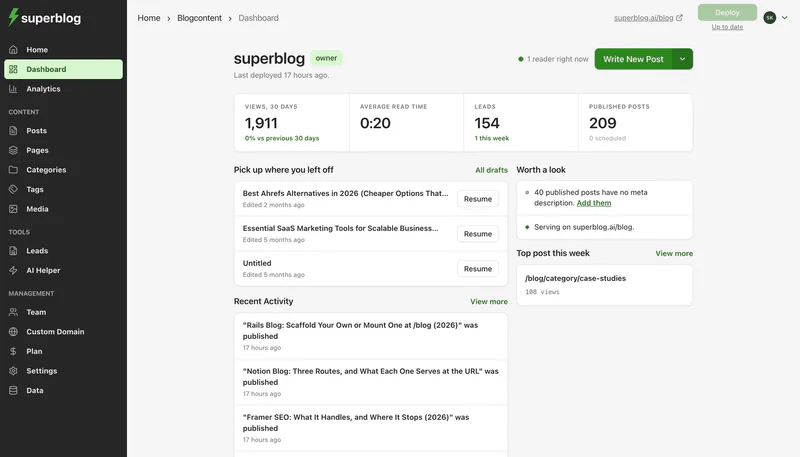
Superblog is a fully managed blogging platform built for companies that blog to grow organic traffic. You get the editor, the blog's frontend, CDN hosting and automatic SEO in one product. Your team never installs a plugin or applies a patch.
On Pro you get scheduled posts, privacy-friendly analytics and collaborative review, for up to 1,000 posts and a 5-person team. Super costs $99/month ($1,070 billed yearly). It adds Zapier, lead webhooks, custom form fields, spreadsheet import, API access, MCP integration and multilingual SEO.
Leaving WordPress takes one import. Enter your WordPress URL and Superblog pulls each post through the WordPress REST API, with no export file. Slugs, tags, original publish dates, the first category on each post, and meta titles and descriptions from Yoast or SEOPress all come across. Yoast's JSON-LD schema comes across too. On a paid plan, images move onto the Superblog CDN. Authors, comments, Open Graph tags, Rank Math metadata and categories beyond the first do not migrate, so plan to reassign bylines and re-enter Rank Math meta. Most migrations finish in 5 to 10 minutes. Follow our step-by-step WordPress migration walkthrough for the details.
Superblog offers a 7-day free trial (no credit card required). Paid plans come with a 30-day money-back guarantee.
Our verdict on WordPress
WordPress is still the most flexible way to build a website in 2026. The default install is fast, the ecosystem is unmatched, and you own everything. That flexibility has a price: plugins for SEO and forms, a steady stream of updates, and a plugin ecosystem whose vulnerability count rose 42% in 2025.
If your team has a developer and needs custom functionality, WordPress is worth it. If you need a blog on yoursite.com/blog that ranks without upkeep, a managed platform does that job for $49/month (Pro). For the narrower question of whether WordPress suits blogging at all, read our answer to is WordPress good for blogs.
FAQ
Is WordPress good for a business blog?
Yes, if you have a developer to run it. No, if nobody on the team wants to own updates.
How much does WordPress cost?
$0 to download. WordPress.com paid plans run $4 to $45 a month billed yearly.
What are the main pros and cons of WordPress?
Pros: flexibility, 70,000+ plugins, full ownership. Cons: plugin upkeep, security exposure, SEO needs plugins.
Is WordPress fast?
Yes by default. Its default theme scored a median 95 on mobile Lighthouse on Automattic's hosting in our November 2026 test.
Can WordPress.com host a blog at yoursite.com/blog if my main site is elsewhere?
No. WordPress.com supports a subdomain only in that setup.
Can I move my WordPress blog to Superblog?
Yes. Enter your WordPress URL, and posts, slugs, tags and publish dates come across.
Your blog, without the maintenance
Fast pages, automatic SEO, no plugins to patch. Runs on yoursite.com/blog.
Sai Krishna is the Founder and CEO of Superblog. Having built multiple products that scaled to tens of millions of users with only SEO and ASO, Sai Krishna is now building a blogging platform to help others grow organically.
superblog
Superblog is a blazing fast blogging platform for beautiful reading and writing experiences. Superblog takes care of SEO audits and site optimizations automatically.