
Why Businesses Are Switching From WordPress in 2026 (The Evidence)

Businesses are switching from WordPress in 2026 for five evidence-backed reasons: its market share is falling for the first time in years, the maintenance load never ends, plugin-heavy installs lose the performance race, plugins are the source of almost every security vulnerability, and a public governance fight has shaken trust in the platform's direction. None of these are opinions. Each one is backed by a number you can verify. This post lays out the evidence, then tells you honestly who should stay on WordPress and where the people who leave actually go.
The short version: why businesses are switching from WordPress
WordPress is not collapsing. It still powers 41.2% of all websites and holds 59.2% of the CMS market (W3Techs, July 2026). But the trend under that headline number has turned, and the reasons behind the switch are now structural rather than cosmetic. Here are the five drivers, each with the evidence attached.
Driver 1: WordPress market share is drifting down
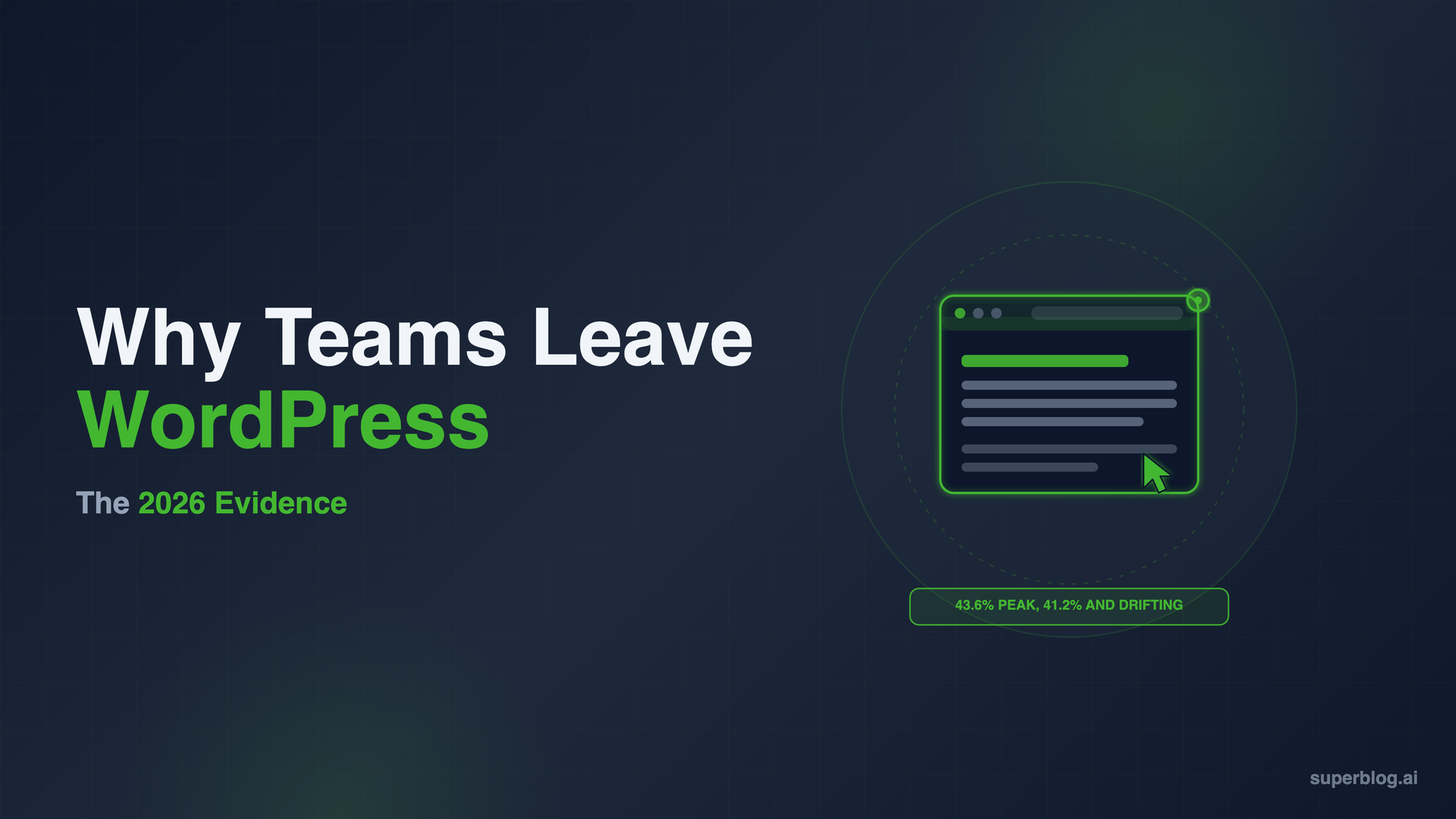
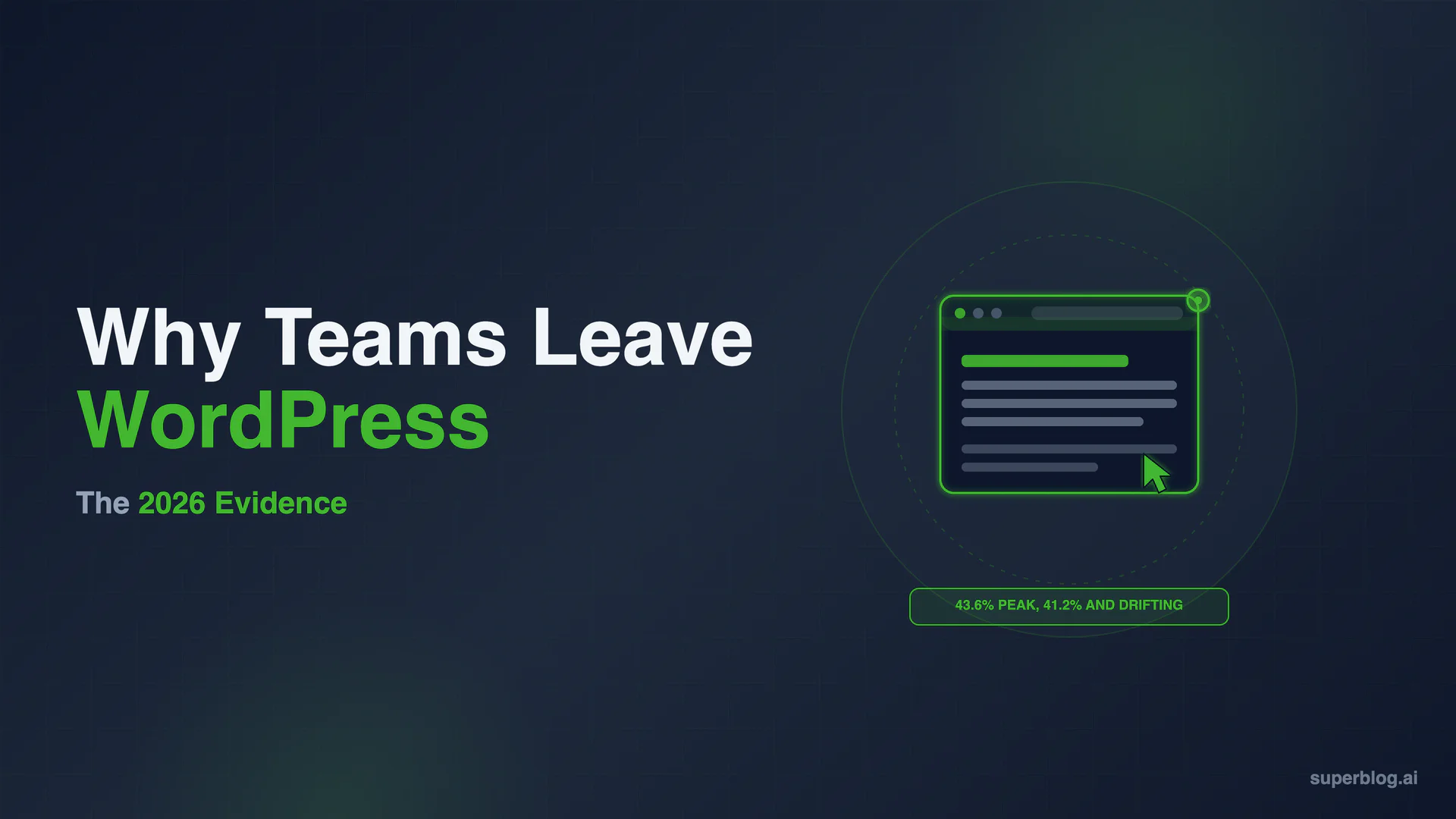
The WordPress usage number climbed for a decade, plateaued around 43% from 2022 to 2025, and has now turned down. W3Techs data shows WordPress at 41.2% of all websites as of July 25, 2026, down from 43.4% a year earlier in July 2025. That is a drop of roughly 2.2 percentage points in twelve months, off a peak of 43.6% in early 2025.
Source: W3Techs, verified July 25, 2026.
On the CMS-only view, WordPress still commands 59.2% of sites whose content management system is known, so it remains the default by a wide margin. The signal is not the absolute number. It is the direction. A platform that spent ten years adding share is now giving some back, and hosted, managed platforms are where the share is going. When the largest platform on the web stops growing, buyers start asking whether the default is still the right default.
Momentum matters for a second reason: it changes what your peers do. When switching was rare, staying on WordPress was the safe, boring choice that nobody questioned. As more growth-focused teams move to managed platforms and publish about why, the reference class shifts. The question in a 2026 planning meeting is no longer "why would we leave WordPress" but "why are we still on it." That is a softer force than a security report, but over a year it moves more sites than any single feature gap.
Driver 2: The maintenance load never ends
WordPress is free to download. It is not free to run. Every install becomes a standing maintenance commitment: core updates, PHP version bumps, theme conflicts, and plugin updates that can break each other without warning. For a business, that is engineering time or agency retainer spend that recurs every month and produces no new content.
The pattern shows up everywhere teams describe their reasons for leaving: plugin updates, security patches, and page builders that slow the site down turn into a recurring tax on people who just want to publish. The point of a business blog is to produce content that ranks and converts. Time spent reconciling plugin versions is time not spent doing that. We break the real numbers down in our guide to WordPress maintenance cost, and the broader pattern in the problems WordPress creates for business blogs.
Driver 3: Plugin-heavy installs lose the performance race
Speed is not a vanity metric. It is a ranking factor and a conversion factor, and it is where WordPress structurally struggles. A stock WordPress install with a typical stack of plugins and a page builder typically scores 40 to 60 on mobile Lighthouse. Reaching Google's 90+ target is possible, but it means caching plugins, image optimization, a CDN, and ongoing tuning that you own and maintain yourself.
The architecture is the reason. WordPress assembles each page from a database on request, then layers plugin scripts and styles on top. Static, pre-built platforms take the opposite approach: pages are compiled ahead of time and served from a CDN, so there is no database query and no render wait at request time. That is why a managed JAMStack platform can hold a 90+ Lighthouse score and a sub-one-second First Contentful Paint on every page automatically, without a performance project attached. For a business whose traffic depends on Core Web Vitals, that gap compounds on every page and every visit.
Driver 4: Plugins are the security attack surface
WordPress core is not the security problem. Plugins are. According to Patchstack's State of WordPress Security 2025 report, 7,966 new security vulnerabilities were found in the WordPress ecosystem in 2024, about 22 per day. Of those, 96% were in plugins and 4% in themes. Only seven were found in WordPress core itself. The total was a 34% increase over 2023.
This is a structural consequence of how WordPress works, not a fluke year. Functionality on WordPress comes from third-party plugins, tens of thousands of them, each maintained by a different developer on a different schedule. Every plugin you add is more third-party code running on your site, and the patch lag is real: the same report found that 33% of reported vulnerabilities were not fixed in time for public disclosure. A static platform with no plugin runtime and no database exposed to the web removes most of that surface by design. There is simply less to attack.
Driver 5: The governance conflict shook trust
The newest driver is not technical. In 2024, a public dispute broke out between Automattic (the company behind WordPress.com) and the hosting provider WP Engine. In late September 2024, WordPress.org blocked WP Engine's access to its plugin repository. WP Engine sued on October 2, 2024, and on October 12 the widely used Advanced Custom Fields plugin was forked on WordPress.org into a new version called Secure Custom Fields. On December 10, 2024, a federal court granted WP Engine a preliminary injunction, ordering that its access and control of the plugin be restored. The litigation is ongoing, with additional counterclaims filed in 2025.
We are not taking a side on the individuals or the merits. The point for a business evaluating its stack is narrower: a plugin that millions of sites depended on was forked and access was disrupted over a governance and trademark fight, not a technical one. For teams that had assumed the open-source ecosystem was stable and neutral, that episode was a reminder that platform risk is not only about code. It is also about who controls the ecosystem your site depends on.
The honest counterweight: who should not switch
Switching is not the right call for everyone, and pretending otherwise would be dishonest. WordPress still powers roughly four in ten websites for real reasons. Stay on WordPress if any of these describe you.
You run deep, custom functionality
If your site depends on heavily customized WordPress features, custom post types, and a web of plugins wired into your business logic, the flexibility that makes WordPress a maintenance burden is also the thing you would lose. That customization has value, and rebuilding it elsewhere is real work.
You run a store on WooCommerce
WooCommerce is a mature, deeply integrated e-commerce stack. If your revenue runs through it, the checkout, inventory, and payment integrations are not something you replace on a whim. A managed blog platform is not an e-commerce migration path.
You are supported by an agency ecosystem
If an agency or an in-house team already owns your WordPress stack and keeps it patched, updated, and fast, much of the maintenance and security cost is being handled competently on your behalf. The calculus changes when someone else absorbs the load.
You have real sunk investment in a theme
A custom theme and design system that your brand is built around represents money already spent. That sunk cost is a legitimate reason to weigh a move carefully rather than switch reflexively.
WordPress being the wrong tool for a fast, low-maintenance business blog does not make it the wrong tool for everything. Match the platform to the job.
Where the switchers actually go
For most companies leaving WordPress, the trigger is a specific job: the blog. They want organic traffic without owning infrastructure. If that is you, the honest first step is to understand your options before you move. We compare the five realistic destinations, from managed platforms to Ghost to static site generators, in how to run a blog without WordPress. When you have picked one and want the mechanics, our step-by-step WordPress migration guide walks through import, redirects, and preserving your rankings. If you are still deciding whether WordPress was ever the right fit for a blog in the first place, is WordPress good for blogs makes that case directly.
For the specific subset switching because the blog is a growth channel, Superblog is built for exactly that job. It hands you the full stack in one product: CMS, editor, hosting, CDN, SSL, and an SEO engine that generates schemas, sitemaps, IndexNow submissions, and an LLMs.txt file automatically. Every page ships pre-built for a 90+ Lighthouse score, and the WordPress import pulls your posts, images, categories, and tags straight through the REST API while preserving your URL slugs, so your existing rankings travel with you. Pricing starts at $49/month (Pro) and $99/month (Super, which adds AI, multilingual SEO, API, and webhooks), with a 7-day free trial and no credit card required. If you want the direct head-to-head, see our WordPress blog alternative page.
Frequently asked questions
Why are people leaving WordPress?
Five reasons, in order of how often they come up: constant maintenance (updates, patches, plugin conflicts), performance that takes real work to fix, security exposure concentrated in third-party plugins, the cost and complexity of running the stack, and, more recently, reduced trust after the 2024 governance dispute. For business blogs specifically, the maintenance and performance drivers dominate.
Is WordPress dying?
No. WordPress still powers 41.2% of all websites and 59.2% of the known CMS market as of July 2026 (W3Techs), which is a commanding lead. What is true is narrower and more interesting: its share is drifting down after a decade of growth, and hosted, managed platforms are taking share. WordPress is not dying. It is losing its status as the automatic default.
How much market share has WordPress lost?
W3Techs data puts WordPress at 41.2% of all websites in July 2026, down from 43.4% in July 2025. That is roughly 2.2 percentage points in a year, from a peak of 43.6% in early 2025. It is a modest decline in absolute terms, but it reverses a long upward trend.
Are the WordPress security concerns real or exaggerated?
They are real and specific. Patchstack's State of WordPress Security 2025 report counted 7,966 new vulnerabilities in the WordPress ecosystem in 2024, with 96% of them in plugins and only seven in WordPress core. The risk is not WordPress core. It is the third-party plugin layer, which is exactly the part a typical business install piles on.
Will I lose my Google rankings if I switch from WordPress?
Not if you preserve two things: your URL structure and your redirects. Keep your slugs identical wherever possible, set 301 redirects for anything that changes, and resubmit your sitemap in Google Search Console. Platforms that import from WordPress and keep your slugs unchanged make this straightforward. Our migration guide covers the exact steps.
Which platform should you switch to?
There is no single answer, because different teams need different things. Developer-led teams often move to a static site generator. HubSpot-centric companies stay in HubSpot. Newsletter publishers lean toward Ghost. Marketing teams that want SEO and speed handled automatically tend to pick a managed blog platform. How to run a blog without WordPress compares all five paths side by side, with real costs and trade-offs for each.
Is switching from WordPress expensive?
It depends on what you count. WordPress itself is free, but hosting, premium plugins, developer time, and performance tuning add up on the current stack. A managed platform folds hosting, CDN, SSL, SEO, and maintenance into one predictable price, which often nets out lower once the hidden costs are included. Run your own numbers before deciding.
The evidence points one way for a specific kind of team: if your blog exists to drive organic growth and you would rather write than maintain servers, the case for switching is strong. If that is you, start a free Superblog trial and have your blog live in minutes.
Your blog, without the maintenance
Fast pages, automatic SEO, no plugins to patch. Runs on yoursite.com/blog.
Sai Krishna is the Founder and CEO of Superblog. Having built multiple products that scaled to tens of millions of users with only SEO and ASO, Sai Krishna is now building a blogging platform to help others grow organically.
superblog
Superblog is a blazing fast blogging platform for beautiful reading and writing experiences. Superblog takes care of SEO audits and site optimizations automatically.