
What Is Crawling in SEO? (And How to Get Crawled Faster in 2026)

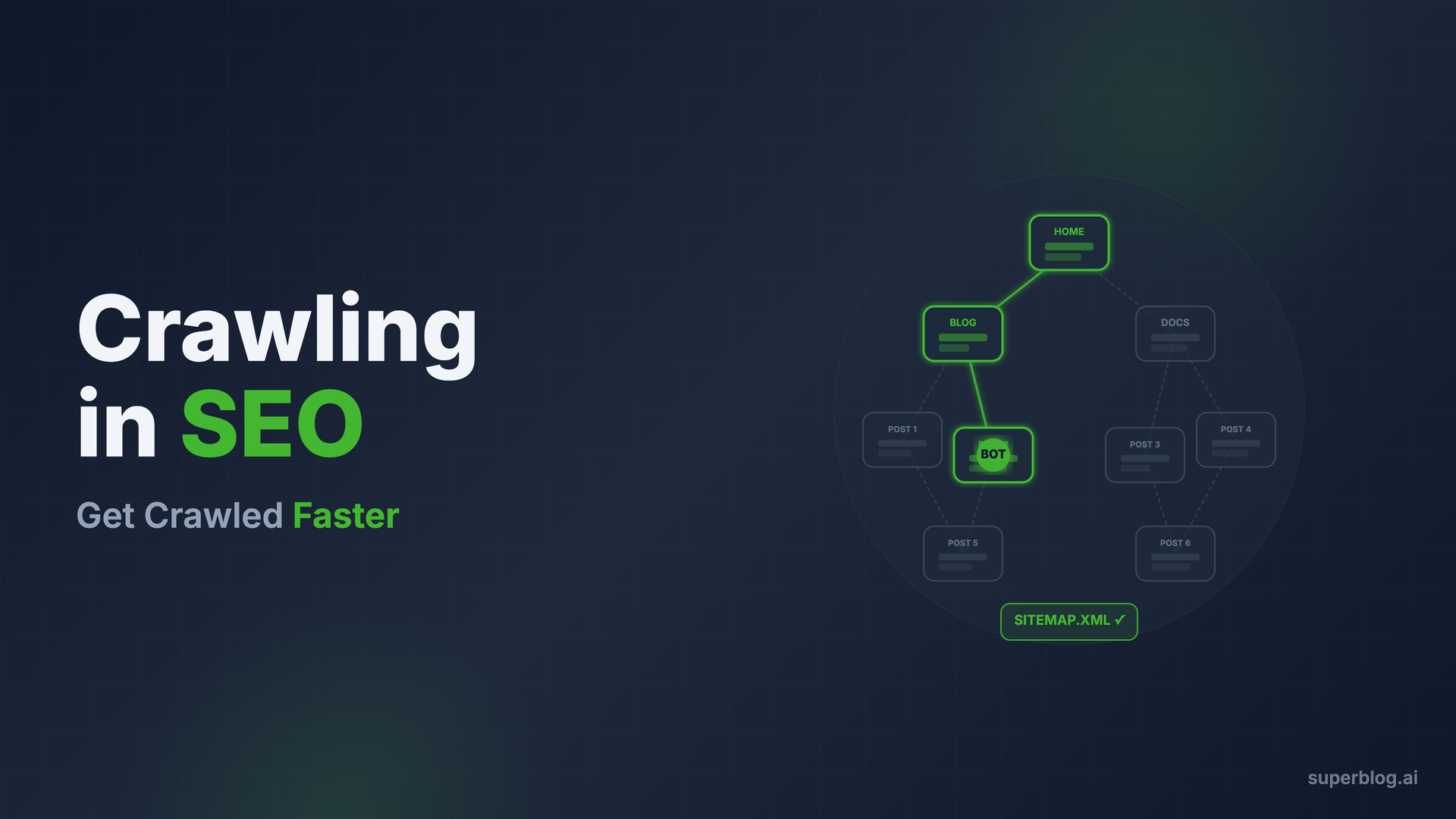
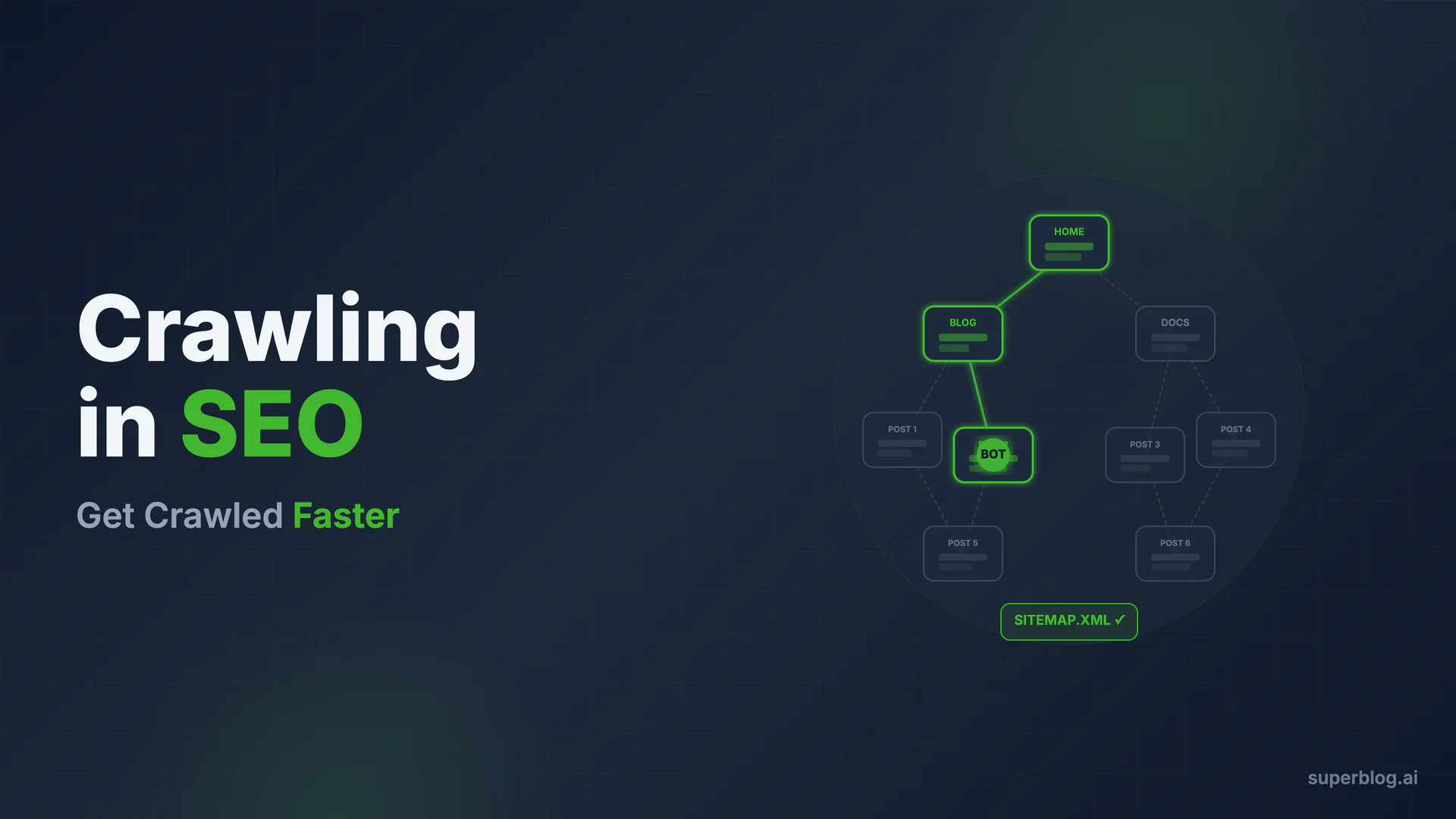
Crawling in SEO is the process by which search engine bots systematically discover and fetch pages from the web. If a page is not crawled, it cannot be indexed. If it is not indexed, it cannot rank. Understanding how crawling works and how to optimize for it is foundational to any organic growth strategy.
This guide covers everything from the mechanics of how crawlers work to 7 concrete tactics for getting your content crawled and indexed faster.
What Is Crawling in SEO, Indexing, and Ranking?
These three terms describe three distinct stages of how search engines process your content. Confusing them leads to wasted effort.
Crawling is discovery and fetching. A bot visits your URL, downloads the HTML, and queues it for processing.
Indexing is analysis and storage. Google reads the fetched page, extracts content and signals, and adds (or updates) the page in its index.
Ranking is retrieval and ordering. When a user searches, Google pulls matching pages from its index and sorts them by relevance and authority.
You cannot rank without being indexed. You cannot be indexed without being crawled. The pipeline runs in order.
How Search Engine Crawlers Work
Discovery: How Bots Find Your Pages
Crawlers do not browse the web the way humans do. They maintain massive queues of URLs to visit and use three primary mechanisms to discover new ones:
Following links. Googlebot follows hyperlinks it finds on pages already in its queue. A new page with no inbound links from any known page is invisible until something links to it.
XML sitemaps. You can submit a sitemap directly to Google Search Console or Bing Webmaster Tools. This tells the crawler exactly which URLs exist and when they were last updated. It does not guarantee crawling, but it reduces discovery lag significantly.
IndexNow pings. IndexNow is an open protocol that lets sites push URL notifications directly to supporting search engines, including Bing, Yandex, and others. When you publish or update a page, you send a POST request with the URL to the IndexNow endpoint, and those engines prioritize fetching it. Google does not participate in IndexNow, it uses its own crawl scheduling system instead.
Fetch and Render
Once a URL enters the crawl queue, the bot fetches the raw HTML. Here is where many sites run into trouble.
Modern JavaScript-heavy sites often return a nearly empty HTML shell. The actual content only appears after JavaScript executes in the browser. Google can render JavaScript, but it does this in a separate, delayed pipeline called "second-wave indexing." Pages with content locked behind JavaScript may wait days or weeks to be fully indexed compared to pages that serve complete HTML on the first fetch.
Static HTML pages with all content in the initial response get crawled accurately and quickly. This is not a minor detail; for sites competing on fresh content, the JS-rendering trap is a significant indexing disadvantage.
What Is Crawl Budget?
Crawl budget is the number of URLs Googlebot crawls on your site within a given timeframe. It is determined by two things: crawl capacity (how fast Google can crawl without overloading your server) and crawl demand (how much Google thinks your site is worth crawling based on freshness signals and PageRank distribution).
Who Actually Needs to Worry About Crawl Budget?
Most sites with under a few thousand pages can ignore crawl budget as a primary concern. Google will crawl the whole site given enough time.
Crawl budget becomes genuinely important when:
- Your site has tens of thousands of pages or more
- You have significant numbers of duplicate, low-quality, or parameter-based URLs being crawled unnecessarily
- You are publishing content at high velocity and need it indexed fast to capitalize on timeliness
For a business blog with hundreds or even low thousands of posts, the bottleneck is rarely that Google cannot crawl enough pages. It is usually that Google does not know the pages exist, or that server response times or crawl errors are slowing the process down.
7 Tactics to Get Crawled Faster
1. Build Clean Internal Links
Every page on your site needs at least one inbound link from another indexed page. Orphan pages (pages with no internal links pointing to them) often get missed entirely. Structure your blog so that:
- Category pages link to individual posts
- New posts link to related older posts and vice versa
- Your homepage or navigation includes links to key content hubs
Internal linking is crawl infrastructure. A well-linked site is one that bots can navigate completely without relying on your sitemap alone. Our guide on internal linking for blogs covers the specific patterns that matter for SEO.
2. Keep Your XML Sitemap Clean and Current
Your sitemap should list only canonical, indexable URLs. That means no:
- URLs with
noindexdirectives - Redirect chains
- Duplicate parameter variations
- Pages returning 4xx or 5xx errors
A cluttered sitemap sends bots to dead ends and dilutes crawl attention. Update your sitemap automatically whenever you publish or update content. If your platform regenerates the sitemap on every deploy, check that it is actually being submitted to Google Search Console and Bing Webmaster Tools. For the full walkthrough of sitemap structure, submission, and troubleshooting, see our blog sitemap guide.
3. Use IndexNow on Every Publish
When you publish a new post or make a significant update to an existing one, send an IndexNow ping immediately. This notifies Bing, Yandex, and other supporting search engines instantly rather than waiting for their scheduled crawl.
Again: Google does not use IndexNow. But Bing is not a negligible source of traffic, especially for AI-powered search features like Copilot that draw on Bing's index. Getting your content into Bing's index fast matters for AI citation reach, not just Bing search traffic.
If your blog platform handles IndexNow automatically, you do not need to think about this. If it does not, you can send pings manually using the IndexNow API or a plugin. See our full guide on IndexNow for blogs for implementation details.
4. Keep Server Response Times Fast
Googlebot respects your server. If pages load slowly, Googlebot throttles its crawl rate to avoid overloading your infrastructure. This directly reduces how many pages get crawled per day.
Target a Time to First Byte (TTFB) under 200ms. Pages served from a CDN edge node hit this easily. Pages that require database queries, server-side rendering, or pass through slow middleware often do not.
Fast server response is also a ranking signal on its own through Core Web Vitals, so optimizing TTFB compounds: more crawling and better rankings from the same improvement.
5. Eliminate Orphan Pages
Run a crawl audit of your site periodically (Screaming Frog, Sitebulb, or Ahrefs Site Audit are the common tools). Filter for pages that have no inbound internal links. These orphan pages depend entirely on your sitemap for discovery, and they signal to Google that the pages are low-priority.
Every published page should have a natural navigation path from your homepage or a hub page. If you cannot justify linking to a page from anywhere, that is often a sign the page should be consolidated or removed entirely.
6. Practice Canonical Discipline
Duplicate content is a crawl budget drain. If the same (or nearly identical) content is accessible at multiple URLs, bots must crawl each one to determine which is canonical. Consolidate by:
- Setting a single canonical URL on every page with the
<link rel="canonical">tag - Redirecting parameter-based URL variants to the clean version
- Avoiding duplicate content across paginated series without proper canonicalization
Wrong canonical tags are one of the most common technical SEO errors and one of the hardest to notice without deliberate auditing. A site with canonical tags pointing every page to the homepage tells Google that every page is a duplicate of the homepage. Those pages will not rank. Check your canonical implementation carefully whenever you make template-level changes.
7. Update High-Value Pages Regularly
Google's crawl scheduling is partly driven by freshness signals. Pages that are updated regularly get recrawled more frequently because Googlebot has learned they change. Pages that never change get crawled less often.
For high-priority content, regular updates serve two purposes: better crawl frequency and better rankings from freshness signals. Update posts when data changes, new developments emerge, or the competitive landscape shifts. This is not padding for padding's sake. It is maintaining accuracy while signaling to Google that the page is alive and current. Our guide on building a blog for SEO has more on content freshness as a ranking factor.
The AI Crawler Layer
Search engine crawlers are no longer the only bots reading your content. A second generation of AI crawlers indexes the web specifically to train language models or to power AI-driven search features.
Here is the taxonomy you need to know:
GPTBot is OpenAI's training crawler. It collects web content to train future versions of ChatGPT's underlying models. This is distinct from real-time search.
OAI-SearchBot is OpenAI's search-citation crawler. It powers the retrieval layer of ChatGPT when a user's query triggers a live web search, meaning this bot's results can appear as citations in ChatGPT responses.
Google-Extended is Google's AI training crawler. It collects data to train Google's own AI models (Gemini and others). It is separate from Googlebot. Blocking Google-Extended does not affect your standard search rankings.
ClaudeBot is Anthropic's crawler, used for training Claude models.
PerplexityBot is Perplexity's crawler, used to power its AI search product.
Each of these can be blocked selectively via robots.txt. Whether to allow them depends on your goals. If you want AI search citations (from ChatGPT Search, Perplexity, etc.), you need to allow the respective bots. If you want to restrict AI training use without restricting AI search citations, you need to know which bots serve which purpose.
For a full breakdown of which bots to allow, which to block, and how to configure robots.txt for AI crawlers, see our dedicated guide: AI Crawlers Explained: GPTBot, ClaudeBot, and Who's Reading Your Site.
The connection to standard SEO crawling matters here: Googlebot's ranking feeds AI Overviews. Pages Google has crawled, indexed, and ranked appear in AI Overview citations. Getting crawled faster by Googlebot is not just about traditional rankings; it feeds into whether your content gets surfaced in AI-generated answers.
Schema markup also helps AI systems understand your content structure. Our blog schema markup guide covers the schemas that matter most for both traditional and AI search.
How Superblog Handles Crawling Automatically
Every tactic above requires setup, maintenance, or technical configuration. On most platforms, that means manual work or plugins that introduce their own failure modes.
Superblog handles the crawl-critical infrastructure automatically:
Static HTML on every page. Superblog generates fully pre-built static pages via its JAMStack architecture. When Googlebot fetches a Superblog page, it receives complete HTML with all content in the initial response. There is no JavaScript rendering trap, no second-wave indexing delay. Bots see exactly what a reader sees, immediately.
Auto-generated XML sitemaps. Every time you deploy, Superblog regenerates your sitemap to reflect your current published content. No stale URLs, no manual updates, no plugin to configure. The sitemap is submitted automatically.
IndexNow on every publish. When you hit publish, Superblog sends an IndexNow notification automatically. Bing, Yandex, and supporting engines receive the ping without any configuration on your part.
90+ Lighthouse score built-in. Superblog's pages consistently score 90+ on Lighthouse Performance, which directly maps to fast server response times and strong Core Web Vitals. Fast pages get crawled faster and rank better. You do not need to optimize for performance; it is the default.
Canonical tags on every page. Superblog sets correct canonical URLs automatically on every page, including for subdirectory setups (yoursite.com/blog). There is no risk of wrong canonicals from a misconfigured plugin.
This is the core argument for a purpose-built blog platform over a general-purpose CMS: SEO infrastructure that requires zero maintenance because it is built into the product, not bolted on.
FAQ
What is crawling in SEO?
Crawling in SEO is the process where search engine bots (called crawlers or spiders) systematically visit URLs, download the page content, and queue that content for indexing. Googlebot is Google's primary crawler. A page must be crawled before it can appear in search results.
What is the difference between crawling and indexing?
Crawling is discovery and fetching: the bot visits the URL and downloads the HTML. Indexing is processing and storage: Google reads the fetched content, analyzes it, and adds the page to its index. Both must happen for a page to rank.
How do I get Google to crawl my site faster?
The most reliable tactics are: submitting a clean XML sitemap to Google Search Console, building strong internal links so bots can navigate your site without the sitemap, ensuring fast server response times (TTFB under 200ms), and publishing content that Google sees as frequently updated. You cannot force Google to crawl faster, but you can remove all the friction that slows it down.
What is crawl budget and should I worry about it?
Crawl budget is the number of URLs Google crawls on your site per day. For most business blogs with under 10,000 pages, crawl budget is not the bottleneck. Focus instead on eliminating crawl errors, reducing duplicate URLs, and ensuring your key pages have strong internal links. Crawl budget matters mainly for very large sites with complex URL structures.
Does IndexNow work with Google?
No. Google does not participate in IndexNow. IndexNow notifies Bing, Yandex, and other supporting search engines immediately when you publish or update content. For Google, the alternatives are: submitting URLs directly in Google Search Console, publishing a regularly updated sitemap, building strong internal links, and ensuring fast server response so Googlebot visits frequently.
What is the JS rendering trap in SEO?
Many modern websites use JavaScript frameworks (React, Vue, Next.js client-side rendering) where the initial HTML response is nearly empty. Content only appears after JavaScript executes. Googlebot can render JavaScript, but it does so in a delayed second-wave processing queue, meaning content-critical pages may take days or weeks to be indexed compared to pages that serve complete HTML immediately. Serving static HTML avoids this entirely.
Why is page speed relevant to crawling?
Googlebot throttles its crawl rate based on your server response time. Slow servers get crawled less frequently because Google does not want to cause downtime. A TTFB under 200ms allows Googlebot to crawl more pages per session. Fast pages also score better on Core Web Vitals, which is a ranking factor, so the same optimization that improves crawl rate also improves rankings.
Your blog, without the maintenance
Fast pages, automatic SEO, no plugins to patch. Runs on yoursite.com/blog.
Sai Krishna is the Founder and CEO of Superblog. Having built multiple products that scaled to tens of millions of users with only SEO and ASO, Sai Krishna is now building a blogging platform to help others grow organically.
superblog
Superblog is a blazing fast blogging platform for beautiful reading and writing experiences. Superblog takes care of SEO audits and site optimizations automatically.