
Pillar Pages: How to Build One That Actually Ranks

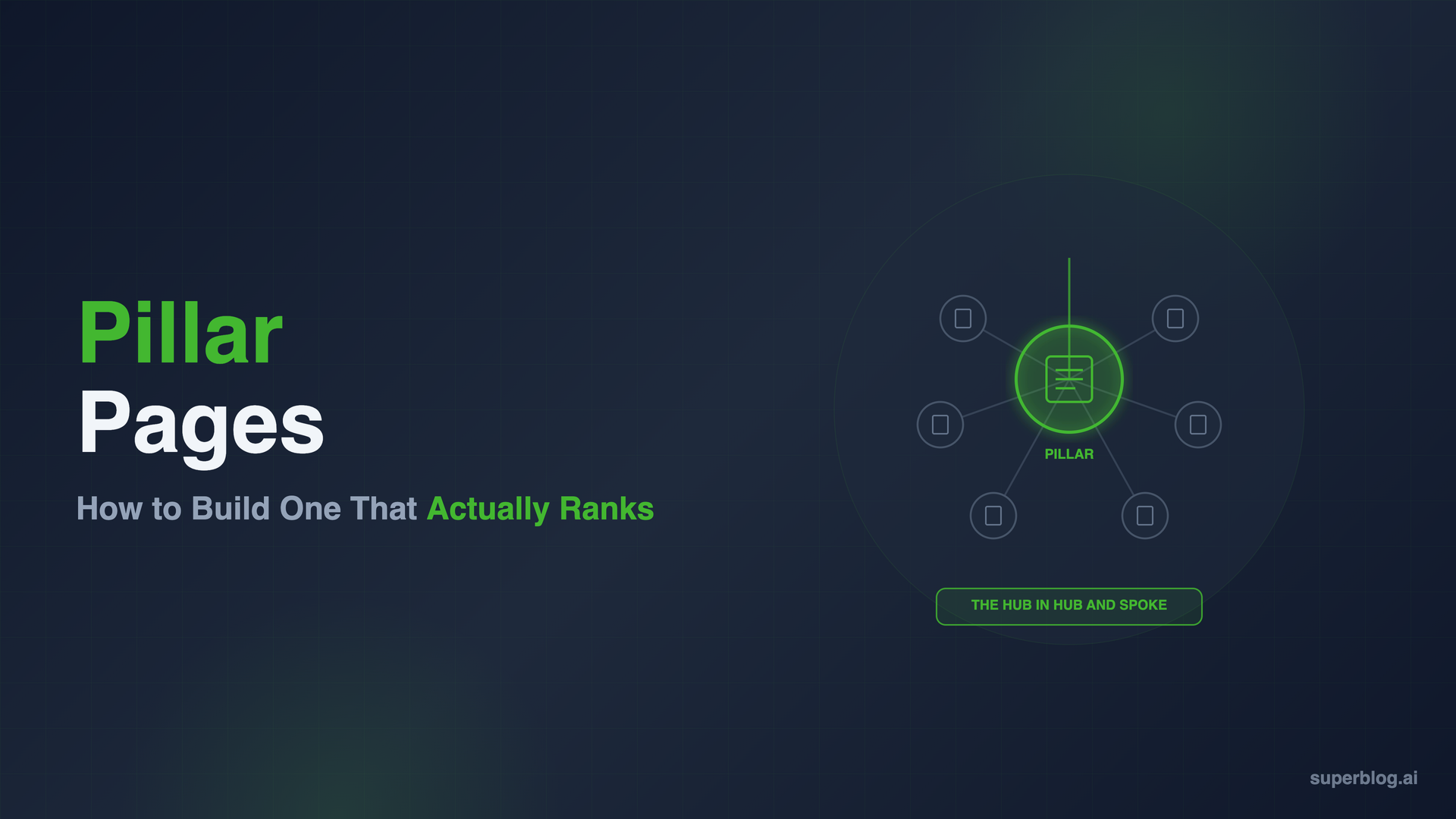
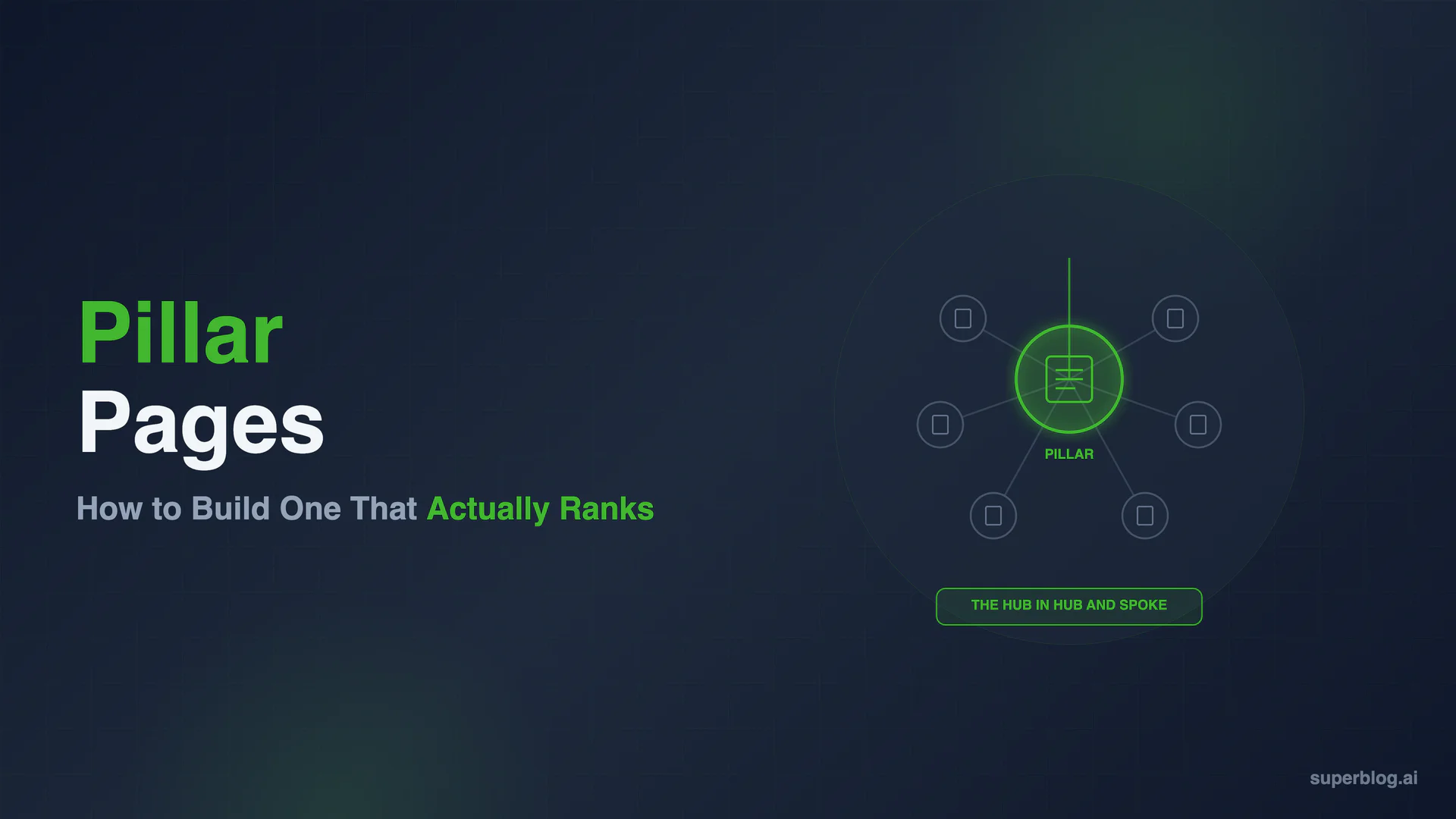
A pillar page is a single page that comprehensively covers a broad topic and links down to every supporting post on that subject, while those posts link back up to it. It is the hub in the hub and spoke model, the page a topic cluster is built around. Get the pillar wrong, too thin, too competitive with its own cluster, or orphaned with no links pointing to it, and the whole cluster underperforms no matter how good the supporting posts are. Get it right and pillar page SEO becomes the single most important page on your blog.
This guide covers what a pillar page actually is versus a regular post or category page, the anatomy of a pillar that ranks, how long one needs to be, the three pillar formats, the failures that sink pillars, how to maintain one as your cluster grows, and how to measure performance in Google Search Console.
What Is a Pillar Page
A pillar page is the comprehensive, top-level page in a topic cluster: one page that covers a broad topic well enough to rank for the head term on its own merits, and that links down to every cluster post beneath it. Our topic clusters guide covers how to plan the cluster and the link rules that hold it together. This guide is about the pillar page itself: structure, length, format, and maintenance.
Pillar Page vs Regular Post
A regular post targets one specific keyword or question and answers it. A pillar page targets a broad head term and answers the whole topic, general enough to link out to a dozen specific posts without repeating them. If a regular post is a chapter, a pillar page is the table of contents plus a real introduction to every chapter, comprehensive enough to stand on its own before a reader clicks through.
Pillar Page vs Category Page
A category page is a taxonomy container: a list of posts filed under a label, usually auto-generated, with little original content of its own. A pillar page is written content that covers the topic directly, with links to cluster posts embedded in the coverage rather than substituting for it. The category organizes for readers browsing your archive. The pillar competes for the keyword in Google.
Anatomy of a Pillar That Ranks
A pillar page that ranks shares a specific set of structural elements. Missing one is usually why a pillar exists but doesn't move.
An Answer-First Definition Up Top
The first paragraph should define the topic in plain terms, the kind of sentence Google can lift into a featured snippet or an AI Overview. Readers and crawlers both decide whether to keep reading based on whether the opening actually answers the question implied by the head keyword.
A Table of Contents
A clickable table of contents near the top lets readers jump to the section they need, which matters more on a pillar than a regular post because pillars run long by design. It also gives Google a clean outline of every subtopic covered, reinforcing genuine breadth rather than padding.
Comprehensive Coverage of the Head Topic
The pillar has to cover the topic broadly enough to be useful even to a reader who never clicks a cluster link. That means real explanation of every major subtopic, not a one-line teaser before the outbound link. A pillar that reads like an index page with filler above each bullet is not covering the topic. It's pointing at other pages that do.
Links Down to Every Cluster Post
Every cluster post needs a link from the pillar, both in a visible list and in contextual mentions woven through the relevant section. A cluster post with no incoming link from the pillar is an orphan, and gets none of the authority the cluster is supposed to concentrate. This is the other half of the link rule from our topic clusters guide: cluster posts link up, the pillar links down, to every single one.
An FAQ Section
An FAQ block at the end answers questions readers still have, and it's a natural home for long-tail variations of the head keyword. Structured FAQ content is snippet-liftable and schema-eligible, extending the pillar's visibility beyond the primary ranking position.
How Long Should a Pillar Page Be
There's no target word count for a pillar page, and chasing one produces exactly the padded, repetitive pages that fail to rank. The real standard is coverage: does the page answer every major subtopic a reader would expect from the head term, in enough depth to stand alone without the cluster.
In practice, pillar pages often run long, sometimes 2,500 words or more, simply because covering a broad topic honestly takes space. But length is the byproduct of coverage, not the goal. A 4,000-word pillar padded with repeated points ranks worse than a 2,200-word pillar that says something specific in every section. If you're adding words to hit a number rather than to cover a missing subtopic, stop and cut instead.
Pillar Page Formats
Not every pillar should look the same. The right format depends on the head keyword's search intent.
The Guide Pillar
Structured as "The Complete Guide to X," this format walks through a topic section by section in a logical order a beginner could follow start to finish. It works best when the head keyword has informational intent and the topic has a natural sequence: research, then execution, then measurement. Most cluster pillars take this shape.
The "What Is X" Pillar
Built around a direct definitional query, this format opens with the answer to "what is X," then expands into how it works, why it matters, and how to do it. It suits topics where the search itself is a definition query first, "what is a pillar page" being the exact example. The definition has to be genuinely snippet-worthy, since that's the primary way this format wins visibility beyond position one.
The Hub or Index Pillar
A lighter-touch format that organizes access to a large volume of existing content rather than teaching the topic from scratch, used for very broad terms with dozens of cluster posts already published. It carries the most risk of becoming a thin link list, so it only works if the hub still includes real framing for each linked section. Start with a guide or "what is X" pillar for a new cluster, and reach for the hub format only once a guide can no longer meaningfully summarize it.
Common Pillar Page Failures
Most pillars that fail to rank fail for one of a few predictable reasons.
The Pillar Reads Like a Thin Link List
A title, a paragraph, then a wall of bullet points linking to cluster posts, is not a pillar. It's a directory. Google can tell the difference between a page that covers a topic and a page that just points at pages that cover it, and only the former earns authority for the head term.
The Pillar Competes With Its Own Cluster Posts
If the pillar and a cluster post both target the exact same keyword and intent, they compete against each other instead of the cluster post feeding authority up to the pillar. This usually happens when a cluster post gets written as its own mini-pillar, going just as broad as the page it's supposed to support. Keep the pillar broad and every cluster post narrow, mapped to one keyword the pillar doesn't already own.
The Pillar Is Orphaned or Never Gets a Cluster
A pillar with no internal links pointing to it, no mention in navigation, no link from related posts, relies entirely on the sitemap for discovery and gets none of the link equity a well-connected page deserves. A related failure: the pillar publishes and sits alone for months. Zero or one supporting cluster post makes it just a long article, not a pillar. Link to it from navigation and older posts immediately, and build the cluster around it.
Maintaining a Pillar Page Over Time
A pillar page is not a page you publish once and leave alone. It has to grow as the cluster around it grows.
Add the link the day a new cluster post publishes. Don't batch updates into a quarterly cleanup.
Revisit the definition and coverage annually. A pillar written two years ago may be missing a subtopic that's since become important.
Watch for cluster posts that have outgrown their section. Tighten the pillar's summary and let the cluster post own the depth.
Retire dead links. If a cluster post is merged or removed, update the pillar's link immediately.
A Worked Example: The "Blog SEO" Pillar
Our own Blog for SEO: The Complete Guide is a guide-format pillar built around the head term "blog SEO." It opens with why blogs are still a high-ROI SEO channel, then works through keyword research and on-page essentials in the sequence a beginner would follow, before handing off depth to the cluster.
The cluster posts supporting it each own one narrower piece: Blog SEO Checklist turns the pillar's advice into a pre-publish checklist, Does Blogging Help SEO? answers the question a reader has before committing to the strategy at all, and Internal Linking for Blogs goes deep on the linking mechanics the pillar only introduces. None restate the pillar's ground. Each takes one section the pillar covers broadly and links back up with an anchor tied to the pillar's head keyword.
Measuring Pillar Page Performance in Google Search Console
A pillar's own ranking position tells only part of the story. Measure it as a query family, not a single line item.
Track query families, not one keyword. Pull the Queries report filtered to the pillar's URL and look at every variation and related query it shows up for.
Watch average position move as cluster posts publish. If the strategy is working, the pillar's position for its head term should improve over time, purely from authority flowing up through new cluster links.
Check the Pages report for cannibalization. If a cluster post starts appearing for the same query as the pillar, the keyword mapping is breaking down.
Expect a quarter, not a week, for movement. Pillar authority builds as Google recrawls and reprocesses the link structure around it.
Building Pillars Without the Manual Overhead
The work only you can do is defining the head topic, writing the coverage, and deciding what belongs in the cluster. The work that quietly gets skipped is adding the pillar's link the day a new cluster post goes live.
Superblog's internal link suggestions surface related posts by matching categories, tags, and title keywords while you're writing, with suggested anchor text ready to insert, so the pillar-to-cluster link gets added on publish day instead of a cleanup pass months later. An automatic table of contents renders from your heading structure, and FAQ blocks generate FAQ schema automatically, both anatomy pieces a pillar needs without extra formatting work. Fast indexing through automatic sitemaps and IndexNow means a newly linked cluster post gets crawled quickly enough for the link to start counting.
None of that replaces the judgment call of what the pillar should cover. What it removes is the maintenance debt: missed links, stale coverage, and cluster posts never connected back to the pillar.
FAQ
What is a pillar page?
A pillar page is a comprehensive page covering a broad topic that links down to every supporting cluster post within it, while those cluster posts link back up to the pillar. It's the hub in the hub and spoke model and the central page in a topic cluster.
How long should a pillar page be?
Long enough to cover every major subtopic of the head term in real depth, which in practice is often 2,500 words or more, but there's no fixed target. Length should come from genuine coverage, not padding to hit a word count. A shorter pillar that covers the topic cleanly beats a longer one that repeats itself.
Pillar page vs landing page: what's the difference?
A landing page converts a visitor into a lead or customer around a single offer, usually with minimal navigation and one call to action. A pillar page ranks for a broad informational term and routes readers into a cluster of supporting content. A pillar can include a call to action, but its job is coverage and internal linking, not conversion.
Does a pillar page need to target a keyword with high search volume?
It needs a keyword your business can credibly own with enough breadth to support multiple cluster posts. High volume helps, but a moderate-volume term with real depth and a complete cluster usually outperforms a thin pillar chasing a bigger number.
Can a pillar page also be a cluster post in a different cluster?
Generally no. A page serving both roles ends up diluted for each. If a topic genuinely bridges two areas, pick the pillar it belongs to primarily and add one lateral link to the other cluster.
How do I know if my pillar page is failing?
Check three things: whether the pillar links to every cluster post that exists, whether a cluster post is ranking for the pillar's own head term in GSC's Pages report, and whether the pillar's position has moved at all in the last quarter. If none show progress, the pillar is likely too thin to carry the authority the cluster is feeding it.
A pillar page is the page that makes or breaks a topic cluster. Build the coverage first, add the links the day each cluster post publishes, and measure it as a query family instead of a single keyword. The cluster does the work of building authority. The pillar is where that authority has to land.
Your blog, without the maintenance
Fast pages, automatic SEO, no plugins to patch. Runs on yoursite.com/blog.
Sai Krishna is the Founder and CEO of Superblog. Having built multiple products that scaled to tens of millions of users with only SEO and ASO, Sai Krishna is now building a blogging platform to help others grow organically.
superblog
Superblog is a blazing fast blogging platform for beautiful reading and writing experiences. Superblog takes care of SEO audits and site optimizations automatically.