
GoDaddy Blog Hosting: Your Real Options in 2026

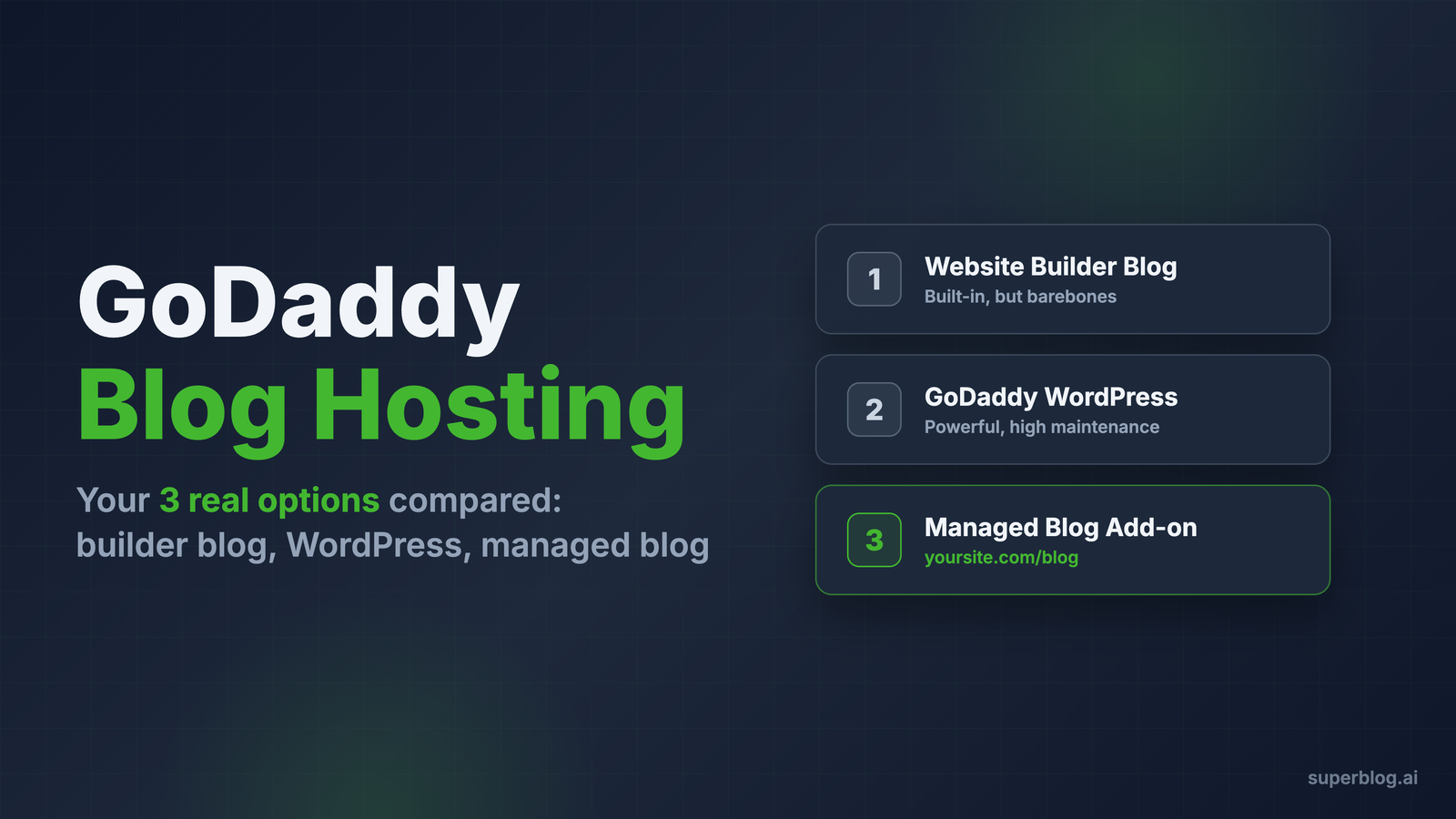
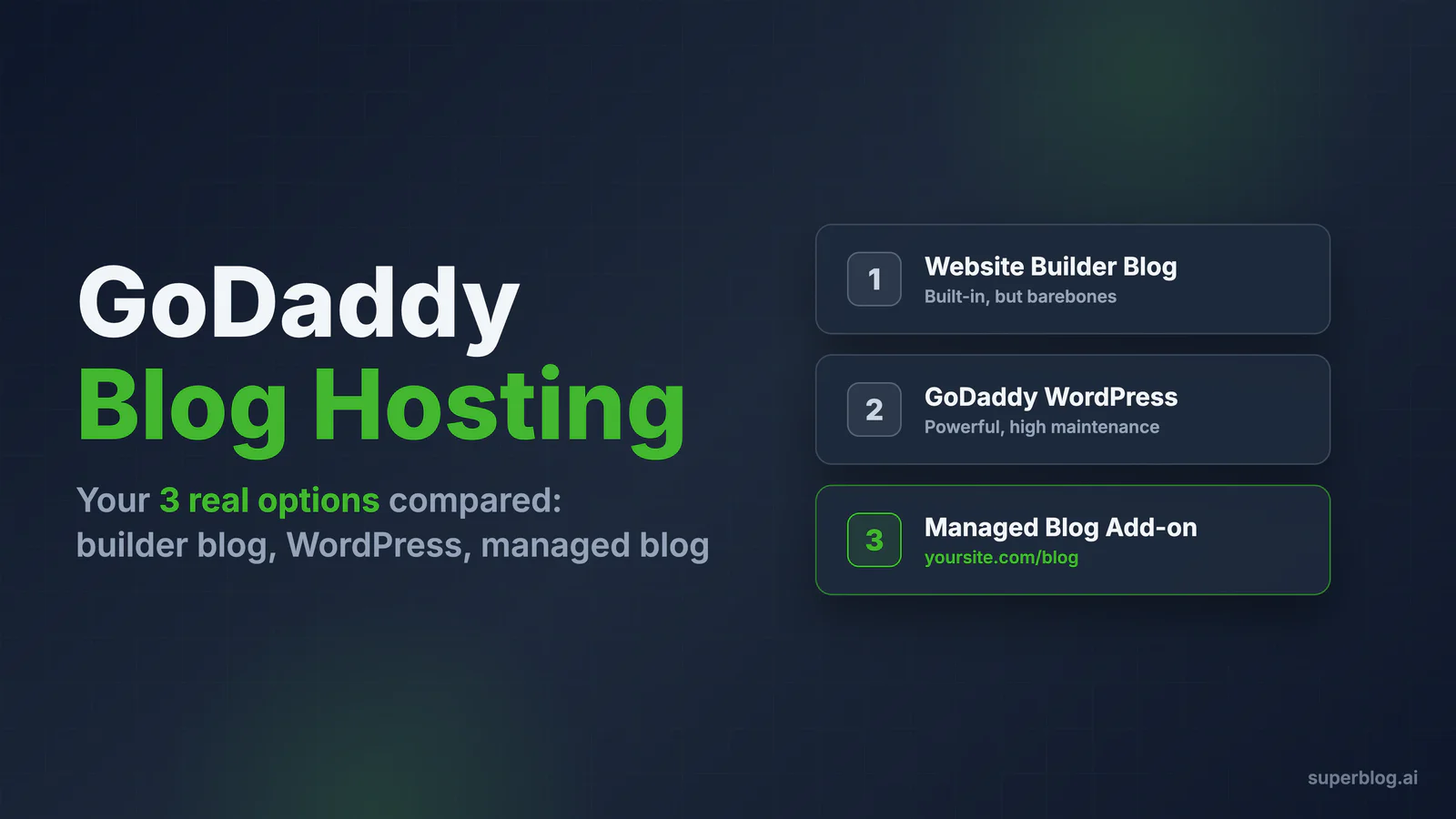
Most people searching for "GoDaddy blog hosting" are not shopping for a hosting plan. They already have a domain at GoDaddy, often with a business website attached to it, and they want a blog on that domain that brings in traffic from Google.
That framing matters, because GoDaddy gives you two built-in paths to a blog, and both come with trade-offs that only show up after you have published twenty posts and started wondering why nothing ranks. There is also a third path that most GoDaddy customers never hear about: keeping your GoDaddy site exactly as it is and connecting a managed blog platform at yoursite.com/blog.
This guide covers all three options with real 2026 pricing, honest capability assessments, and a factual comparison across SEO, speed, maintenance, and cost. For a wider view beyond GoDaddy, our best blog hosting guide ranks the top options across every major provider.
What "GoDaddy blog hosting" actually means
GoDaddy is a domain registrar first and a hosting company second. When it comes to blogging, the company sells two distinct products:
- Websites + Marketing, the drag-and-drop website builder, which includes a built-in blog section
- Managed WordPress hosting, where GoDaddy runs the servers and you run a full WordPress installation
Neither product was designed around blogging. The builder blog is a bolt-on to a site builder. WordPress is a general-purpose CMS that happens to power a lot of blogs. Whether either one fits depends entirely on what your blog needs to do for your business.
If your blog is a hobby, a place to post updates for people who already know you, option 1 works fine and you should not overthink it. If your blog is supposed to generate organic traffic and leads, the details below matter a lot.
Option 1: The GoDaddy website builder blog
GoDaddy's Websites + Marketing builder includes a blog feature on its plans, including the entry tiers. You manage it from your site dashboard under Marketing, then Blog. Posts support text, images, and video. You get categories, social sharing buttons, email subscription prompts, and Disqus integration for comments.
For 2026, Websites + Marketing pricing runs from a free tier (on a godaddysites.com address) to Basic at $16.99/month with a custom domain, Premium at $29.99/month, and Commerce tiers from $29.99 to $34.99/month.
What works
To GoDaddy's credit, the builder itself is well engineered on the delivery side. In independent page speed testing by Tooltester, GoDaddy's builder came out first among major website builders for loading speed. The blog publishes quickly, the interface is familiar if you already use the builder, and there is nothing to install or maintain.
For a restaurant posting seasonal menus, a photographer sharing recent shoots, or any site where the blog exists for existing visitors rather than search traffic, this is a reasonable setup. It costs nothing extra and it will not break.
Where it falls short
The problems start when you want the blog to rank:
- You cannot edit SEO settings for individual blog posts. Meta titles and descriptions, the basics of ranking for a target keyword, are not editable per post.
- Post URLs are auto-generated from the title, and they change when you change the title. Rename a post and its URL changes with it, breaking every existing link and losing any accumulated ranking signals. Tooltester's reviewers called this "terrible for SEO," and they are right.
- No structured data control. There is no schema editor, so no Article or FAQ rich results in search.
- No HTML or CSS access. Post content is limited to text, images, and video blocks. No embeds beyond what GoDaddy allows, no custom formatting, no code snippets for technical content.
- No app marketplace. Unlike Wix or Shopify, there is no ecosystem of SEO or content plugins to fill the gaps.
None of this is hidden malice. GoDaddy built a blog feature for small business owners who want to post occasionally, and it does that. It was never built for content marketing, and no amount of effort inside the tool changes that ceiling.
Verdict: genuinely fine for hobby and update-style blogs. Wrong tool for organic growth.
Option 2: WordPress on GoDaddy hosting
The second path is GoDaddy's managed WordPress hosting. You get a full WordPress installation, which means the complete plugin ecosystem: Yoast or Rank Math for SEO, any theme you want, full control over URLs, schemas, and content structure.
The pricing reality
GoDaddy's 2026 managed WordPress plans look inexpensive at first glance, but the advertised prices are 36-month promotional rates:
To get $5.99/month you pay three years upfront. After that, the same plan renews at roughly 2.5x the promo price. This is standard practice among legacy hosts, but it surprises people every single renewal cycle.
The hosting fee is also just the entry cost. A serious WordPress blog typically adds a premium theme, an SEO plugin, a caching or performance plugin, a backup service, and a security scanner. Some are free, some are not, and all of them are your responsibility. We have broken down the full math in our WordPress maintenance cost analysis, and the realistic total for a business blog lands far above the sticker price.
The maintenance reality
GoDaddy's managed plans handle core WordPress updates and include Airo AI tools and security features. That covers the base layer. It does not cover:
- Plugin updates and the compatibility conflicts they cause
- Theme updates that occasionally break layouts
- Performance tuning as your plugin count grows
- Security hardening beyond the host's baseline, on the most attacked CMS on the internet
WordPress on GoDaddy is not bad. It is the same WordPress you would run anywhere: maximally flexible, permanently in need of attention. Shared infrastructure at this price point also means speed depends on your theme and plugin choices far more than on GoDaddy. A default install scores well on Lighthouse; a real site with 15 plugins and a page builder usually does not.
Verdict: the right choice if you need WordPress specifically, have someone to maintain it, and want everything under one account. Budget for renewal pricing and maintenance hours, not the promo rate.
Option 3: Keep GoDaddy, add a managed blog at yoursite.com/blog
The third option is the one GoDaddy will not tell you about, because it does not involve buying anything from GoDaddy. Your main site stays exactly where it is. Your domain stays at GoDaddy. You connect a purpose-built blog platform to a subdirectory of your existing domain, so the blog lives at yoursite.com/blog.
This is how Superblog works with GoDaddy sites. Superblog is a fully managed blogging platform: the CMS, the blog pages themselves, hosting, CDN, and the SEO layer are all included and maintained for you. Nothing about your existing GoDaddy website changes, and there is no migration of your main site.
Why the subdirectory matters
A blog at yoursite.com/blog consolidates every ranking signal into the one domain you already own. Backlinks earned by blog posts strengthen your whole site, and your site's existing authority helps new posts rank faster. A blog on a separate domain or platform builds someone else's asset. We have covered the evidence in detail in our subdomain vs subdirectory comparison, and subdirectory placement is the strongest configuration for a business blog.
What the setup looks like
GoDaddy's website builder cannot route a subdirectory to another platform by itself, so the connection happens at the DNS layer. The typical setup:
- Create your blog. Sign up at Superblog, and your blog is live on a free subdomain within a minute. You can start writing immediately.
- Route your domain through Cloudflare (free plan). Point your domain's nameservers at Cloudflare while keeping the domain registered at GoDaddy. Your GoDaddy site keeps working unchanged.
- Add a routing rule. A single rule sends yoursite.com/blog/* to Superblog and everything else to your GoDaddy site. Superblog provides step-by-step guides for this, and support handles it with you if DNS is not your thing.
- Done. SSL certificates, CDN distribution across 200+ edge locations, and caching are handled automatically.
The whole process takes about 15 minutes and it is a one-time configuration. If you would rather avoid DNS entirely, blog.yoursite.com works with a single CNAME record added in your GoDaddy DNS panel. For a broader look at connection methods across platforms, see our guide on adding a blog to your website.
What you get on the SEO and speed side
This is where a dedicated platform pulls away from both GoDaddy options. Superblog generates the technical SEO layer automatically on every post:
- JSON-LD schemas (Article, FAQ, Organization, Breadcrumb) without a plugin or editor
- XML sitemaps rebuilt on every publish
- IndexNow notifications that ping search engines the moment you publish
- LLMs.txt so AI assistants like ChatGPT and Perplexity can discover and cite your content
- Full control of meta titles, descriptions, canonical URLs, and slugs on every post, with URLs that never change unless you change them
On performance, blog pages are pre-built static files served from a global CDN, which is why every page scores 90+ on Lighthouse with sub-second First Contentful Paint, automatically, with no caching plugins to configure.
Maintenance is zero. No updates, no plugins, no security patches. Pricing starts at $29/month with subdirectory hosting included on every plan. The full breakdown of how this works with GoDaddy specifically is on our blog for GoDaddy page.
Verdict: the strongest option when the blog's job is organic traffic. Overkill if you post twice a year for existing customers.
GoDaddy blog hosting options compared
How to choose
Choose the builder blog if your blog exists for people who already visit your site. Announcements, portfolio updates, community news. You are already paying for it, and its weaknesses will not hurt you because you were never competing in search results.
Choose WordPress on GoDaddy if you need capabilities only WordPress offers, like a specific plugin your business depends on, and you have the time or staff to keep the installation updated, fast, and secure. Go in with renewal pricing in your budget, not the 36-month promo rate.
Choose the managed subdirectory route if the blog is a growth channel. You keep the GoDaddy site your business runs on, you keep your domain at GoDaddy, and the blog itself runs on infrastructure that was built for rankings from day one. Your writers get a focused editor, and nobody on your team inherits a maintenance job.
One more point worth stating plainly: these options are not permanent commitments. Posts published on WordPress can be migrated in one click with slugs preserved, so starting on one path does not lock you out of another. The expensive mistake is publishing 50 posts on the builder blog, where auto-generated URLs and missing meta controls mean much of that effort never compounds.
FAQ
Does GoDaddy have free blog hosting?
The Websites + Marketing builder has a free tier that includes the blog feature, but your site lives on a godaddysites.com address, which is not workable for a business. Connecting your own domain requires the Basic plan at $16.99/month. There is no free WordPress hosting at GoDaddy.
Is the GoDaddy website builder blog good for SEO?
For basic visibility, it is serviceable: pages load fast and Google can crawl them. For competitive SEO, no. You cannot set per-post meta titles or descriptions, URLs are auto-generated and change when you rename a post, and there is no schema support. Those are structural limits, not settings you can fix.
Can I keep my GoDaddy website and host my blog on another platform?
Yes. Your domain's DNS controls where traffic goes, and it can send yoursite.com/blog to a dedicated blog platform while everything else continues to your GoDaddy site. The setup is a one-time DNS configuration that takes about 15 minutes, and your main site is not migrated or modified.
Should my blog be on a subdomain or a subdirectory?
Subdirectory (yoursite.com/blog) is the stronger setup, because blog content and backlinks consolidate authority onto your main domain instead of splitting it. A subdomain (blog.yoursite.com) is quicker to connect and still far better than publishing on a platform you do not own.
Your blog, without the maintenance
Fast pages, automatic SEO, no plugins to patch. Runs on yoursite.com/blog.
Sai Krishna is the Founder and CEO of Superblog. Having built multiple products that scaled to tens of millions of users with only SEO and ASO, Sai Krishna is now building a blogging platform to help others grow organically.
superblog
Superblog is a blazing fast blogging platform for beautiful reading and writing experiences. Superblog takes care of SEO audits and site optimizations automatically.