
What Is a Blog Platform? The Complete Guide (2026)

A blog platform is software that lets you create, publish, and manage written content on the internet. For businesses, the right platform determines whether your blog ranks, loads fast, and scales without constant maintenance, or consumes engineering hours and plugin fees every month.
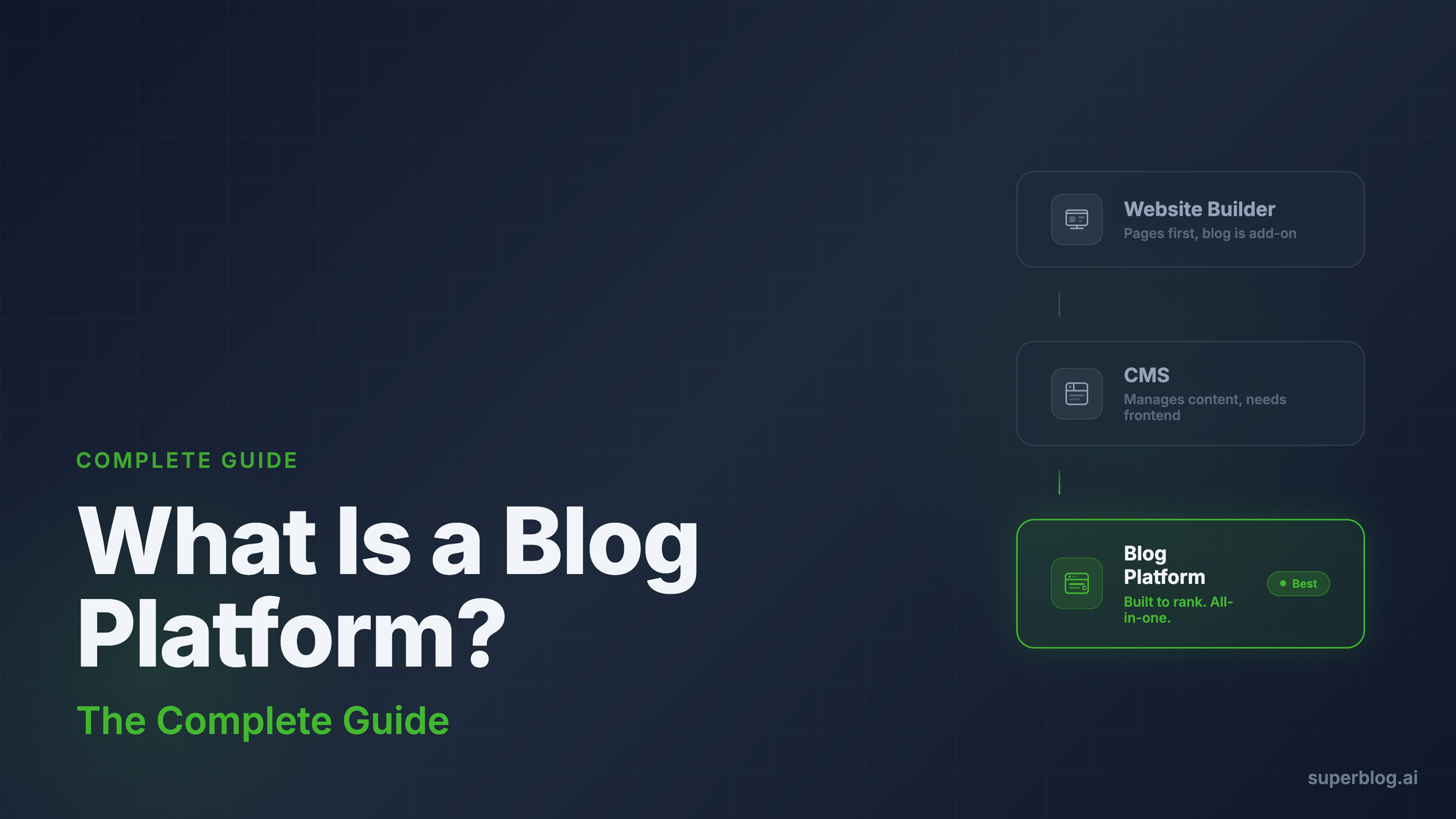
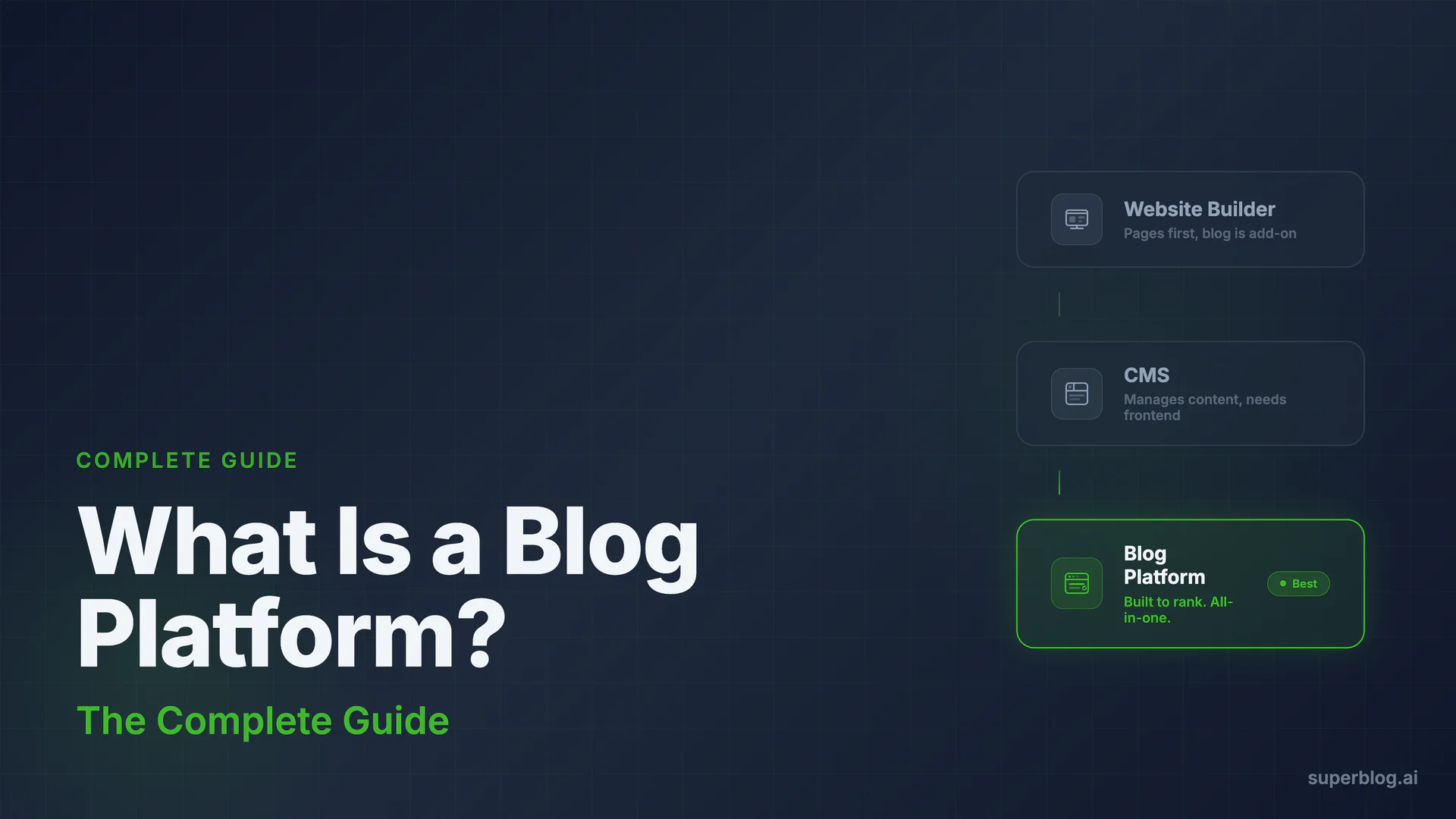
Quick answer: A blog platform is software built specifically to publish, manage, and rank blog content, unlike a website builder or general CMS where blogging is a secondary feature.
That definition sounds straightforward. In practice, "blog platform" covers four fundamentally different categories of software, each with different trade-offs for SEO, performance, and team workflow. This guide maps the full landscape, so you can pick the right category before evaluating individual tools.
Blog Platform vs CMS vs Website Builder: The Category Taxonomy
These three terms overlap constantly. Here is a clear separation.
Website builder: the goal is building a website. Wix, Squarespace, and Framer start here. Blogging is an add-on feature, not the core use case. The editing experience, URL structure, and SEO tooling are optimized for pages, not posts. You can run a blog on these tools; you just won't get a system designed around publishing velocity or content SEO. For the specifics of running one on Wix, see our Wix blog guide.
Content management system (CMS): the goal is managing structured content. WordPress, Contentful, and Strapi are CMSs. They store and serve content, but the degree to which they handle hosting, frontend rendering, and SEO automation varies enormously by product. WordPress is a CMS that ships with a default theme and a plugin ecosystem. Contentful is a headless CMS that requires you to build your own frontend. Both are "CMSs" but they require completely different implementation work.
Blog platform: the goal is publishing and ranking blog content at scale. A true blog platform includes the editor, publishing workflow, hosting, and SEO tooling in a coherent stack designed for content output. Some blog platforms are CMSs (WordPress is both), some are not (a managed SaaS like Superblog is a blog platform but not a traditional CMS in the headless sense). The distinguishing question: is this software designed primarily to get blog content ranking on Google?
For a deeper dive into the CMS side of this, see What Is a Blog CMS? and Best CMS for Blog in 2026. For the software category itself, independent of the CMS question, see What Is Blog Software?
The 4 Types of Blog Platforms
1. Managed SaaS Blog Platforms
The platform handles everything: hosting, CDN, SSL, SEO configuration, performance, and software updates. You log in, write, and publish. Nothing to install, configure, or maintain.
Examples: Superblog, Ghost (hosted tier)
Trade-offs:
- Fastest time to first published post
- Performance and SEO built into the infrastructure, not bolted on via plugins
- No control over server configuration or custom infrastructure choices
- Monthly subscription cost
- Feature set defined by the vendor
Best for: Businesses that want to run a blog without a dedicated DevOps or engineering resource, and teams where writing velocity matters more than deep technical customization.
2. Self-Hosted CMS (WordPress and equivalents)
You own the software and run it on your own server. The platform is open-source and infinitely extensible via plugins and themes. The maintenance burden is yours: updates, security patches, server costs, plugin conflicts.
Examples: WordPress.org, Drupal, Ghost (self-hosted)
Trade-offs:
- Maximum flexibility and control
- Massive ecosystem of themes and plugins
- SEO performance is plugin-dependent (Yoast, RankMath, etc.)
- Security and maintenance responsibility falls on your team
- Lighthouse scores of 40-60 are common without significant optimization work
- Total cost of ownership is higher than sticker price once you add hosting, developer time, and plugin subscriptions
Best for: Teams with dedicated developers who need a fully customized blog with deep integrations, or companies with WordPress expertise already in-house.
For businesses weighing the maintenance overhead, WordPress Problems for Business Blogs covers the specific issues that come up at scale.
3. Headless CMS
The CMS stores and delivers content via API, but provides no frontend. You build and host the presentation layer yourself, typically in Next.js, Nuxt, or Astro. Headless CMSs offer maximum architectural flexibility at the cost of requiring a full frontend build.
Examples: Contentful, Sanity, Strapi, DatoCMS
Trade-offs:
- Complete control over rendering, performance, and design
- Content can be delivered to any channel (web, app, email, voice)
- Requires front-end engineering to build and maintain the blog UI
- SEO is your responsibility: schema markup, sitemaps, and meta tags must be built into your frontend
- Higher upfront development cost
Best for: Engineering teams building content into a custom product experience, or companies that need one content source feeding multiple surfaces.
See Headless CMS for Business Blogs for a full breakdown of when headless makes sense and when it is overkill.
4. Static Site Generators and JAMStack
Content is written in markdown, compiled into static HTML at build time, and deployed to a CDN. No database, no server-side rendering. Performance is exceptional.
Examples: Hugo, Jekyll, Eleventy, Astro (used as SSG)
Trade-offs:
- Fastest possible page load times by default
- No database to attack; minimal security surface
- No admin UI: content editing requires a code editor or a headless CMS layer on top
- Builds can become slow as content volume grows
- Not practical for non-technical teams without adding a CMS layer
Best for: Developer-run blogs, documentation sites, and teams comfortable with git-based workflows.
Platform Type Comparison at a Glance
How to Evaluate a Blog Platform for Your Business
The category choice matters more than the specific tool. But within each category, here are the criteria that actually affect business outcomes.
SEO Automation
Manual SEO is a tax on your writing team. The question is what the platform does automatically.
A production-ready blog platform should generate JSON-LD schema markup (Article, Organization, FAQ, Breadcrumb) on every page without configuration. It should maintain an XML sitemap that updates automatically on every publish. It should handle canonical URLs per post, Open Graph tags, and meta descriptions. The emerging standard in 2026 is also generating a /llms.txt file, a meaningful distribution advantage as AI search drives an increasing share of discovery traffic.
Platforms that leave SEO configuration to plugins or manual setup introduce human error at scale. Every misconfigured canonical URL is a potential indexing failure.
For a full overview of the SEO tooling that matters, see SEO Blog Software.
Performance and Core Web Vitals
Page speed is a Google ranking signal and a conversion driver. Fast pages rank higher and convert at higher rates.
Lighthouse score alone is not the full picture. A perfect Lighthouse score in a dev environment can coexist with a poor real-user experience on mobile networks. What matters is the architecture: static pre-built pages served from a CDN are structurally faster than server-rendered pages with database queries. Auto image optimization (conversion to WebP, lazy loading) should happen without you thinking about it.
If you are evaluating a platform and Lighthouse performance requires plugin installation and configuration, that performance number will drift downward as content accumulates and plugins conflict.
Subdirectory Hosting
Where your blog lives relative to your main domain matters for SEO. A blog at yourcompany.com/blog/ inherits domain authority from the root domain. A blog at blog.yourcompany.com is treated as a separate subdomain by Google and starts from zero authority.
Subdirectory hosting with a managed SaaS platform requires the platform to run as a reverse proxy behind your domain. Not all platforms support this cleanly. If a platform requires Cloudflare-specific add-ons or specific infrastructure to serve blog content from a subdirectory, that is a deployment risk. Look for platforms where subdirectory hosting is a first-class, supported feature across all plans.
For the full technical explanation, see Subdomain vs Subdirectory for Blog.
Migration and Import
If you are moving from WordPress, Medium, Ghost, Notion, or another platform, the migration tooling determines how much content cleanup work falls on your team. Look for platforms that migrate posts with URL slugs preserved (critical for maintaining existing rankings), images re-hosted to the new CDN, and metadata intact. A migration that changes your URL structure without redirects will drop rankings on every post.
Team Roles and Collaboration
A blog platform that does not support multiple user roles creates bottlenecks as the team grows. At minimum: separate Admin, Editor, and Writer roles with appropriate permission scoping. At team scale: the ability to assign posts, run drafts through a review workflow before publish, and schedule posts in bulk.
Vendor Risk and Portability
If you invest in a platform and the company shuts down or pivots, what happens to your content? Evaluate whether your posts are exportable in a standard format (JSON, XML, markdown), whether your URL structure can be preserved if you migrate away, and whether the platform has signs of operational stability.
Platform Comparison: 7 Options for Business Blogs
Here is an honest look at the main platforms in each category. Strengths and weaknesses are both included.
Superblog
Category: Managed SaaS
Superblog is a fully-managed blog platform built specifically for businesses running content for organic growth. The full stack is included: CMS with TipTap editor, frontend UI, hosting on a global CDN, and an SEO engine that runs automatically.
Every page scores 90+ on Lighthouse without configuration. JSON-LD schemas (Article, FAQ, Organization), XML sitemaps, IndexNow submission, and LLMs.txt generation all run automatically on every publish. Subdirectory hosting (yoursite.com/blog) is included on all plans and works with Next.js, React, Webflow, Framer, Shopify, and any other tech stack via reverse proxy.
Plans start at $29/month (Basic, up to 300 posts, 1 team member), $49/month (Pro, up to 1,000 posts, 5 team members, analytics, collaborative review), and $99/month (Super, unlimited posts, 10 team members, AI helper, Zapier, REST API, multilingual SEO). All plans include a 7-day free trial, no credit card required, and you can cancel anytime.
Migration from WordPress, Medium, Ghost, Notion, and others takes 5-10 minutes with URL slugs preserved.
Strongest at: Zero-maintenance SEO automation, 90+ Lighthouse out of the box, subdirectory hosting on any stack, LLMs.txt for AI search visibility.
Limitations: Post limits on lower plans (300 on Basic, 1,000 on Pro); unlimited on Super (fair use). The Super plan is where API access and AI features live.
For a comparison focused specifically on Superblog's own competitive set, see Superblog alternatives.
WordPress (Self-Hosted)
Category: Self-Hosted CMS
WordPress powers a large share of the web and offers unmatched flexibility. With the right hosting and plugins, it can be configured to perform well and rank well. The ecosystem is vast: themes, plugins, page builders, and integrations for everything imaginable.
The trade-off is maintenance. Running WordPress at a production standard for business SEO requires a security plugin, a performance plugin (caching, image optimization), an SEO plugin (Yoast or RankMath), and regular updates to all of the above. Plugin conflicts are a real operational risk. Lighthouse scores without optimization plugins are typically 40-60. Hosting costs, developer time, and plugin subscriptions make the true monthly cost substantially higher than hosting alone.
Strongest at: Maximum customization, mature ecosystem, developer control, large talent pool.
Limitations: High total cost of ownership, maintenance burden, performance requires active plugin management.
For teams weighing a move away, see Best WordPress Alternatives for Blog.
Ghost
Category: Managed SaaS (Ghost Pro) or Self-Hosted
Ghost is a focused publishing platform with a clean editor and strong newsletter integration. Ghost Pro handles hosting and updates; self-hosted Ghost requires your own server.
Ghost is well-positioned for publishers who want memberships, paid subscriptions, and email newsletters as part of the same platform. For pure blog SEO use cases, it lacks some automation features available in purpose-built business blog platforms: no IndexNow, no LLMs.txt, no built-in lead generation forms. Subdirectory hosting requires additional configuration steps.
Strongest at: Newsletter and membership integration, clean editing experience, independent publishers.
Limitations: Pricing scales steeply at higher staff and member tiers on Ghost Pro; weaker on the SEO automation side for business use cases.
Webflow
Category: Website Builder with CMS
Webflow is purpose-built for visual design and landing pages. The CMS supports blog-style content, but the editing experience is designed for web designers building pages, not content teams publishing posts at volume. CMS item limits apply at each pricing tier.
Strongest at: Design-forward sites where visual customization is the priority.
Limitations: Blog editing experience is secondary to page building; SEO automation requires manual setup; CMS item limits become a constraint at scale.
HubSpot Content Hub
Category: Integrated Marketing Platform
HubSpot's content platform connects blogging with CRM, email marketing, landing pages, and analytics. For teams that want one vendor managing all of this, it is a coherent choice. Pricing starts at hundreds per month and scales with seats and tier, and the blogging tool is one piece of a large platform rather than the focus.
Strongest at: Marketing teams already in the HubSpot ecosystem; connecting blog content to CRM and lead management.
Limitations: Cost scales quickly; the blog tool is not the platform's core differentiator.
Medium / Substack
Category: Publisher Network
Medium and Substack offer distribution reach within their platform networks. You publish under your brand, but you do not own the domain authority. Custom domain support exists, but you are still building on someone else's platform. Medium actively converts your readers into Medium subscribers.
Strongest at: Individual writers who want built-in discovery within the platform community.
Limitations: You do not own the traffic or domain authority; no subdirectory hosting; limited SEO control; no lead generation forms. Businesses weighing sites like Medium against a platform built for lead generation can compare the options directly.
Headless CMS (Contentful, Sanity, Strapi)
Category: Headless CMS
Headless CMSs decouple content storage from presentation. Your engineering team builds the frontend, which gives maximum control over performance and design. SEO is entirely your responsibility to build into the frontend.
Strongest at: Large engineering teams building content into a custom product experience; multi-channel content delivery.
Limitations: High implementation cost; no built-in SEO automation; requires dedicated front-end engineering to get to production.
What a Managed Blog Platform Actually Automates
This is the category most businesses underestimate when evaluating options.
Self-hosted and headless options put the SEO and performance burden on your team. Managed platforms differ in what they handle without configuration. For a business blog specifically, here is what should run automatically on every publish:
Schema markup: Article schema for every post, FAQ schema when you include a FAQ block, Organization schema sitewide, Breadcrumb schema for navigation context. These enable rich results in Google without touching code.
Sitemaps: XML sitemaps that update the moment you publish, with no manual submission step.
IndexNow: Automatic notification to Bing, Yandex, and other supporting search engines when you publish or update a post. New content gets discovered hours faster than relying on crawl schedules.
LLMs.txt: A machine-readable markdown file at /llms.txt listing your site's content. As ChatGPT, Claude, and Perplexity drive a larger share of content discovery, this is becoming a meaningful distribution channel.
Image optimization: Automatic conversion to WebP, lazy loading, and CDN delivery without any plugin or configuration work.
Canonical URLs: Per-post canonical URLs that prevent duplicate content issues without manual meta tag management.
This is the gap between "can do SEO with plugins" and "does SEO automatically." For a business running content as a growth channel, the compounding benefit of getting every one of these right on every post, without human error or plugin failure, is substantial. For context on what blog as a service means as a category, that post covers the model in detail.
Frequently Asked Questions
What is a blog platform?
A blog platform is software that lets you create, publish, and manage blog content on the internet. It includes at minimum an editor and a way to publish posts to a URL. More complete platforms also include hosting, SEO tooling, analytics, and team collaboration features. The four main types are managed SaaS platforms, self-hosted CMSs, headless CMSs, and static site generators.
What is the difference between a blog platform and a CMS?
A CMS (content management system) manages structured content and is a broader category. WordPress is both a CMS and a blog platform. Contentful is a CMS but not a blog platform: it stores content and delivers it via API, but provides no hosting or frontend. A blog platform specifically refers to software designed for publishing and managing blog posts, which may or may not include the CMS layer underneath.
What is the difference between a blog platform and a website builder?
A website builder is optimized for building web pages: landing pages, portfolio pages, about pages. Blogging is typically an added feature, not the primary design focus. A blog platform is optimized for publishing posts at volume, with SEO tooling, content organization, and editorial workflows as first-class features. Some tools (Wix, Squarespace) are website builders that include a blog feature. Others (WordPress, Superblog, Ghost) are purpose-built as publishing platforms.
Which blog platform is best for business?
The right answer depends on your team's technical capacity and content goals. For businesses that want zero maintenance with built-in SEO automation, a managed SaaS platform is the strongest choice. Superblog leads this category for business blogs, with Ghost Pro as the creator-focused alternative. For businesses with dedicated developers who need deep customization, WordPress with a capable hosting provider and SEO plugin stack is a proven approach. For teams building content into a custom product experience, a headless CMS with a custom frontend gives maximum control at higher engineering cost.
Should I use a free or paid blog platform?
Free platforms exist, but they come with meaningful constraints for business use: limited SEO control, no custom domain on the free tier, platform branding on your posts, and no subdirectory hosting. For a business running content as a growth channel, the cost of a paid platform ($29-99/month) is negligible relative to the organic traffic value. The more relevant question is not free vs paid but which paid platform gives the best SEO return for your investment.
What is subdirectory hosting and why does it matter for a blog platform?
Subdirectory hosting means your blog lives at yoursite.com/blog/ rather than blog.yoursite.com. Google treats subdomains as separate sites from a domain authority standpoint. A blog at a subdirectory inherits the authority your main domain has built. This is a meaningful SEO advantage, and not all platforms support it cleanly. Look for platforms where subdirectory hosting is an included, native feature, not a workaround requiring specific infrastructure or add-ons.
Can I migrate my existing blog to a new platform without losing SEO rankings?
Yes, if the migration preserves URL slugs and sets up 301 redirects for any changed URLs. The key risks in a migration are URL changes (which break existing backlinks and ranking history), missing redirects, and metadata that doesn't transfer cleanly. Most managed SaaS platforms offer migration tools that handle WordPress, Medium, and Ghost imports with slugs preserved. Before migrating, audit your highest-traffic posts and confirm that their exact URL paths will be maintained or redirected.
How do blog platforms differ for large teams?
At scale, the key features are role-based permissions (Admin, Editor, Writer at minimum), post assignment workflows, scheduled publishing in bulk, and collaborative review before publish. Most self-hosted and managed platforms support this, but it is often locked to higher plan tiers. Verify team size limits on the specific plan you are evaluating, as some platforms limit users to 1 on starter plans and require significant price increases for team access.
Choosing the Right Category
The platform choice is a long-term infrastructure decision. Migrating a 500-post blog with established rankings is a meaningful project.
Get the category right first:
- Managed SaaS if you want SEO and performance without engineering overhead. Superblog is built for exactly this.
- Self-hosted CMS if you need maximum control and have developers to maintain it. WordPress.org.
- Headless CMS if you are building content delivery into a custom engineering stack. Contentful, Sanity, Strapi.
- Static generator if your team is developer-native and you want maximum performance with no admin UI complexity. Hugo, Astro, Eleventy.
For businesses that do not have a blog yet, the process of getting one running is covered step by step in How to Add a Blog to Your Website.
If you are already running a blog and evaluating platform options, Best Blogging Platform for Business in 2026 compares the leading managed options head to head.
Your blog, without the maintenance
Fast pages, automatic SEO, no plugins to patch. Runs on yoursite.com/blog.
Sai Krishna is the Founder and CEO of Superblog. Having built multiple products that scaled to tens of millions of users with only SEO and ASO, Sai Krishna is now building a blogging platform to help others grow organically.
superblog
Superblog is a blazing fast blogging platform for beautiful reading and writing experiences. Superblog takes care of SEO audits and site optimizations automatically.