
8 Best Superblog Alternatives in 2026 (Honest Comparison)

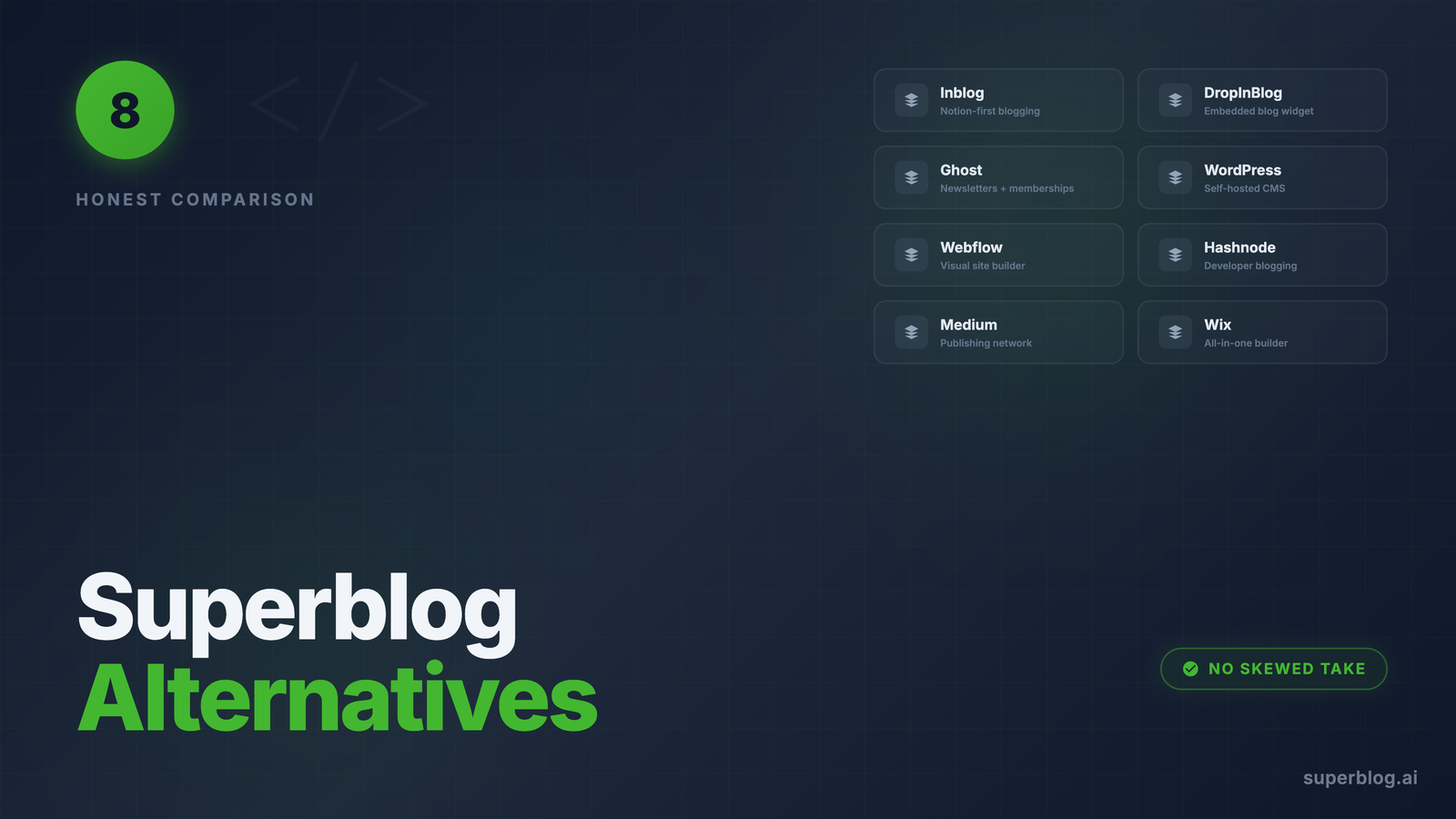
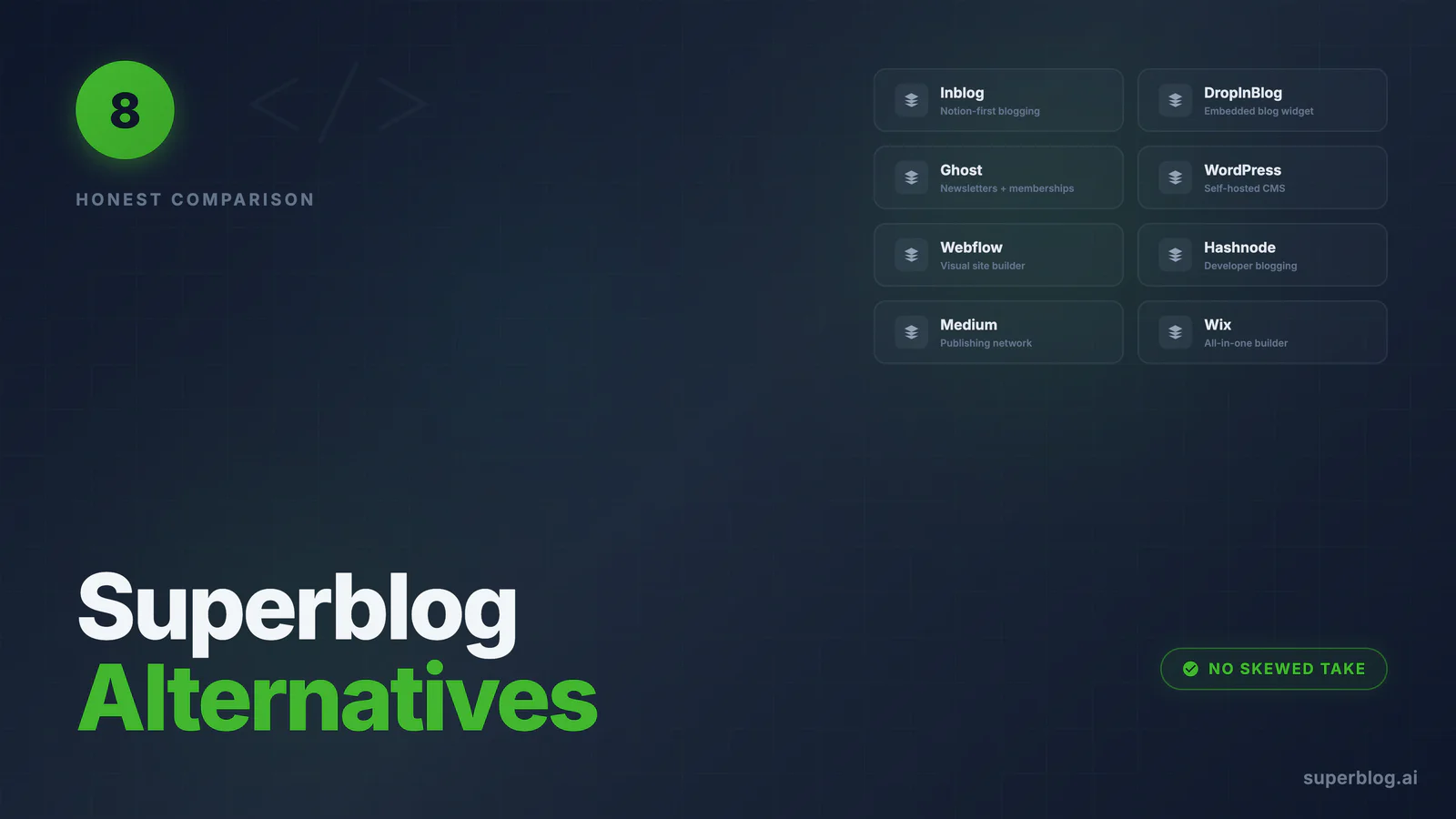
Yes, this is Superblog writing about Superblog alternatives. We would rather you get the honest version from us than a skewed version from a competitor's blog.
Superblog is a fully-managed blogging platform for businesses that treat their blog as a growth channel: 90+ Lighthouse scores on every page, automatic SEO (JSON-LD schemas, sitemaps, IndexNow, LLMs.txt), subdirectory hosting on every plan, and zero maintenance, starting at $29/mo.
That is a specific product for a specific job. If your job is different, a different tool may genuinely serve you better. Here are the eight platforms teams most often evaluate alongside Superblog, what each does well, and when each is the right call.
Why teams look for Superblog alternatives
The honest reasons, based on what evaluators actually ask us:
- No permanent free plan.Superblog offers a 7-day free trial (no credit card required), but no free-forever tier. If your budget is $0, you need an alternative.
- Blogs only. Superblog is not a website builder, newsletter platform, or documentation tool. It does one thing.
- You want to own the code. Superblog is managed infrastructure. If you want to self-host or modify the frontend code directly, an open-source platform fits better.
- You live in another tool. If your team drafts everything in Notion and wants to publish straight from it, a Notion-native platform removes a step.
Quick comparison
1. Inblog
What it is: A managed company-blog platform from a Seoul-based team founded in 2023, positioned around SEO, AI search, and lead capture. Its homepage says it is trusted by 600+ companies.
Strengths:
- Notion integration. Write in Notion, publish to your blog. If your team already lives in Notion, this is a real workflow win and the main reason to pick Inblog.
- Permanent free plan. You can run a blog on Inblog at $0 indefinitely.
- Lead-generation focus. Forms and CTAs are core to the product.
Limitations:
- Usage-based pricing. The Team plan starts at $39/mo and scales with pageviews past 10,000. A blog that succeeds gets more expensive. Superblog plans include 100,000 pageviews per month at a flat price.
- Manual migration. Moving an existing WordPress or Ghost blog to Inblog is a manual process. Superblog imports from WordPress, Ghost, Medium, Webflow, Wix, and more with one click, preserving URL slugs.
- AI search is more messaging than product. Inblog markets AI search heavily; its shipped AI features today are AI URL suggestions, with style matching listed as coming soon. Superblog ships LLMs.txt, IndexNow, and MCP integration.
Pricing: Free; Team $39/mo (priced by pageview tiers); $2,990/yr unlimited-traffic annual plan.
Choose Inblog if: you write in Notion and want to publish from it, or you need a free plan. Even Inblog's own comparison page calls Superblog "the SEO-first blogging platform" and "the better choice when your blog exists primarily to rank and attract organic traffic across markets." See the full Superblog vs Inblog comparison.
2. DropInBlog
What it is: An embedded blog widget that drops into any website builder. Integration guides for 50+ platforms and an official Shopify App Store listing rated 4.6/5.
Strengths:
- Integrations everywhere. Shopify, Webflow, and dozens more, with a genuinely fast setup.
- Design inheritance. The blog automatically matches your existing site CSS.
- Feature extras. Built-in SEO analyzer, Blog Voice AI text-to-speech, and Mention Boost for AI-friendly content structure.
Limitations:
- Price. Solo is $49/mo for one user; the 5-user Team plan is $99/mo. Superblog is $29/mo entry and covers 5 team members at $49/mo.
- Static pages require Cloudflare. Posts render through embed code by default; DropInBlog's SEO Supercharger delivers static pages and IndexNow, but requires hosting your domain's DNS on Cloudflare. Superblog serves pre-built pages on every plan with no DNS changes.
- No multilingual SEO. No hreflang tags, no auto-translation, no per-language sitemaps. Multi-language on DropInBlog means manually maintained per-language categories. Superblog translates into 41 languages with proper hreflang.
- Embed model. Content renders through embed code in your pages rather than as an owned, pre-built frontend.
Pricing: Solo $49/mo, Team $99/mo, Business $499/mo, Business Plus $750/mo (billed yearly).
Choose DropInBlog if: you run a Shopify store and want a one-click app install, or design inheritance matters more to you than price and international SEO. Full breakdowns: Superblog vs DropInBlog and the DropInBlog alternative guide.
3. Ghost
What it is: An open-source publishing platform with first-class newsletters and paid memberships. Available self-hosted (free software) or managed via Ghost(Pro).
Strengths:
- Newsletters and memberships. If your model is subscriptions and paid content, Ghost is purpose-built for it.
- Open source. Self-host it, modify it, own the code completely.
- Clean, focused editor that writers consistently praise.
Limitations:
- Subdirectory hosting is expensive or DIY. Serving Ghost(Pro) at yoursite.com/blog requires the $199/mo Business plan plus a $50/mo add-on, and Ghost still has you run your own reverse proxy. Superblog includes subdirectory hosting at $29/mo. Self-hosting avoids the fee but puts DevOps on your plate.
- SEO is manual-first. No IndexNow, no LLMs.txt, no internal link suggestions out of the box.
- Self-hosting is real work: updates, backups, scaling, and security are yours.
Pricing: Ghost(Pro) Starter $18/mo, Publisher $29/mo, Business $199/mo (billed yearly); subdirectory hosting is a $50/mo add-on available only on Business. Self-hosted: free software plus your infrastructure.
Choose Ghost if: newsletters or paid memberships are the core of your content business, or you have the engineering resources and desire to self-host. More detail in the Ghost alternative comparison.
4. WordPress
What it is: The CMS that powers a large share of the web. Infinitely flexible, self-hosted, with a plugin for everything.
Strengths:
- Total flexibility. Any design, any feature, any integration, via themes and 50,000+ plugins.
- Ecosystem. Every developer and agency knows it; tutorials exist for everything.
- Full ownership. Your server, your database, your rules.
Limitations:
- Maintenance is the product. Core updates, plugin updates, PHP versions, security patches, backups, caching. It is a system you operate, not a service you use.
- Performance requires work. Reaching 90+ Lighthouse scores takes optimization plugins, careful theming, and ongoing attention. Superblog delivers it automatically.
- Real cost is higher than $0. Hosting, premium SEO/performance/form/translation plugins, and maintenance time typically add up to hundreds or thousands per year.
Pricing: Free software; realistic running costs of $300 to $1,500+ per year plus maintenance time.
Choose WordPress if: you need your blog to be part of a larger custom website, need niche plugin functionality, or have a team that already maintains WordPress well. See the WordPress alternative comparison.
5. Webflow
What it is: A visual website builder with a built-in CMS, loved by designers for pixel-level control without code.
Strengths:
- Design freedom. The strongest visual design tool in this list by a wide margin.
- Site + blog in one. If Webflow already powers your marketing site, the CMS is right there.
Limitations:
- Cost stacking. The CMS-capable Premium site plan (Webflow merged its CMS and Business plans in May 2026) is $25/mo billed yearly, $39/mo month-to-month, before workspace seats and add-ons.
- CMS item limits. Premium caps at 20,000 CMS items and 40 collections; past that you are into enterprise-level pricing.
- Blogging is a side feature. No built-in IndexNow, llms.txt is a file you create and maintain yourself, and there is no internal-link suggestion engine or blog-specific SEO automation.
Pricing: Site plans from $15/mo (Basic, billed yearly); the CMS-capable Premium plan is $25/mo billed yearly ($39/mo monthly).
Choose Webflow if: design control over the entire site is the priority and your blog is secondary. Many teams keep the Webflow site and run Superblog at /blog via reverse proxy: Webflow alternative comparison.
6. Hashnode
What it is: A free blogging platform built for developers, with a built-in dev community. Custom domain mapping requires the Pro plan.
Strengths:
- Low-cost custom domain. $5/mo gets you off the hashnode.dev subdomain, cheap relative to most paid platforms.
- Developer network. Your posts get distribution inside the Hashnode community.
- Markdown-first writing experience with GitHub backup.
Limitations:
- Built for individual developers, not business marketing teams. Marketing-team workflows are thin, design control is limited, and there is no IndexNow, no LLMs.txt, and no multilingual SEO.
Pricing: Free; Pro at $5/mo.
Choose Hashnode if: you are a developer building a personal technical blog and audience. For a company engineering blog that feeds a business funnel, compare with the Hashnode alternative page.
7. Medium
What it is: A hosted publishing network where your writing lives on medium.com and gets distributed to Medium's readers.
Strengths:
- Built-in audience. The only platform here that brings readers to you on day one.
- Zero setup. Write and publish in minutes, for free.
Limitations:
- You build Medium's asset, not yours. SEO authority accrues to medium.com, not your domain. Followers belong to the platform.
- No control over design, lead capture, analytics depth, or monetization on your terms.
- Distribution is algorithmic and can change under you.
Pricing: Free to publish.
Choose Medium if: you want reach without owning infrastructure, or as a syndication channel alongside a blog on your own domain. For the ownership trade-offs, see the Medium alternative comparison.
8. Wix
What it is: An all-in-one website builder with a blogging module, aimed at small businesses that want everything in one place.
Strengths:
- Everything in one subscription: site, store, bookings, email, and a blog.
- Low entry price and a very approachable editor.
Limitations:
- The blog is a module, not the product. Blog-specific SEO automation, performance guarantees, and content workflows are thin compared to dedicated platforms.
- Page weight. Wix sites carry heavy JavaScript, which works against Core Web Vitals on content pages.
Pricing: Paid plans from $17/mo (Light); the Business plan is $39/mo on annual billing.
Choose Wix if: you are a small local business that wants one tool for the whole web presence and the blog is occasional. Details in the Wix alternative comparison.
How to choose
Three questions cut through the noise:
- Is the blog a growth channel or a side project? If organic traffic drives revenue, pick a platform where SEO and speed are automatic (Superblog, and to a degree DropInBlog and Inblog). If it is occasional publishing, Medium or your site builder's module is fine.
- Who maintains it?WordPress and self-hosted Ghost need an operator. Managed platforms do not.
- What does year two cost? Flat pricing (Superblog), usage-based pricing (Inblog), plan-gated extras (Ghost's Business-plan-plus-add-on subdirectory), and plugin-stack pricing (WordPress) diverge sharply as a blog grows.
The bottom line
Every platform on this list is the right answer for someone. Ghost for memberships, WordPress for full-site flexibility, Webflow for design, Hashnode for individual developers, Medium for borrowed reach, Inblog for Notion-first teams, DropInBlog for Shopify stores.
Superblog's job is narrower and deeper: business blogs that need to rank, load fast, and require zero maintenance, at a flat price with subdirectory hosting, auto schemas, IndexNow and LLMs.txt included, and multilingual SEO on Super and above. If that is the job you are hiring for, start a free trial and judge it against any platform above. No credit card required, and migration from all of them is free.
Your blog, without the maintenance
Fast pages, automatic SEO, no plugins to patch. Runs on yoursite.com/blog.
Sai Krishna is the Founder and CEO of Superblog. Having built multiple products that scaled to tens of millions of users with only SEO and ASO, Sai Krishna is now building a blogging platform to help others grow organically.
superblog
Superblog is a blazing fast blogging platform for beautiful reading and writing experiences. Superblog takes care of SEO audits and site optimizations automatically.