
7 Best Inblog Alternatives for Business Blogs (2026)

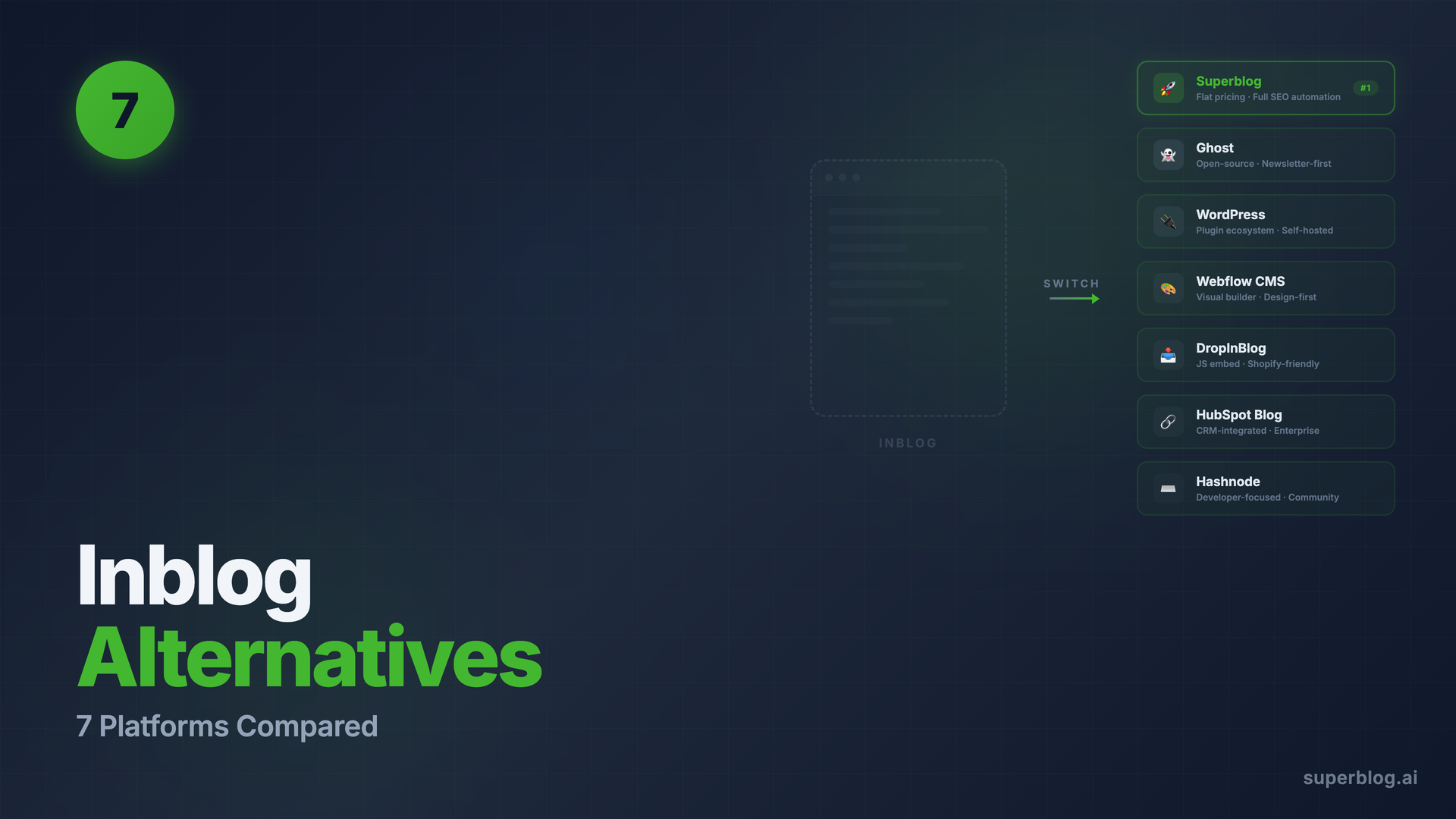
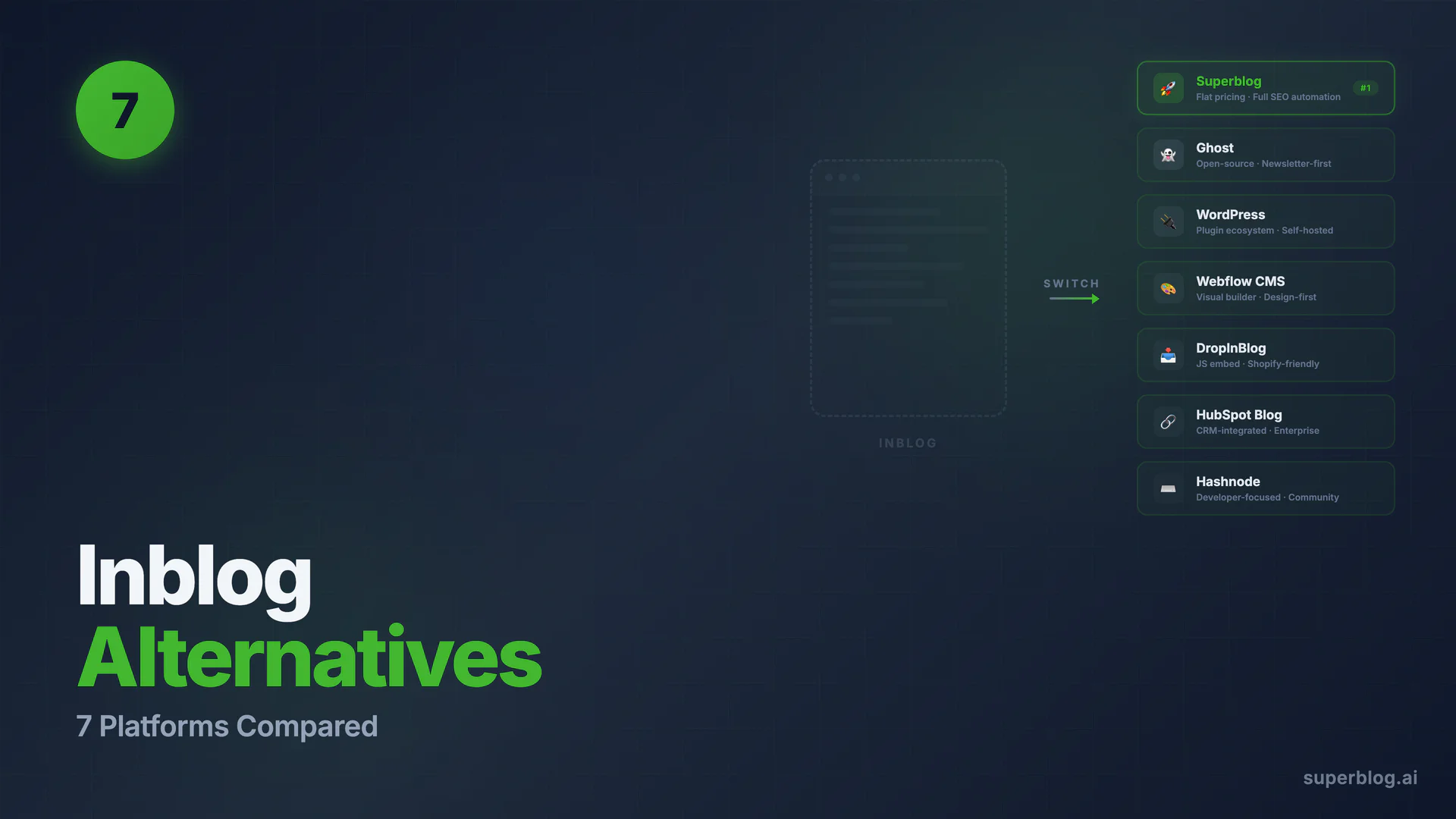
Inblog is a solid SEO blogging platform, but its usage-based pricing model means your bill climbs as your blog succeeds. If you want flat-rate pricing, deeper SEO automation, multilingual reach, or a more complete feature set, these seven alternatives are worth a serious look.
If you are researching Superblog itself alongside Inblog, the full roundup of Superblog alternatives covers how it stacks up against the wider field.
Quick Comparison: 7 Inblog Alternatives
1. Superblog
Superblog is a fully managed blogging platform built specifically for businesses that want organic growth without managing infrastructure. Where Inblog charges based on monthly pageviews, Superblog uses flat-rate pricing: $29, $49, or $99 per month regardless of how much traffic your blog receives.
The platform ships with a complete SEO engine out of the box. Auto-generated JSON-LD schemas (Article, FAQ, Organization), XML sitemaps, IndexNow protocol for immediate search engine notification, and LLMs.txt. No plugins. No configuration. Everything runs automatically on every publish.
Performance is baked in at the architecture level. Superblog uses JAMStack: pages are pre-built as static HTML and served from a global CDN with 200+ edge locations. The result is a 90+ Lighthouse score on every page, automatically, without any performance tuning on your part.
Subdirectory hosting (yoursite.com/blog) is included on all plans. This keeps your blog's domain authority on your root domain, which is the configuration Google recommends for organic growth. Inblog also supports subdirectory hosting, but Superblog includes it without extra setup complexity across any tech stack including Next.js, Webflow, Framer, Shopify, and Squarespace.
On the Super plan ($99/mo), Superblog adds 41-language auto-translation using AWS Translate, with proper hreflang tags, per-language sitemaps, and canonical URLs. Inblog does not currently offer automated multilingual SEO. For businesses with international audiences, this gap is significant.
The REST API, Zapier integration, and MCP (AI agent) access are all available on the Super plan. Superblog ships a documented REST API and native lead generation forms (below posts, sidebar, popup). Inblog's own "best alternatives" article claimed Superblog has "no API access" and "no native lead generation": both claims are outdated and incorrect.
For a detailed head-to-head, see Superblog vs Inblog.
When Inblog might fit better: If your blog is early-stage and you want a zero-cost entry point on Inblog's free plan before paying anything, Inblog's free tier is an option. Superblog starts at $29/mo with a 7-day trial.
Choose Superblog if: You want predictable pricing that doesn't scale with traffic, full SEO automation without plugin management, subdirectory hosting on any stack, or multilingual reach.
2. Ghost
Ghost is an open-source publishing platform with a strong editorial focus. It runs beautifully on its own managed hosting (Ghost Pro) or self-hosted on your own server. For content-heavy blogs with a newsletter or membership component, it remains one of the most refined options available.
On the SEO front, Ghost covers the fundamentals: canonical URLs, Open Graph tags, sitemaps, and clean semantic markup. What it does not do automatically: JSON-LD schemas beyond basic Article schema, IndexNow, or LLMs.txt. You can add structured data via custom code injection, but that requires technical knowledge or a developer.
Ghost does not natively support subdirectory hosting (yoursite.com/blog). Getting Ghost to serve content at a path on your main domain requires reverse proxy configuration, which is technically involved and often breaks on platform updates.
Pricing on Ghost Pro starts at $18/month ($15/month billed yearly) for the Starter tier, scaling to $199/month for the top standard team tier. All tiers are flat-rate with no pageview-based charges. Self-hosted Ghost is free but you pay for your own server, database, and maintenance.
Choose Ghost if: You want a newsletter or paid membership layer alongside your blog, or you prefer self-hosting for full infrastructure control.
Limitation to know: Subdirectory hosting requires manual reverse proxy setup. No IndexNow, no LLMs.txt. Multilingual SEO requires custom development.
3. WordPress
WordPress remains the most widely deployed content management system on the internet. Its plugin ecosystem covers nearly every use case imaginable, which is both its strength and its ongoing cost center.
For SEO, WordPress with Rank Math or Yoast handles sitemaps, meta tags, and schema markup reasonably well. But "reasonably well" means installing, configuring, and maintaining those plugins. Add caching plugins, image optimization plugins, security plugins, and a hosting stack, and you have a significant ongoing maintenance burden.
On Lighthouse performance, a default WordPress installation scores 40-60. Reaching 90+ requires paid hosting (like Kinsta or WP Engine), a CDN, aggressive caching configuration, and image optimization. Each piece adds cost and complexity.
WordPress supports subdirectory hosting. Multilingual is available via WPML (paid plugin). The total cost of ownership is higher than it appears: hosting ($20-100/mo), premium plugins ($50-200/yr each), security patches, and developer time when things break.
The comparison post Best Blogging Platform for Business covers the full WordPress cost picture.
Choose WordPress if: You need a specific plugin that exists nowhere else, or you need maximum flexibility and have a developer who can manage the infrastructure.
Limitation to know: The real cost is rarely just the hosting bill. Security updates, plugin conflicts, and performance tuning are ongoing work. See the full analysis at /blog/blog-platform/.
4. Webflow CMS
Webflow is a visual website builder with a CMS layer bolted on. It is excellent for design-heavy marketing sites. For content-heavy blogs, its CMS item limits and blogging experience create friction.
The current Premium plan starts at $25/month and includes up to 20,000 CMS items. Team and Enterprise tiers sit above that. For a blog publishing 10+ posts per month, costs scale as your content library and seats grow, so model those numbers before committing.
Webflow's blog writing experience is not built for content teams. The editor is not designed for long-form writing workflows, there are no bulk publishing tools, and SEO automation is limited compared to purpose-built blog platforms. Subdirectory hosting on Webflow (yoursite.com/blog where yoursite.com is not a Webflow site) is not natively supported.
Choose Webflow if: Your primary need is a visually designed marketing site where a modest blog is secondary, and your team already knows Webflow.
Limitation to know: Costs scale as your content library and seats grow. No native subdirectory hosting. Blog writing experience is minimal compared to dedicated platforms.
5. DropInBlog
DropInBlog is Superblog's closest competitor in the subdirectory blogging niche. It integrates into existing websites via a JavaScript embed, which loads blog content client-side into your existing page template. For teams with existing Shopify stores or static sites, the setup is fast.
DropInBlog starts at $49/month for a single user and author. Team collaboration (up to 5 users) requires the $99/month plan. Their Business plan is $499/month (top standard tier; a $750 Business Plus exists). At every tier, DropInBlog costs more than Superblog for comparable features: Superblog includes team collaboration (up to 5 members) on the Pro plan at $49/month, still below DropInBlog's $99 team tier.
DropInBlog has genuine strengths worth noting. Their SEO Post Analyzer scores content as you write with real-time keyword and metadata guidance. Blog Voice AI generates audio versions of posts in 20+ voices. Mention Boost helps optimize content for AI search citations. These are features Superblog does not currently offer.
Where DropInBlog falls short: no multilingual SEO (no hreflang, no auto-translation), no LLMs.txt, no internal link suggestions, and no Organization or Breadcrumb schema automation. Advanced SEO features like IndexNow require their SEO Supercharger add-on, which depends on Cloudflare DNS hosting. If you are not already on Cloudflare, that is an added infrastructure dependency.
For a complete comparison, see /dropinblog-alternative and /blog/seo-blog-software/.
Choose DropInBlog if: You run a Shopify store and want a fast-to-embed blog, or you need text-to-speech audio generation for posts.
Limitation to know: Team features are locked behind the $99/month plan. No multilingual SEO. IndexNow requires Cloudflare.
6. HubSpot Blog
HubSpot's CMS Hub includes a blogging module that integrates tightly with HubSpot's CRM, marketing automation, and contact management. For teams already running HubSpot for sales and marketing, keeping the blog inside the same platform has real workflow advantages: blog-to-lead attribution, contact segmentation, and email sequences all connect automatically.
The blog editor is solid, the built-in SEO recommendations are useful, and HubSpot handles sitemap generation and meta tags well. Subdirectory hosting (yourcompany.com/blog) works on HubSpot's domain (yourcompany.hubspot.com/blog) and can be mapped to your custom domain.
Pricing starts at approximately $20/month for the Starter tier, but the features that make HubSpot's blog genuinely powerful (A/B testing, smart content, advanced reporting, CRM integration) are on the Professional tier at approximately $450-500/month. Most teams evaluating HubSpot as a blogging platform discover this gap quickly.
Choose HubSpot Blog if: You are already a HubSpot CRM customer at the Professional tier and want unified sales-marketing attribution from blog to closed deal.
Limitation to know: The entry price understates the real cost. Advanced blog features require Professional (~$450-500/mo). Multilingual blogging requires manual work.
7. Hashnode
Hashnode is a developer-focused publishing platform with a strong community of technical bloggers. It is free at the individual level, with a Pro tier at $5/seat/month and a Startup team plan at $199/month. Custom domains require the Pro plan; the free tier is limited to a hashnode.dev subdomain.
For developer-oriented companies publishing technical content targeting developer audiences, Hashnode's built-in community (readers who already follow technical topics) provides some organic reach that other platforms cannot replicate. The writing experience is clean and markdown-native, which developers tend to prefer.
Where Hashnode falls short for business blogs: no subdirectory hosting (content serves from your subdomain only), no multilingual SEO, no lead generation forms, and limited schema automation. The platform is built for developers writing for developers. If your audience is broader (marketing managers, founders, operations teams), the platform's defaults work against you.
Choose Hashnode if: You are a developer tool or technical SaaS publishing primarily for a developer audience and want built-in community exposure.
Limitation to know: Subdomain only (blog.yoursite.com). No lead gen forms. No multilingual support. Community skews heavily technical.
When to Stay on Inblog
Inblog is a well-built platform. Stay with it if:
- Your blog is early-stage with light traffic and Inblog's free plan covers your needs
- Your team uses Notion and values Inblog's Notion-based workflow
- You are comfortable with usage-based pricing and your traffic is predictable and low
Once your blog starts generating meaningful traffic and you hit Inblog's pageview thresholds, the pricing model changes the economics significantly. That is the right moment to evaluate alternatives.
Frequently Asked Questions
Is Inblog good for business blogs?
Inblog covers the SEO basics well: Lighthouse 90+, sitemaps, structured data, custom domains, and subdirectory hosting. Its free plan makes it accessible for small teams. The main limitation is its usage-based pricing model: costs scale as traffic grows, which is the opposite of what a successful content program needs. For businesses running content as a primary growth channel, a flat-rate platform tends to be more predictable as traffic scales.
How does Inblog's pricing model work?
Inblog's Team plan starts at $39/month and scales based on monthly pageviews. The pricing slider on their website covers tiers from 0 to 10K pageviews up to unlimited traffic. The Annual plan is $2,990/year for unlimited traffic. This means a blog that grows from 5K to 100K monthly pageviews will see its bill increase accordingly. Superblog, by contrast, charges $29-$99/month regardless of pageview volume.
What is the difference between Inblog and Superblog?
The primary differences are pricing model and feature depth. Inblog charges by pageviews (Team plan from $39/mo, scaling up). Superblog charges flat rates ($29, $49, $99/mo) regardless of traffic. On features: Superblog includes LLMs.txt for AI search discoverability, IndexNow for immediate search engine indexing, 41-language auto-translation with proper hreflang, and a REST API and Zapier on the Super plan. Inblog has a free entry tier, which Superblog does not (Superblog offers a 7-day free trial instead). Both platforms support subdirectory hosting and deliver 90+ Lighthouse scores. See the full breakdown at /compare/superblog-vs-inblog.
What is the best Inblog alternative for a business blog?
For most growth-stage businesses, Superblog is the strongest Inblog alternative. Flat pricing means costs do not spike as content marketing succeeds. The full SEO engine (JSON-LD schemas, IndexNow, LLMs.txt, sitemaps) runs automatically on every publish. Subdirectory hosting works on any tech stack. And 41-language auto-translation (Super plan) covers international expansion without a separate translation workflow. Start with a 7-day free trial and your blog is live in under 10 minutes.
Does Superblog have an API?
Yes. Superblog's REST API is available on the Super plan ($99/mo) and documented at superblog.ai/docs. The API covers posts, categories, tags, media, and deployments. MCP integration for AI agents is also included on Super.
Does Superblog have lead generation forms?
Yes. Lead generation forms (below posts, sidebar, popup) are built in, with no third-party tools needed. Webhook delivery for new leads and Zapier integration are on the Super plan.
Your blog, without the maintenance
Fast pages, automatic SEO, no plugins to patch. Runs on yoursite.com/blog.
Sai Krishna is the Founder and CEO of Superblog. Having built multiple products that scaled to tens of millions of users with only SEO and ASO, Sai Krishna is now building a blogging platform to help others grow organically.
superblog
Superblog is a blazing fast blogging platform for beautiful reading and writing experiences. Superblog takes care of SEO audits and site optimizations automatically.