
Best Blogging Tools and Software in 2026: The Minimal Stack That Actually Works

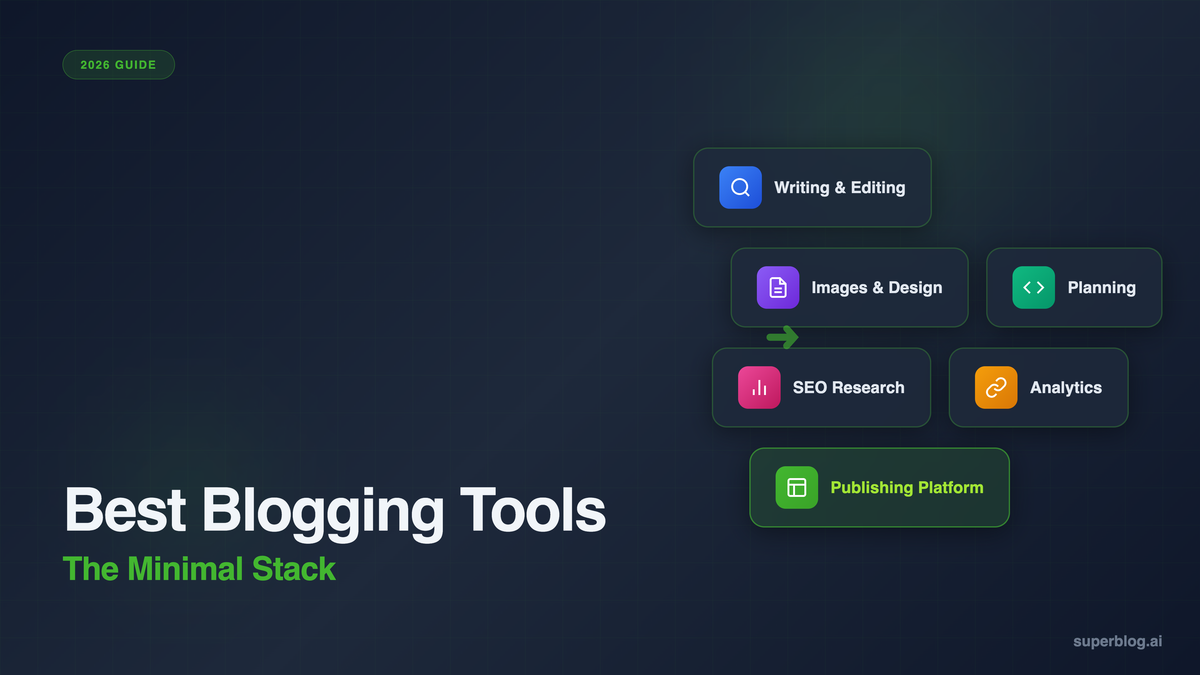
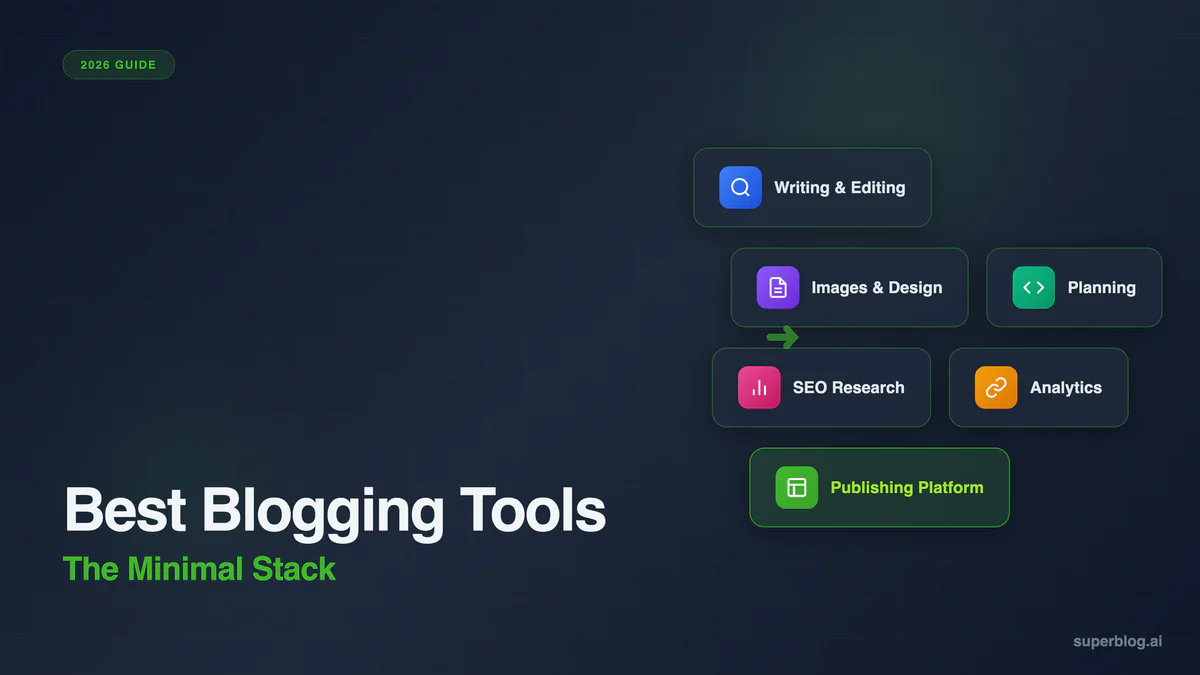
The best blogging tools in 2026 fall into six categories: a publishing platform, a writing and editing tool, an image and design tool, a planning tool, an SEO research tool, and an analytics tool. Most bloggers only need one tool from each category, not the 40-tool stack that most roundups push.
This guide covers the best blogging tools in each category, what each one actually costs today, and which combination is worth paying for. If your gap is specifically SEO tooling, the blog SEO tools guide covers that category in far more depth than this post will.
The Best Blogging Tools: The Minimal Stack First
Before the full list: here is a working six-tool stack that covers everything most blogs need. All pricing was checked in July 2026.
That is a working stack for under $30/month if you stay on free tiers everywhere except publishing. Add Ahrefs once you need competitive keyword data and you are still under $170/month total. Most of the tools in the sections below are alternatives to these six, not additions to them.
Publishing Platforms
Your publishing platform is the one decision that is hard to reverse. Switching writing tools takes an afternoon. Migrating a blog to a new domain structure can cost you months of rankings.
Superblog
Superblog is a fully managed blogging platform built for businesses that depend on organic traffic. It handles hosting, SEO, and performance automatically instead of requiring plugins or manual configuration.
What it does: Every page ships with a 90+ Lighthouse performance score, automatic JSON-LD schemas (Article, FAQ, Organization), auto-generated XML sitemaps, IndexNow submission on publish, and an LLMs.txt file. The editor includes internal link suggestions and an AI Helper for outlines. Hosting works on a subdirectory (yoursite.com/blog), subdomain, or root domain.
Pricing: $29/mo (Basic), $49/mo (Pro), $99/mo (Super). 7-day free trial, no credit card required.
Best for: Businesses running a blog as a growth channel who want the SEO and performance layer handled without a plugin stack.
Ghost
Ghost is an open-source publishing platform built around memberships and newsletters. It is a strong choice if part of your model is paid subscriptions.
What it does: Native email newsletters, member management, paid subscriptions, and a clean editor. SEO features (sitemaps, meta tags) are built in but more basic than a platform built specifically around search.
Pricing: $18/mo (Starter), $29/mo (Publisher), $199/mo (Business).
Best for: Writers and publications monetizing through paid newsletters rather than organic search traffic.
WordPress
WordPress still powers a large share of the web. It is infinitely customizable through plugins, which is both its main strength and its main cost center.
What it does: Free core software, thousands of themes and plugins, full control over hosting and code. SEO, caching, image optimization, and security all require separate plugins that need updates and can conflict with each other.
Pricing: Free software; hosting typically $10 to $50+/month, plus plugin costs (an SEO plugin, a caching plugin, a security plugin) that add up fast.
Best for: Teams with development resources who want full control and are willing to own ongoing maintenance.
Squarespace
Squarespace is a website builder with blogging as a secondary feature. The templates are strong; the blogging tools are not built for SEO depth.
Pricing: Plans run from $16/mo to $99/mo depending on tier, billed annually for the best rate.
Best for: Visual, design-first sites where the blog is a small part of a larger website.
Publishing Platforms Comparison
Writing and Editing Tools
Grammarly
Grammarly is the standard grammar and style checker for blog writing. It works as a browser extension, a desktop app, and inside most editors.
What it does: Catches spelling and grammar errors, flags unclear sentences, and offers tone and clarity suggestions. The paid tier adds full-sentence rewrites and a plagiarism checker.
Pricing: Free tier available. Pro is $12/mo.
Best for: Every blog, regardless of niche. This is close to a default install.
Hemingway Editor
Hemingway Editor grades your writing for readability and flags long or complex sentences, passive voice, and adverb overuse.
What it does: A readability score, highlighted sentences that are hard to read, and direct rewrite suggestions. No account or subscription needed for the web version.
Pricing: Free online. The desktop app is a one-time purchase, and a newer Editor Plus subscription tier exists for AI-assisted rewrites.
Best for: Writers who want a second pass focused on clarity rather than grammar rules.
Notion
Notion is a workspace for drafting, outlining, and organizing posts before they go anywhere near a publishing platform.
What it does: Databases for tracking post status, a flexible editor for drafting, and shared workspaces for teams reviewing drafts together.
Pricing: Free for individuals. Plus is $10/mo, Business is $20/mo.
Best for: Teams that need a shared drafting and editorial workspace separate from the CMS.
Images and Design Tools
Most blogging tool lists skip this category, but a post without a decent cover image and in-post graphics underperforms on social shares and skims poorly.
Canva
Canva is the standard tool for blog cover images, social share graphics, and basic infographics, built for people without design training.
What it does: Drag-and-drop templates for blog headers, social posts, and basic charts. A large stock photo and icon library.
Pricing: Free tier is usable for most blog graphics. Pro runs roughly $10/mo billed annually or $15/mo billed monthly.
Best for: Non-designers who need presentable graphics fast.
Superblog's Featured Image Creator
For a faster, no-signup option specifically for blog cover images, Superblog's free featured image creator generates a properly sized header image from a template in under a minute.
Pricing: Free.
Best for: Quick cover images when you do not want to open a full design tool for a single graphic.
Planning and Content Ideas
Google Trends
Google Trends shows what topics are rising or falling in search interest over time, which is useful for timing content and validating a topic before you commit to it.
Pricing: Free.
Best for: Sanity-checking topic timing and seasonal patterns.
An Editorial Calendar
Whatever tool you use for planning (Notion, a spreadsheet, or a dedicated calendar tool), the structure matters more than the software. Our editorial calendar template covers weekly, monthly, and quarterly views you can copy directly.
SEO Research Tools
SEO tooling deserves its own deep dive, not a rehash here. The condensed version below covers what most blogs actually need; the complete blog SEO tools guide breaks down keyword research, on-page optimization, technical SEO, and link building tools in full, with pricing and comparison tables for each category.
Ahrefs
Ahrefs remains the standard for keyword research and backlink analysis, with the largest link database of any tool on this list.
Pricing: Starter is $29/mo, Lite is $129/mo (or ~$108/mo billed annually), Standard is $249/mo.
Best for: Teams that need comprehensive keyword and competitor data. See the blog SEO tools guide for how it compares to Semrush and Ubersuggest.
Google Search Console
Search Console shows which queries you already rank for, with real click and impression data instead of estimates.
Pricing: Free.
Best for: Every blog. This is not optional. For a deeper look at using GSC data for topic selection, see keyword research for blogs.
Analytics Tools
Google Analytics 4
GA4 is the free, comprehensive standard for tracking traffic sources, sessions, and conversions.
Pricing: Free.
Best for: Teams that want detailed behavioral data and are willing to configure it properly.
Plausible
Plausible is a lightweight, privacy-friendly alternative to GA4 that skips cookie consent banners entirely.
Pricing: Starts around $9/mo for 10K monthly pageviews.
Best for: Teams that want clean traffic numbers without a GDPR consent banner.
Built-In Platform Analytics
Some publishing platforms, Superblog included, ship privacy-friendly analytics (via Pirsch) as part of the subscription, which removes this line item from your stack entirely.
Blog Ranking and Analytics Software
The six-tool stack above tells you what you published, not where each post ranks. Once you have positions worth defending, dedicated blog ranking software becomes the next line item worth paying for.
Start with Google Search Console, covered in the SEO research section above. It is free, it reports real positions and impressions per query, and for most blogs it is enough on its own. The tools below are what you add when daily tracking starts to matter.
AccuRanker
A dedicated rank tracker built around daily position updates rather than weekly averages, with Search Console and Google Analytics integration and keyword tagging for grouping posts by cluster.
Pricing: Professional starts at $224/mo, with 2,000, 3,000, or 5,000 keyword options. Expert is $764/mo. Annual billing takes 10% off.
Best for: Content teams tracking hundreds of posts who need day-to-day movement, not a weekly snapshot.
Semrush Position Tracking
Semrush's rank tracking module sits inside its wider SEO suite, so you get position tracking alongside keyword research and site audits rather than as a standalone product.
Pricing: The SEO plan is $117.33/mo billed annually. Starter is $165.17/mo and Pro+ is $248.17/mo.
Best for: Teams that want ranking data and keyword research on one bill instead of two subscriptions.
SE Ranking
A lower-cost dedicated tracker that bundles rank tracking with keyword research, competitor analysis, and site audits.
Pricing: Core starts at €87.20/mo on annual billing and covers rank tracking for 2,000 keywords. Growth starts at €188/mo. 14-day free trial, no credit card required.
Best for: Small teams that want dedicated tracking without an enterprise price tag.
Pirsch
Ranking data tells you where you appear. Pirsch tells you what readers do once they arrive, with no cookies and no consent banner. It is the same analytics Superblog bundles into its Pro ($49/mo) and Super ($99/mo) plans, so buy it standalone only if your platform doesn't already include it.
Pricing: Standard is $6/mo for 10,000 monthly pageviews. Plus is $12/mo.
Best for: Blogs that want reader behavior data without a GDPR banner.
Distribution and Email
Kit (formerly ConvertKit)
Kit is built for creators who want to turn blog readers into an email list they own.
What it does: Email sequences, landing pages, and subscriber tagging built around content creators rather than ecommerce.
Pricing: Free up to 10,000 subscribers with limited automation. Creator starts at $39/mo and Creator Pro at $79/mo, both scaling with subscriber count.
Best for: Blogs building a direct-to-inbox audience alongside search traffic.
Buffer
Buffer schedules blog post promotion across social channels from one dashboard.
Pricing: Free for 3 channels. Essentials is $5/mo per channel and Team is $10/mo per channel, billed annually.
Best for: Solo bloggers and small teams distributing posts across two or three social accounts.
AI Assistants
AI tools now sit inside most of the categories above rather than standing alone: Grammarly rewrites sentences, Surfer and Ahrefs layer AI into content briefs, and most publishing platforms now ship an AI helper for outlines.
Superblog AI Helper
Built into the Superblog editor, AI Helper takes a target keyword and generates a post title plus a structured H2/H3 outline, using your site's own context.
Pricing: Included on the Super plan ($99/mo).
Best for: Teams that want outline generation without a separate AI writing subscription.
ChatGPT or Claude (General Purpose)
For drafting, editing, and research support outside a dedicated blogging tool, general-purpose AI assistants remain the most flexible option, at the cost of needing more editorial judgment on the output.
Pricing: Free tiers available; paid plans typically $20/mo.
Best for: Research, outlining, and first-draft generation when you don't need a purpose-built content tool.
Tools We Cut From This List
Blogging tool roundups tend to hold onto entries long after the product stops mattering. A few notes on what changed:
- Largely inactive platforms like Postach.io, Svbtle, Silvrback, and Blot.im no longer belong on a 2026 list. They still operate, but they see minimal active development and thin community support compared to the platforms above.
- Venturz has shifted focus away from blogging as a core feature; it's now positioned as a broader startup toolkit, so it's out of scope here.
- Pricing changed materially on several tools since the last version of this guide. Ahrefs added a $29/mo Starter tier but raised Lite from $99 to $129/mo. Surfer restructured its plans entirely (Discovery, Standard, Pro, Peace of Mind) at different price points than before. We've updated every number in this guide to match.
How to Actually Choose
Start with the categories, not the tools. You need a place to publish, a way to check your writing, a way to make a cover image, a place to plan, a way to research keywords, and a way to measure what happens after you hit publish. That's six decisions, not forty.
Pick the free option in each category until something breaks. Google Search Console and Google Analytics stay free forever and rarely need replacing. Grammarly's free tier catches most errors most people need caught. Canva's free tier covers basic blog graphics. The categories worth paying for early are publishing (because a slow, poorly indexed blog costs you traffic every day it stays slow) and, once you have traffic to protect, keyword research.
Adding a fourth SEO subscription or a second AI writing tool rarely moves the needle as much as fixing a technical SEO gap or publishing more consistently. Tool sprawl feels like progress. It's usually just overhead.
FAQ
What is the best free blogging tool?
For publishing, WordPress.org's core software is free (hosting still costs money). For everything else, Google Search Console and Google Analytics 4 are free and adequate for most blogs, Grammarly's free tier catches most writing errors, and Canva's free tier covers basic graphics.
Do I need an SEO tool if I'm just starting a blog?
Not right away. Google Search Console is free and shows you which queries you're already appearing for. A paid keyword research tool like Ahrefs becomes worth it once you're publishing consistently and need to find new topics with real search volume, not before.
What's the difference between a blogging platform and a CMS?
A blogging platform like Superblog or Ghost includes hosting, the frontend design, and publishing tools in one product. A traditional CMS, or a headless CMS, typically requires you to build or maintain the frontend separately. This matters for setup time and ongoing maintenance, not just cost.
Is Grammarly worth paying for?
The free tier covers spelling, basic grammar, and tone flags, which is enough for many bloggers. The $12/mo Pro tier adds full-sentence rewrites and a plagiarism checker, which is more useful for teams publishing at volume or writers who want a second editing pass built in.
How many tools does a small blog actually need?
Six, at most: a publishing platform, a writing/editing tool, an image tool, a planning tool, an SEO research tool, and an analytics tool. Most of those have usable free tiers. The "minimal stack" section above lays out a working combination for under $30/month outside your publishing platform.
Should I use an all-in-one platform or individual best-of-breed tools?
Depends on your team size. Solo bloggers and small teams generally do better consolidating into a platform that handles publishing, SEO, and analytics together, since it removes coordination overhead. Larger content teams publishing at high volume sometimes need the depth of dedicated tools in each category, at the cost of managing more subscriptions and integrations.
What blogging tools changed the most in 2026?
Pricing moved across the board. Ahrefs added a cheaper Starter tier but raised its core Lite plan. Surfer rebuilt its plan structure. Several older, more niche publishing platforms (Postach.io, Silvrback, Svbtle) saw little to no active development, which is worth knowing before you build on top of one.
Start With the Platform
The tools in this guide are all replaceable. Your publishing platform is the one piece of the stack that's expensive to change later, so it's worth getting right first.
If you want a blog that ships with SEO and performance handled automatically, try Superblog free for 7 days. No credit card required.
Your blog, without the maintenance
Fast pages, automatic SEO, no plugins to patch. Runs on yoursite.com/blog.
Sai Krishna is the Founder and CEO of Superblog. Having built multiple products that scaled to tens of millions of users with only SEO and ASO, Sai Krishna is now building a blogging platform to help others grow organically.
superblog
Superblog is a blazing fast blogging platform for beautiful reading and writing experiences. Superblog takes care of SEO audits and site optimizations automatically.