
Best Blogging Platform for Ecommerce 2026: 9 Options for Stores That Want Search Traffic

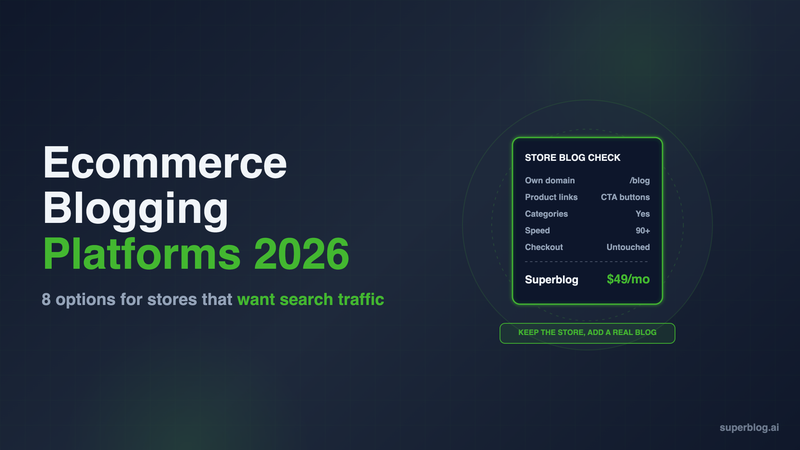
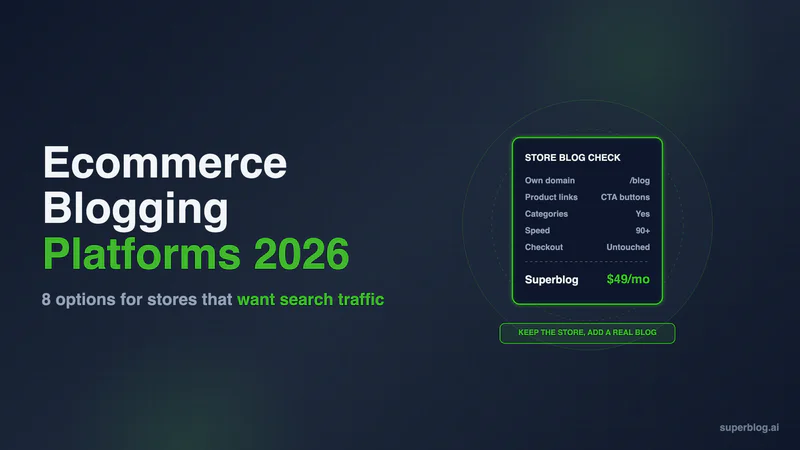
The best blogging platform for ecommerce puts posts on your store's own domain, links straight to product pages, and loads fast enough that Google keeps sending shoppers to it. The built-in blogs in Shopify, BigCommerce, Wix and Squarespace cover the first two and leave SEO and speed to your theme. A dedicated blog platform at yourstore.com/blog covers all three, at an extra monthly cost. This list compares nine options for stores that want search traffic, not just a news page.
Five Tests for an Ecommerce Blog Platform
A store blog earns its place when buying-intent searches ("running shoes for flat feet", "how to clean a cast iron pan") land on a post and the reader clicks through to a product. Five tests decide whether a platform can do that.
- Same domain. Posts should sit at yourstore.com/blog, so every link a post earns builds the domain your product pages rank on. A separate domain or a subdomain splits that authority.
- Product linking. A post should send readers to a product page in one click, ideally with a product card or button instead of a bare text link.
- Speed. Blog pages are often the first page a shopper sees. On a store blog, speed is your theme's speed plus every app script the storefront loads.
- SEO on publish. Article schema, an updated sitemap and a search-engine ping should happen when you hit publish, not after a plugin setup.
- Content structure. Gift guides, how-tos and care instructions need categories, several writers and room for hundreds of posts.
Store platforms win the first two tests by default. Dedicated blog platforms win the last three. Superblog passes the first test on Shopify, Wix, Squarespace and Webflow too, by putting the blog at /blog through a Cloudflare Worker. The rest of the list shows where each option lands. For a list that covers creators and developers too, see our roundup of blogging platforms.
Ecommerce Blog Platforms at a Glance
US list prices, checked on each vendor's site on November 6, 2026 (Webflow on November 10).
1. Superblog: A Dedicated Blog at yourstore.com/blog
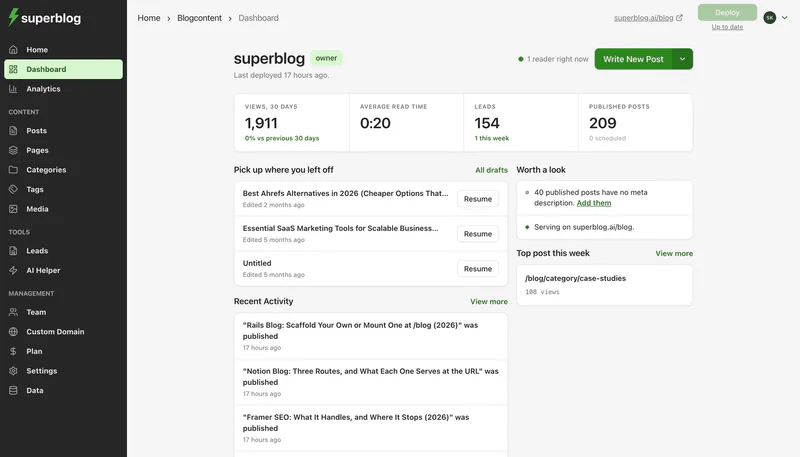
Price: $49/month (Pro) or $530/year. $99/month (Super) or $1,070/year. 7-day free trial, no credit card required.
Superblog is a fully managed blogging platform. The editor, hosting, CDN, SSL and SEO engine come in one price, and the blog runs at /blog on the store you already have. Your products, cart and checkout stay on Shopify, WooCommerce, Wix, Squarespace or Webflow.
What it does well for a store:
- Fast pages on a store domain. Posts are pre-built and served from 200+ CDN edge locations, images convert to WebP automatically, and every page scores 90+ on Lighthouse. App scripts from the storefront do not load on the blog.
- SEO on publish. Every post gets JSON-LD for Article, WebPage, Organization, ImageObject and FAQ, an updated XML sitemap, an IndexNow ping and an entry in your llms.txt file.
- Structure for a content team. Categories and tags, up to 5 team members and 1,000 posts on Pro, scheduled posts, and internal link suggestions that find related posts as you write.
- Lead capture built in. Forms below posts, in the sidebar or as pop-ups grow the email list without a separate form app.
How /blog works on each store platform: On WooCommerce, the Superblog Proxy plugin for WordPress handles the route. Shopify, Wix and Squarespace cannot add proxy rules, so the setup puts your domain on Cloudflare's free plan and a Cloudflare Worker sends /blog to Superblog and every other path to the store. The dashboard generates the Worker code for you. Cloudflare documents this setup for Shopify domains and keeps Workers off the /checkout path. The free Workers plan covers 100,000 requests a day. BigCommerce has no dedicated setup guide in the Superblog dashboard, so confirm the route with Superblog support before you pick a plan. The /blog connection turns on once you pick a paid plan.
Where it asks something of you: There is no product catalog sync. A post links to a product page with a normal link or a CTA button, not a live product card with price and stock. Moving existing Shopify posts is indirect: Shopify's admin cannot export blog posts, so you export them to CSV or JSON with an app such as Matrixify, then bring them in with the JSON import or the spreadsheet import (Super and above) and map the columns. File imports take up to 300 posts at a time.
Choose it if: the blog is meant to be a traffic channel, you want it on the store's domain, and you do not want to rebuild the store to get there. Our Superblog for Shopify page shows the setup for Shopify stores.
2. Shopify Blog: Free, and Theme-Bound

Price: Included with the store. Basic is $29/month billed yearly ($348 a year) or $39 month to month.
Strengths: The blog costs nothing extra and shares the store's domain and session, so a reader who clicks into a product never leaves. You can add product images and links in the rich text editor, schedule posts, and pick a custom theme template per post. Every blog gets an RSS feed.
Limits: There are no categories, only tags. Authors must be store staff, so a freelance writer needs a staff account to get a byline. The search engine listing has three fields: page title, meta description and URL handle. Posts always sit under a blog handle, such as /blogs/news/. Speed and schema are whatever your theme provides. Our post on Shopify blog limitations covers each one and the workarounds.
Choose it if: you publish a few product-led posts a month and want zero extra tools.
3. WooCommerce on WordPress: One Install for Store and Blog
Price: The WooCommerce plugin is free and open source. Hosting, a theme and premium extensions are separate bills.
Strengths: WooCommerce is a commerce plugin for WordPress, so the store and the blog are one install on one domain. WordPress posts have categories, tags and multiple authors, and a post links to any product in the same install. You choose any host and own every file.
Limits: SEO, caching, security and backups all come from plugins you install, configure and keep updated. Every plugin also loads on the blog, so a heavy store setup slows the posts down. The store and the blog share one install, so every plugin update touches both. Our guide to WordPress alternatives for ecommerce blogs covers the options for moving the blog off WordPress while the store stays.
Choose it if: you already run WooCommerce and someone on the team manages WordPress plugins.
4. BigCommerce Blog: Basic by Design
Price: Included with the store. Core is $29/month billed annually ($348 a year) or $39 month to month.
Strengths: The blog is on every plan and inside the same admin as your catalog. Each post has an author, tags, a meta description and a URL field, and BigCommerce creates a redirect by default when a post URL changes. Storefront search covers post titles, bodies and tags.
Limits: BigCommerce's own help center calls it "a basic blog". Tags are the only grouping it describes. There is no scheduling: you save a draft and publish later by hand. The look of the blog is controlled by the store's theme. For more features, including multilingual support, BigCommerce's help article points stores to WordPress.
Choose it if: you run BigCommerce, post occasionally, and want to keep everything in one admin.
5. Wix: Store and Blog in One Editor

Price: Selling on Wix starts on Core, at $29/month billed yearly ($348 a year).
Strengths: If your store is already on Wix, the blog is a tab in the same editor and posts share the site's design. On Premium plans Wix sends IndexNow pings automatically when you publish.
Limits: Post URLs carry a /post/ prefix that you can rename but not remove. SEO depth stays at the level Wix sets, and the blog only serves Wix sites. A store that outgrows the blog can keep the Wix store and put a managed blog at /blog with a Cloudflare Worker.
Choose it if: your store runs on Wix and you post a few times a month.
6. Squarespace: Polished Store Pages, Fixed SEO Files

Price: Every plan can sell. Basic is $19/month billed yearly ($228 a year) with a 2% online store transaction fee. Core, at $29/month billed yearly ($348 a year), charges no Squarespace fee on online store transactions.
Strengths: Templates look professional with no design work, which suits brands where the blog doubles as a lookbook. Products, pages and posts share one design system.
Limits: The sitemap cannot be edited, and llms.txt is a text field you write and update by hand, on version 7.1 sites only. The blog only serves Squarespace sites.
Choose it if: your store is on Squarespace and the look of the blog matters more than its SEO depth.
7. Webflow: Store, Blog and Design in One Project

Price: Ecommerce Standard is $29/month billed yearly ($348 a year), with 500 ecommerce items and a 2% transaction fee. Plus, at $74/month billed yearly, raises the catalog to 5,000 items and drops the Webflow fee to 0%. Advanced is $212/month billed yearly.
Strengths: Products and posts live in one Webflow project, so the blog shares the store's design and domain with no extra tool. Standard includes 2,000 CMS items for posts, counted apart from the product catalog, and 3 staff accounts. Webflow generates the XML sitemap, and gives you 301 redirects, schema markup support and control over robots.txt and llms.txt.
Limits: The 2% fee on Standard comes on top of Stripe or PayPal processing. Catalog caps of 500 and 5,000 items suit focused brands, not large inventories. Templates are built in a visual design tool, so layout changes need someone who knows Webflow. A store that wants more SEO on publish can keep the Webflow store and run a managed blog at /blog on Webflow.
Choose it if: your brand site already runs on Webflow, the catalog is small, and design matters as much as search.
8. Shopify Blog Apps: Upgrades Inside the Store
Price: Bloggle (rated 4.8 from 339 reviews on the Shopify App Store) runs $19.90/month (Starter), $49.90/month (Pro) or $79.90/month (Business), with a 14-day free trial.
Strengths: Apps like Bloggle add what the native editor lacks: a drag-and-drop editor, product blocks, tables of contents, FAQ sections and live SEO scoring. Bloggle syncs with your theme's styles, posts are hosted on your store, and you keep the content if you uninstall.
Limits: The posts still render through the Shopify storefront, so speed still depends on the theme and every app on the store. Shopify's app proxy, which lets an app serve its own pages on the store domain, only accepts paths under /a, /apps, /community or /tools, so no app can move the blog to a plain /blog path. We compare the main options in our guide to Shopify blog apps.
Choose it if: you want a richer editor and product blocks, and you are staying inside the Shopify blog.
9. DropInBlog: An Embedded Blog With Product Embeds
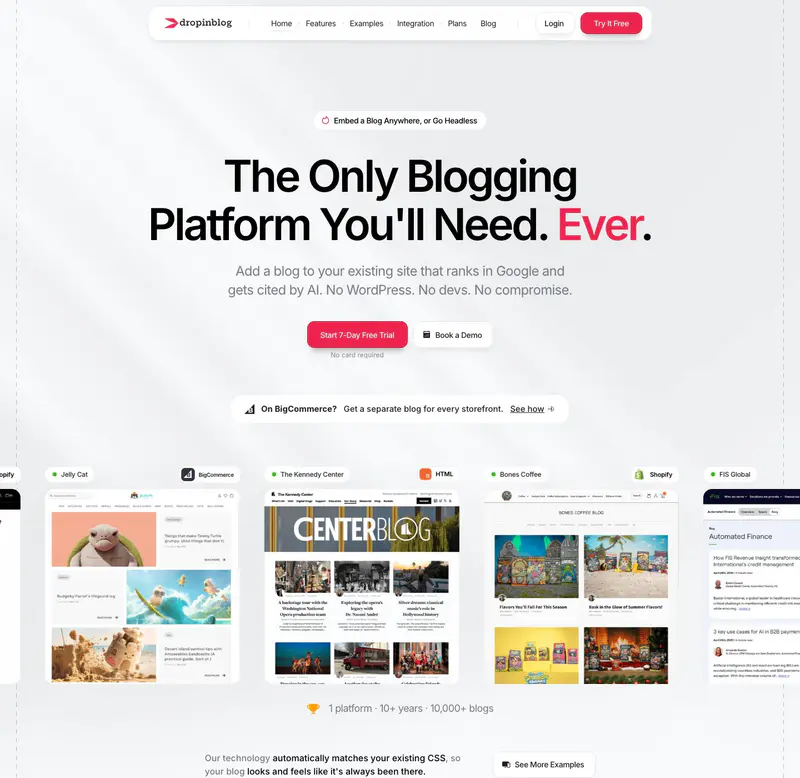
Price: Solo is $79/month billed yearly ($948 a year) or $99 month to month, for 1 user. Team is $159/month billed yearly or $199 month to month, for 5 users.
Strengths: DropInBlog has apps for Shopify and BigCommerce. On Shopify it replaces the built-in blog, takes on the store's design, and adds schema markup to every post, multiple categories, author profiles without staff accounts, a custom URL structure and product embeds that let readers shop from the post.
Limits: Seats drive the price. Solo costs $948 a year billed yearly for 1 user, against $530 for Superblog Pro with up to 5 team members. A second writer means the Team plan, at $1,908 a year.
Choose it if: live product embeds in posts matter more to you than cost per seat.
How to Choose the Best Blogging Platform for Ecommerce
Start with the store platform. It decides most of the answer.
- Shopify. Use the built-in blog for occasional product posts, and an app such as Bloggle if you want product blocks inside the Shopify blog. Move to a dedicated blog at /blog when you need categories, writers without staff accounts, or pages that load fast regardless of the theme. Our Shopify blog SEO guide covers what to fix first.
- WooCommerce. You already have a blog. The question is whether anyone has time to keep its plugins updated and fast. If not, move the blog to a managed platform and keep the store.
- BigCommerce. The built-in blog suits a few posts a quarter. Without scheduling or categories, a content calendar needs a separate platform.
- Wix, Squarespace or Webflow. Use the built-in blog while posting is occasional. Put a managed blog at /blog in front of the same store when search traffic becomes a goal.
- Any platform, content-led growth. If posts are a main acquisition channel, judge the blog on speed and SEO on publish, and keep it at /blog on the store domain.
For ideas on what to publish once the platform is set, see these ecommerce blog examples.
FAQ
Does Shopify's blog have categories?
No. Shopify blog posts use tags, not categories.
Can I run a blog at /blog on a Shopify store?
Yes, with a managed platform such as Superblog routed through a Cloudflare Worker.
Is a separate blog platform worth it for a small store?
Not under a few posts a month. The built-in blog is enough at that volume.
Can Superblog import my Shopify blog posts?
Yes, from a JSON or CSV export (CSV import is Super and above), up to 300 posts per import.
Which ecommerce blog option costs least?
The built-in blog on Shopify, BigCommerce, Wix, Squarespace or Webflow, included with the store plan.
What does Superblog cost?
$49/month (Pro) or $99/month (Super), with a 7-day free trial, no credit card required.
Your blog, without the maintenance
Fast pages, automatic SEO, no plugins to patch. Runs on yoursite.com/blog.
Sai Krishna is the Founder and CEO of Superblog. Having built multiple products that scaled to tens of millions of users with only SEO and ASO, Sai Krishna is now building a blogging platform to help others grow organically.
superblog
Superblog is a blazing fast blogging platform for beautiful reading and writing experiences. Superblog takes care of SEO audits and site optimizations automatically.