
Blog on Squarespace: The Built-In Blog vs a Faster Setup (2026)

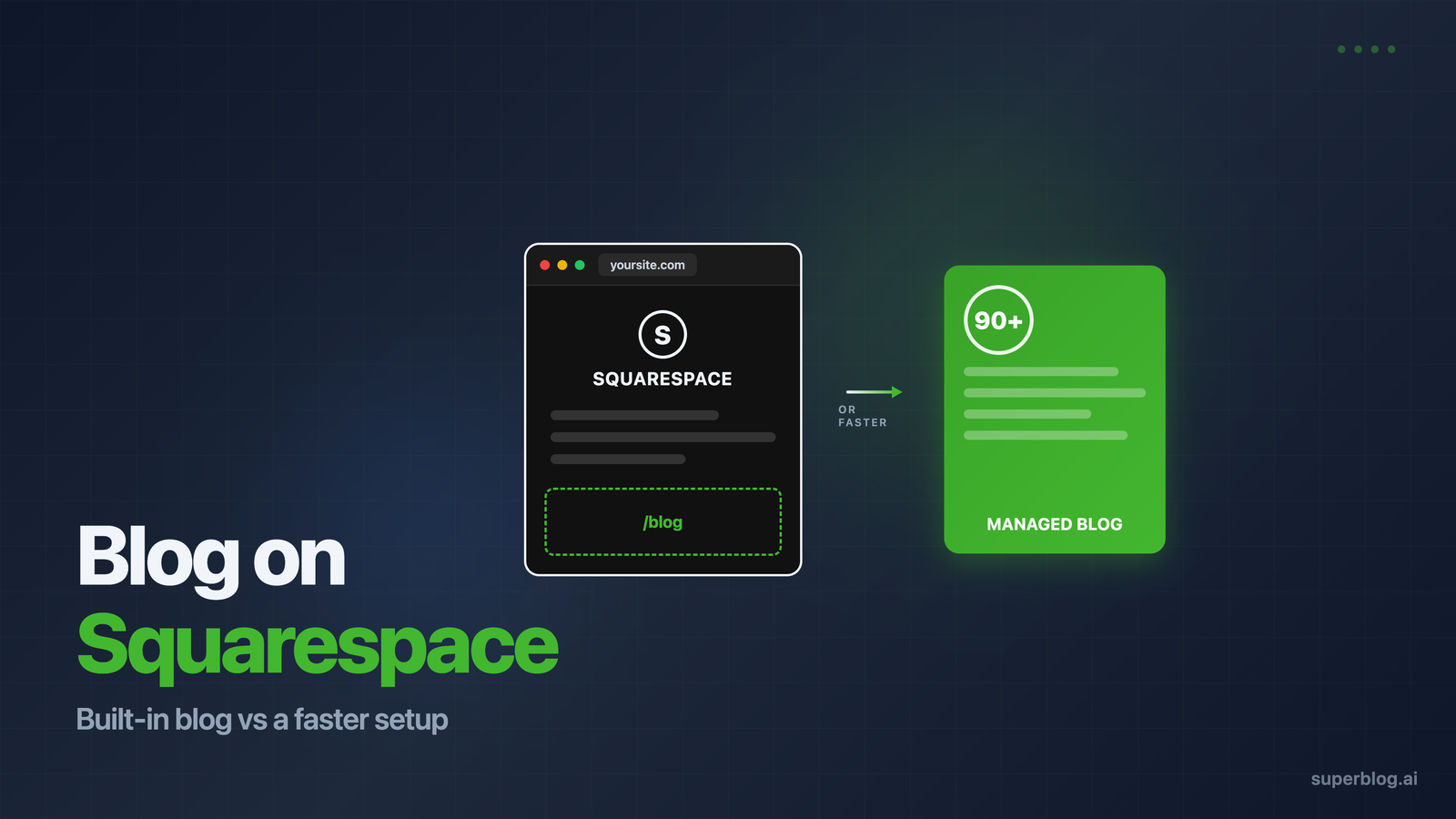
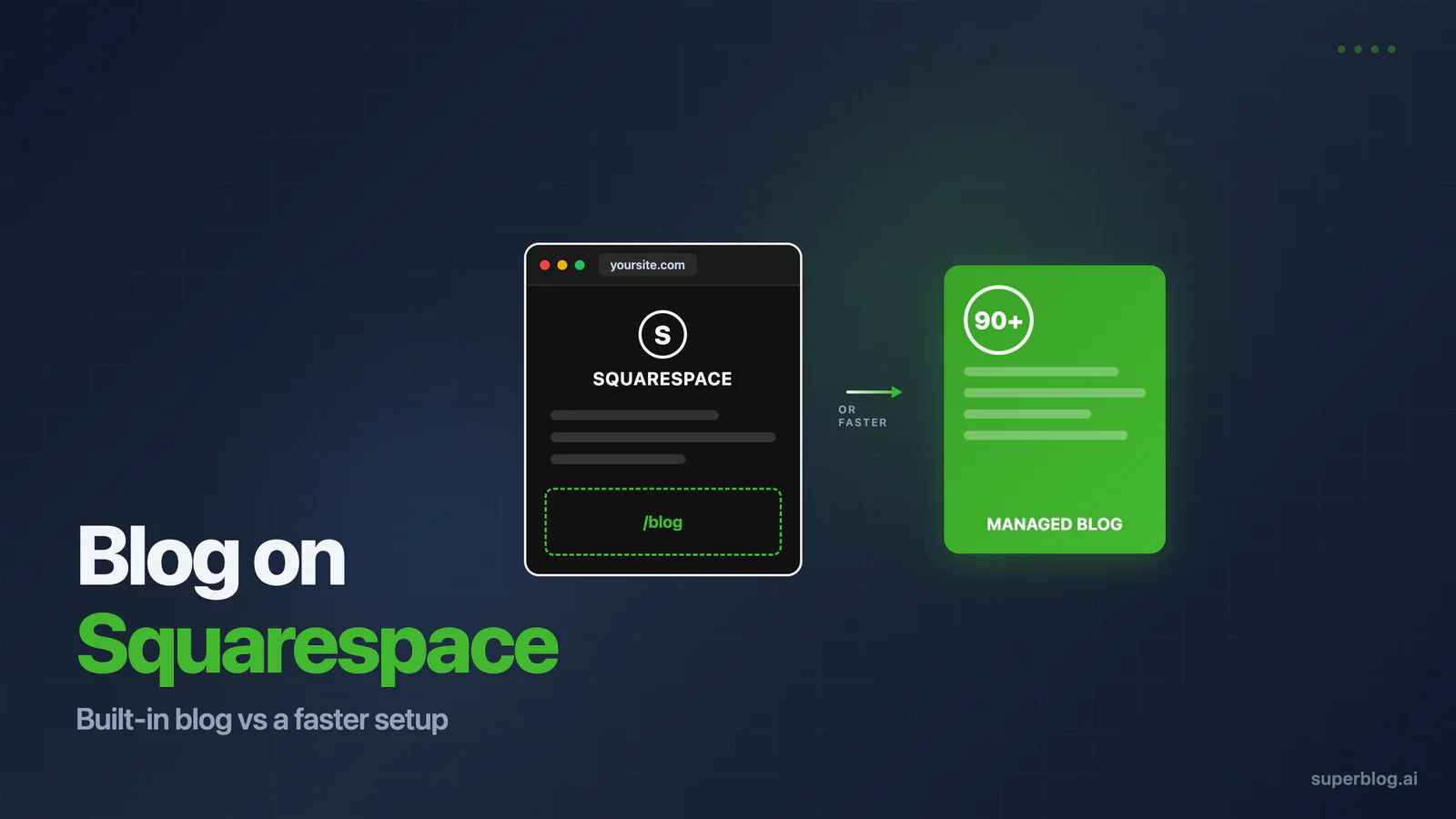
Squarespace ships with a real blog. Not a bolted-on afterthought, an actual blogging tool with scheduling, categories, RSS feeds, and per-post SEO fields, included on every plan. For a portfolio site, a restaurant, or a founder publishing twice a month, it does the job.
But "included" and "built for rankings" are different things. If your blog is a growth channel, the one that needs to compound organic traffic month after month, Squarespace's built-in blog starts hitting walls: page speed you cannot fully control, schema markup you cannot customize, and URL structures locked by the platform.
This guide covers both paths honestly. First, how to set up and run the native Squarespace blog well, because for many sites that is the right call. Then, where it limits growth-serious teams, and how to keep your Squarespace site while running a faster managed blog at yoursite.com/blog.
The short answer
- Publishing occasionally to support an existing site? Use the built-in Squarespace blog. It is included in your plan, lives on your domain, and takes minutes to set up.
- Treating the blog as a primary acquisition channel? The native blog will cap your technical SEO. A managed blog on a subdirectory gives you 90+ Lighthouse scores, automatic schemas, and full SEO control while your main site stays on Squarespace.
Now the details.
Part 1: How to set up a blog on Squarespace
Every Squarespace plan includes blogging. As of 2026, plans run from Basic at $16/month (billed annually, $25 month-to-month) through Core at $23, Plus at $39, and Advanced at $99. You do not need a higher tier to publish posts, though custom code injection, which matters later for schema workarounds, is not available on the entry plan.
Here is how to get the native blog running properly:
1. Add a Blog page
In your site dashboard, go to Pages, click the + icon, and select Blog page. Squarespace creates a listing page that displays your posts. You can add more than one blog page if you want separate content streams, for example, news and guides.
2. Configure the blog page settings
Click the gear icon next to your new blog page:
- Navigation title and URL slug: Keep the slug short.
/blogbeats/our-thoughts-and-musings. - Posts per page: 10 to 20 keeps listing pages fast.
- Post URL format: Squarespace defaults to
/blog/post-titlein version 7.1. Avoid date-based formats. Dates in URLs make content look stale in search results and complicate refreshes later. - SEO tab: Write a real page title and description for the blog listing page itself. This page can rank for your brand plus "blog" searches.
3. Write posts with the SEO fields filled in
Each post has an Options panel. The fields that matter:
- SEO title: Up to 60 characters, keyword first.
- SEO description: Around 155 characters that earn the click.
- Excerpt: Shows on listing pages and in RSS. Write it, do not let Squarespace truncate arbitrarily.
- URL slug: Edit it before publishing. Changing slugs after indexing costs you rankings unless you set up redirects.
- Categories and tags: Use a handful of categories consistently. Skip the 40-tag spray.
- Featured image: This becomes your social share image. Compress it first (more below).
4. Handle images manually
This is the single biggest speed factor on Squarespace. The platform does not automatically convert your uploads to next-gen formats the way performance-focused platforms do, so compress before uploading. Aim for under 200 KB per image, resize to the display width you actually need, and use JPG for photos.
5. Connect Search Console and submit your sitemap
Squarespace generates an XML sitemap automatically at yoursite.com/sitemap.xml. Verify your site in Google Search Console and submit it. Squarespace also handles SSL automatically and produces clean, crawlable HTML, both genuine points in its favor.
6. Publish on a schedule
Squarespace supports scheduled publishing natively. Consistency beats volume: two well-targeted posts a month, every month, outrank a ten-post burst followed by silence.
Do all of this and you have a functioning blog on your domain with the SEO fundamentals covered. For a deeper walkthrough of the platform's search settings, read our full Squarespace blog SEO guide.
Part 2: Where the built-in blog hits walls
The setup above is genuinely fine for many sites. But if organic traffic is a revenue channel, you will run into constraints that no amount of configuration fixes, because they are baked into the platform.
Page speed has a ceiling
Squarespace improved its infrastructure through 2024 and 2025, and a well-built, image-disciplined site can pass Core Web Vitals. But independent platform testing in 2026 measured Squarespace's median time-to-first-byte at 580ms, compared to 320ms for Webflow and 180ms for an optimized WordPress stack. Template JavaScript loads whether you use the features or not, and you have no server access to change caching behavior.
Google has weighted page experience in rankings since 2021, and speed compounds: fast pages get crawled more, bounce less, and convert better. When every competitor for a keyword has decent content, Core Web Vitals become the tiebreaker.
Schema markup is out of your hands
Squarespace generates structured data automatically for products and events, but you get no native control over Article, FAQ, or Breadcrumb schema on blog posts. Rich results, the review stars, FAQ dropdowns, and breadcrumb trails in search listings, depend on this markup. Your workaround is manual JSON-LD via code injection, which requires a plan above Basic and a developer who maintains it by hand for every post type.
Canonicals and URLs are locked
Squarespace sets canonical URLs automatically with limited override options. For most sites this is invisible. If you syndicate content, migrate from another platform, or run parameter-based pages, it becomes a real problem. Blog URL structure is similarly fixed: posts live under your blog page's slug, and that is that.
No modern indexing or AI-search support
There is no IndexNow support, so new posts wait for crawlers rather than pinging search engines instantly. And there is no LLMs.txt, the emerging file that helps ChatGPT, Claude, and Perplexity discover and cite your content. As AI assistants answer more buying-intent questions, being citable is becoming its own traffic channel, and Squarespace gives you no lever for it.
Squarespace 7.1 now has an llms.txt field; Squarespace llms.txt shows what to put in it.
The blogging toolset stays basic
No internal link suggestions, no content clustering, limited related-post logic, no SERP preview. These are features purpose-built blogging platforms include because they directly affect rankings.
None of this means Squarespace is bad. It means Squarespace is a website builder that includes a blog, not a blogging platform. The distinction matters exactly when your blog becomes a growth engine. The same distinction applies to Wix; see our Wix blog guide for that platform's specific constraints.
Part 3: Keep Squarespace, add a faster blog at yoursite.com/blog
Here is the setup growth-focused teams use: the marketing site stays on Squarespace, where the design tools shine, and the blog runs on a managed blogging platform served from a subdirectory of the same domain.
This matters because of how domain authority works. A blog at yoursite.com/blog shares the full authority of your root domain, every backlink your site has earned strengthens your blog posts, and every post strengthens your site. A blog on a separate domain starts from zero, and even a subdomain is treated as more separate than a subdirectory by search engines. We break down the evidence in our subdomain vs subdirectory comparison.
How the setup works with Superblog
Superblog is a fully managed blogging platform, CMS, frontend, hosting, and SEO engine in one, built to run on your subdirectory:
- Create your blog. Setup takes about a minute, and your blog is live on a temporary URL instantly.
- Connect yoursite.com/blog. You add routing rules so that requests to
/blogon your Squarespace domain serve the Superblog-hosted blog. Superblog provides step-by-step guides for Squarespace, and support handles the edge cases. - Publish. Every post ships as a pre-built static page from a global CDN with 200+ edge locations, scoring 90+ on Lighthouse automatically.
Everything Squarespace's blog makes you handle manually or skip entirely is automatic: Article, FAQ, Organization, and Breadcrumb schemas generated per post, images converted to WebP on upload, XML sitemaps rebuilt on every publish, IndexNow pings sent the moment a post goes live, LLMs.txt maintained for AI search, and internal link suggestions inside the editor.
Squarespace built-in blog vs Superblog on a subdirectory
Your Squarespace site does not change at all. Same design, same pages, same editor. Only /blog is served by infrastructure built for rankings. This is the same subdirectory pattern we recommend whenever you add a blog to an existing website, whatever the site is built on.
Which should you choose?
Stay with the native Squarespace blog if:
- You publish a few times a month or less
- The blog supports the brand rather than driving acquisition
- You want zero additional tools and zero additional cost
Move your blog to a managed subdirectory platform if:
- Organic search is a real revenue channel, or you need it to become one
- You are publishing weekly or scaling a content team
- You are losing rankings to competitors with faster pages and rich results
- You want schema, sitemaps, IndexNow, and AI-search visibility handled without a developer
Both are legitimate answers. The mistake is running a growth-stage content operation on infrastructure designed for occasional publishing, then wondering why technically weaker competitors outrank you.
FAQ
Is Squarespace good for blogging?
For casual and brand-supporting blogs, yes. Every plan includes a functional blog with scheduling, categories, RSS, per-post SEO fields, automatic sitemaps, and SSL. For blogs meant to drive serious organic growth, its fixed URL structures, limited schema control, and page speed ceiling become real constraints.
The longer answer, limit by limit, is in is Squarespace good for blogging.
How do I add a blog page to my Squarespace site?
Go to Pages, click the + icon, and choose Blog page. Configure the URL slug, posts per page, and post URL format in the page settings, then fill in the SEO title and description for both the listing page and every post you publish.
Can I keep my Squarespace website and host my blog on a different platform?
Yes. You keep your entire Squarespace site and serve a managed blog at yoursite.com/blog through routing rules. The blog shares your domain's authority, and your Squarespace pages are unaffected. Superblog provides guides for connecting a subdirectory blog to Squarespace sites.
Does blogging on Squarespace cost extra?
No. Blogging is included on every Squarespace plan, starting at $16/month billed annually. Note that custom code injection, which you would need for manual schema markup on posts, requires a plan above Basic.
Your blog, without the maintenance
Fast pages, automatic SEO, no plugins to patch. Runs on yoursite.com/blog.
Sai Krishna is the Founder and CEO of Superblog. Having built multiple products that scaled to tens of millions of users with only SEO and ASO, Sai Krishna is now building a blogging platform to help others grow organically.
superblog
Superblog is a blazing fast blogging platform for beautiful reading and writing experiences. Superblog takes care of SEO audits and site optimizations automatically.