
Blogging on Shopify: Native Blog vs Apps vs Subdirectory (2026)

Your product pages capture shoppers who already know what they want. A blog captures everyone else: the people searching "how to choose running shoes" months before they search "buy running shoes size 10". That research traffic is why blogging on Shopify keeps coming up in every store owner's growth plan.
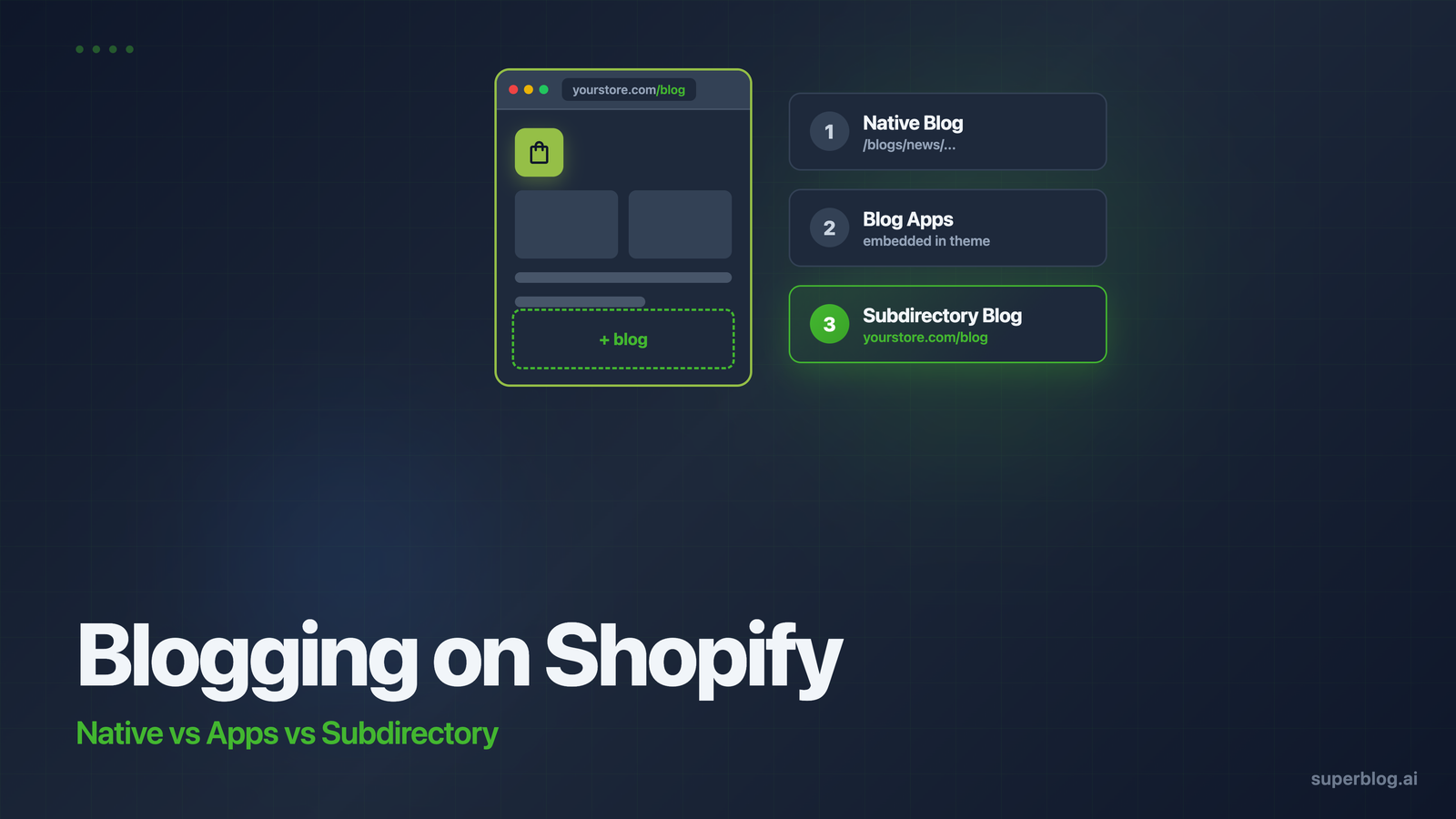
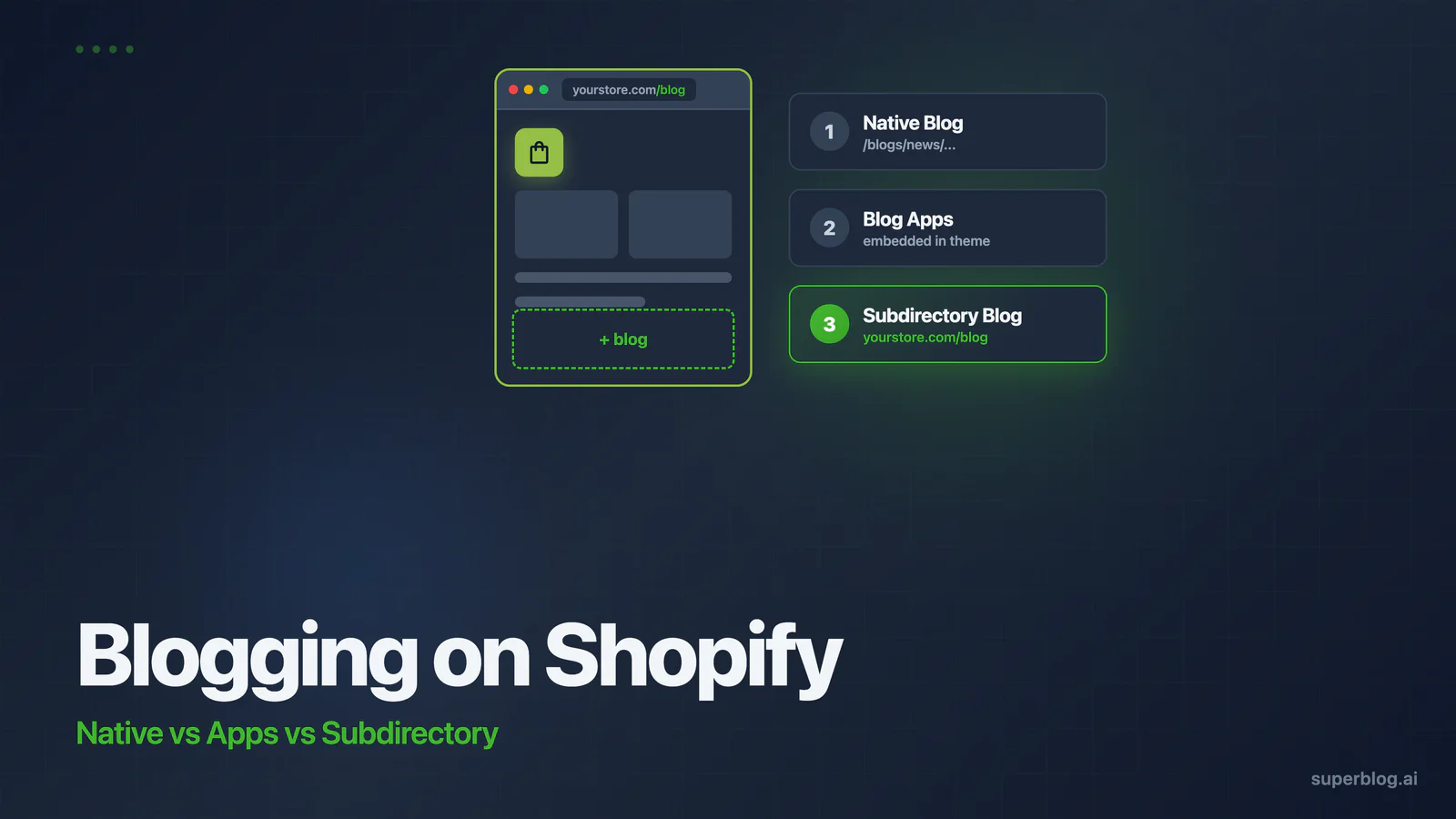
You have three ways to add a blog to Shopify: the native blog built into every store, a blog app from the Shopify App Store, or a managed blog platform served on a subdirectory like yourstore.com/blog. Each one answers the question that actually matters, "will this content rank on Google?", very differently.
This guide walks through all three options with their real limits, including the one Shopify constraint nobody can fix from inside the platform. By the end you will know exactly which setup fits your store.
The stakes are bigger than most store owners assume. Content brings in compounding traffic: a post that ranks keeps sending shoppers to your store for years without a cent of ad spend. Stores that get blogging right build an acquisition channel that widens their margin over competitors who rent every visitor from Meta and Google Ads. That only happens if the technical foundation lets your content rank in the first place.
Option 1: The native Shopify blog
Every Shopify store ships with a blogging engine. It costs nothing extra, lives inside your admin, and publishes to your store's domain. For many stores it is the right starting point.
How to set it up
- In your Shopify admin, go to Content > Blog posts.
- Click Manage blogs to rename the default blog or create a new one. Shopify names your first blog "News" by default.
- Click Add blog post, write your post, set a featured image, and fill in the search engine listing (meta title, meta description, URL handle).
- Publish immediately or set a future visibility date to schedule it.
- Add the blog to your store navigation under Online Store > Navigation so shoppers and crawlers can find it.
You get tags, comments with moderation, author names, scheduled publishing, and per-post SEO fields. Online Store 2.0 themes also let you customize the blog template with sections.
What the native blog does well
- Zero extra cost. It is included in every Shopify plan.
- One admin. Posts, products, and orders live in the same dashboard, and your team already has logins.
- Same domain by default. Posts publish to your store's domain, so every backlink a post earns strengthens the domain your product pages rank on.
- Native product mentions. Linking products from a post keeps shoppers one click from checkout.
The real limits
The URL structure is locked. Every Shopify blog post lives at yourstore.com/blogs/{blog-handle}/{post-handle}. The /blogs/ prefix cannot be removed or renamed on any plan, with any theme. Combined with the default "news" handle, your posts end up at yourstore.com/blogs/news/your-post. You can rename the handle to something better, but the plural /blogs/ stays forever. Shopify has confirmed this in its own community forums for years.
Changed URLs do not redirect automatically. If you edit a post handle, Shopify does not create a 301 redirect for you. Forget to add one manually and you hand Google a 404 where a ranking page used to be.
Tags, but no categories. The native blog has no category system. Tag archive pages exist at /blogs/{handle}/tagged/{tag}, but they are thin pages with little SEO value and no customization.
The editor and SEO tooling are basic. There is no table of contents, no related posts, no internal link suggestions, and no FAQ or HowTo schema without custom Liquid work or another app. Most themes treat the blog as an afterthought, so post layouts look sparse next to a purpose-built content site.
Will it rank?
Yes, for lower competition keywords. Google ranks Shopify blog posts every day, and publishing on your store domain means every post builds your domain's authority. The problems show up at scale. When you publish weekly and compete for commercial keywords, the locked URL structure, thin tag pages, missing schema, and theme-dependent page speed become a measurable drag. If you plan to post occasionally, the native blog is fine. If content is a growth channel, you will outgrow it.
Option 2: Shopify blog apps
Blog apps exist because store owners kept hitting the walls above. Search "shopify blog app" in the App Store and you will find dozens of options, but most are widgets for related posts or RSS feeds. Only a handful replace or upgrade the blogging experience itself. The two apps worth knowing are DropInBlog and Bloggle, and they take different approaches.
DropInBlog
DropInBlog holds a 4.6 out of 5 rating from 186 reviews on the Shopify App Store. It replaces the native blog entirely: your posts render inside your theme through an embed, and the app can serve your blog at yourstore.com/blog/ instead of /blogs/news/. That fixes the URL problem. It also adds an as-you-type SEO analyzer, product embeds inside posts, and cleaner post layouts than most themes provide.
Bloggle
Bloggle rates 4.8 out of 5 across roughly 330 reviews, with plans at $25 and $49 per month. It takes the opposite approach: it builds on top of Shopify's native blog with a drag-and-drop editor, SEO scoring, and product blocks. Because posts still publish through the native engine, your URLs keep the /blogs/ structure. Bloggle fixes the design and editing experience, not the URLs.
The embed model tradeoffs
Blog apps improve on the native blog, but the embed model carries its own costs:
- Your theme sets the speed ceiling. App content renders inside your Shopify theme, so it loads your theme's scripts, app bundles, and tracking pixels on every post. A heavy theme means a slow blog, no matter how well the app optimizes its own output.
- You depend on the app. Uninstall it and your blog needs a migration. Your content lives in the app's system, rendered through their embed.
- Costs stack with volume. App pricing tiers scale with posts and features, and you are still working inside Shopify's content model rather than a full publishing platform.
We compared the leading options in detail in our guide to DropInBlog alternatives if you want the full breakdown.
Will it rank?
Better than the native blog. DropInBlog's URL fix and on-page SEO tooling remove real obstacles, and both apps produce cleaner post pages than most themes. The ceiling is performance: your posts inherit your theme's Core Web Vitals, and Core Web Vitals affect how blog content ranks. For stores publishing a few posts a month in moderately competitive niches, a blog app is a meaningful upgrade.
Option 3: A managed blog on a subdirectory
The third option moves your blog off Shopify's rendering stack entirely while keeping it on your store's domain. You run the blog on a dedicated platform and serve it at yourstore.com/blog through a routing rule. Shoppers and search engines see one seamless site.
The subdirectory part matters. A blog at yourstore.com/blog consolidates every ranking signal into your store's domain, while blog.yourstore.com splits authority across what Google can treat as separate sites. We covered the evidence in our subdomain vs subdirectory comparison.
How the setup works with Superblog
- Create your blog on Superblog's platform for Shopify stores. Setup takes about a minute and your blog is live on a temporary URL instantly.
- Choose subdirectory hosting in your blog settings and enter
yourstore.com/blog. - Add a routing rule so requests to
/blogreach Superblog. For most stores this is a Cloudflare rule or a reverse proxy entry, and Superblog provides step-by-step guides for each setup. - Publish. SSL, CDN, sitemaps, and schemas are handled automatically.
Because the blog is generated as static pages and served from a global CDN, every post scores 90+ on Lighthouse automatically. There is no theme JavaScript, no app scripts, and no render-blocking bloat, just fast HTML served from the edge location nearest to each reader. First Contentful Paint lands under a second.
The SEO layer is built in: JSON-LD schemas for Article, FAQ, and Breadcrumb, auto-generated XML sitemaps, IndexNow pings to search engines on publish, and an LLMs.txt file so AI assistants like ChatGPT and Perplexity can discover and cite your content. The editor suggests internal links between your posts as you write, which is how content sites build topical authority without spreadsheets.
The tradeoffs
Honesty cuts both ways, so here is what you give up. Your blog editor lives outside the Shopify admin, so writers work in a second dashboard. Embedding products means pasting a product link or HTML block rather than using a native product picker. And it is a subscription, starting at $29 per month. For a store that publishes twice a year, that is overkill. For a store treating content as an acquisition channel, it replaces an app subscription and removes the entire maintenance burden.
Will it rank?
This is the strongest technical foundation of the three. Clean URLs at yourstore.com/blog/post-name, sub-second load times, complete structured data, and instant indexing signals, all compounding on your store's existing domain authority. Technical SEO stops being something you manage and becomes something that is handled. Your rankings then depend on the thing that should decide them: whether your content deserves to rank.
Native vs apps vs subdirectory: the comparison
| Native Shopify blog | Blog apps | Managed subdirectory blog | |
|---|---|---|---|
| URL structure | Locked to /blogs/handle/ | DropInBlog: /blog/. Bloggle: keeps /blogs/ | Clean /blog/ subdirectory |
| Page speed | Depends on theme | Depends on theme | 90+ Lighthouse, static pages on CDN |
| SEO automation | Meta fields only | SEO analyzer, better markup | Auto schemas, sitemaps, IndexNow, LLMs.txt |
| Editor | Basic | Drag-and-drop builders | Full editor with internal link suggestions |
| Product embeds | Native | Native pickers | Manual links or HTML blocks |
| Cost | Included | Bloggle $25-$49/mo. DropInBlog $49-$199+/mo | From $29/mo |
| Ranking ceiling | Low competition keywords | Mid competition, theme-limited speed | Built for competitive content |
Which option should you pick?
Publishing a few posts a year? Use the native blog. Rename the "news" handle to something sensible, fill in every search engine listing field, and do not touch post handles after publishing. Our Shopify blog SEO guide covers how to get the most out of the native setup.
Publishing monthly and want better posts without leaving Shopify? A blog app fits. Pick DropInBlog if the URL structure bothers you, Bloggle if you want a design-first editor and can live with /blogs/ URLs.
Treating content as a growth channel? Run a managed blog on your subdirectory. When you plan to publish weekly, target competitive keywords, and measure content by revenue, the platform's technical ceiling decides whether that investment pays off. This logic applies beyond Shopify too, as we covered in our guide to adding a blog to any website.
Frequently asked questions
Can I remove /blogs/ from my Shopify blog URLs?
Not from within Shopify. The /blogs/ prefix is fixed on every plan and theme. You can change the blog handle (the "news" part) and the post handle, but the prefix stays. The only way to get a blog at yourstore.com/blog/ is to serve it from outside Shopify's native blog, either through an app like DropInBlog or a managed platform on a subdirectory.
Is the native Shopify blog enough for SEO?
It covers the basics: meta titles, descriptions, editable handles, and posts on your own domain. It lacks category pages, structured data beyond the minimum, automatic redirects, and any performance optimization beyond what your theme delivers. For low competition keywords it ranks. For competitive terms, the gaps compound against you.
Which Shopify blog app has the highest rating?
As of mid-2026, Bloggle rates 4.8 out of 5 from roughly 330 reviews and DropInBlog rates 4.6 out of 5 from 186 reviews on the Shopify App Store. They differ in approach: DropInBlog replaces the native blog and fixes the URL structure, while Bloggle enhances the native blog's editor and design but keeps Shopify's URLs.
Should my Shopify blog be on a subdomain or a subdirectory?
A subdirectory. A blog at yourstore.com/blog shares your store's domain authority, so every post strengthens the domain your product pages rank on. A subdomain like blog.yourstore.com can be treated as a separate site by search engines, splitting your link equity across two properties.
Start ranking with your Shopify blog
The native blog works until content becomes a channel. Apps patch the biggest gaps but inherit your theme's speed. A managed blog on your subdirectory removes the ceiling entirely: 90+ Lighthouse scores, automatic technical SEO, and clean URLs on your store's domain.
Set up a blog for your Shopify store with a 7-day free trial. No credit card required, and your first post can be live today.
Your blog, without the maintenance
Fast pages, automatic SEO, no plugins to patch. Runs on yoursite.com/blog.
Sai Krishna is the Founder and CEO of Superblog. Having built multiple products that scaled to tens of millions of users with only SEO and ASO, Sai Krishna is now building a blogging platform to help others grow organically.
superblog
Superblog is a blazing fast blogging platform for beautiful reading and writing experiences. Superblog takes care of SEO audits and site optimizations automatically.