
Next.js Blog: Build Your Own vs a Managed Layer at /blog (2026)

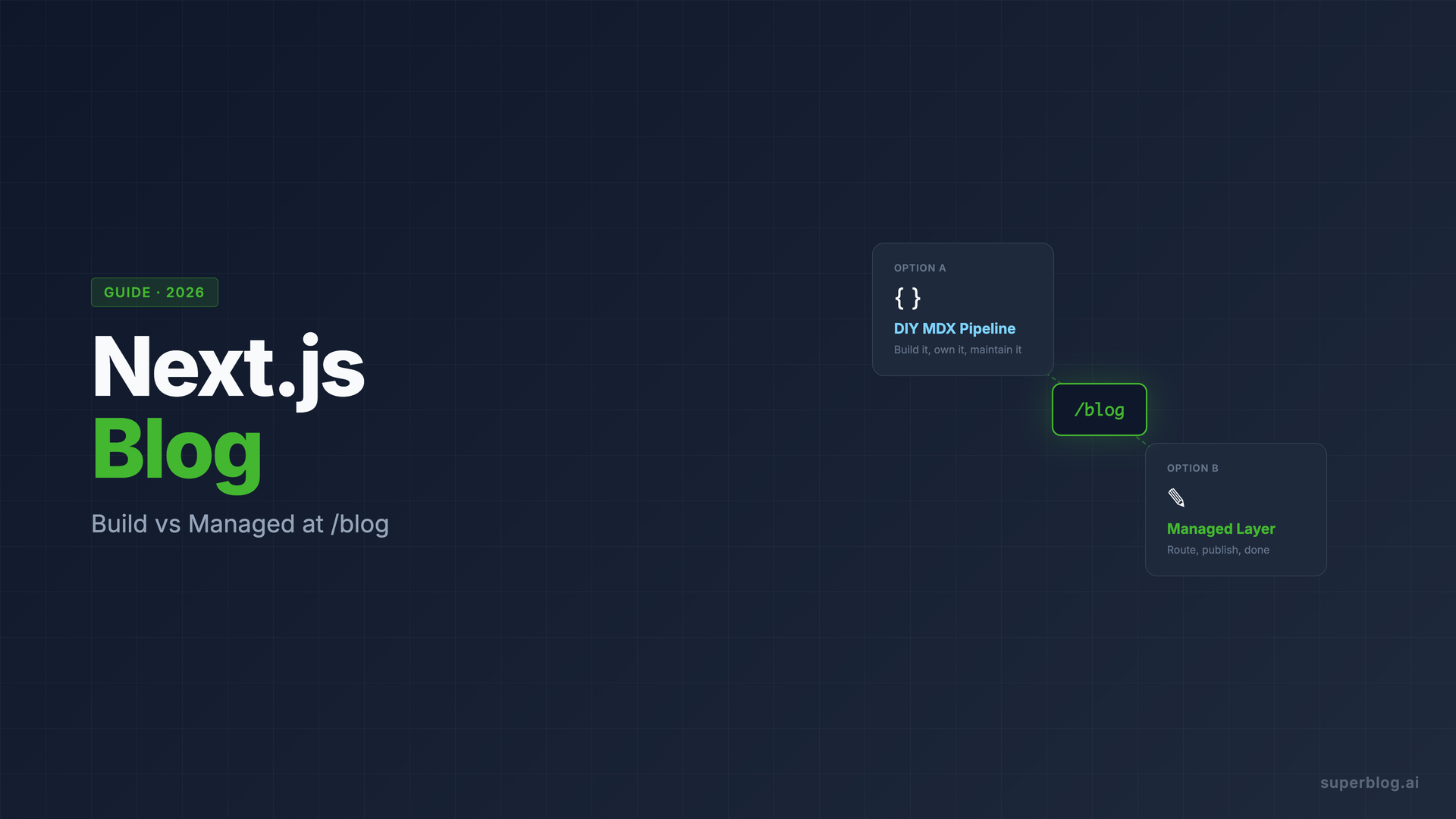
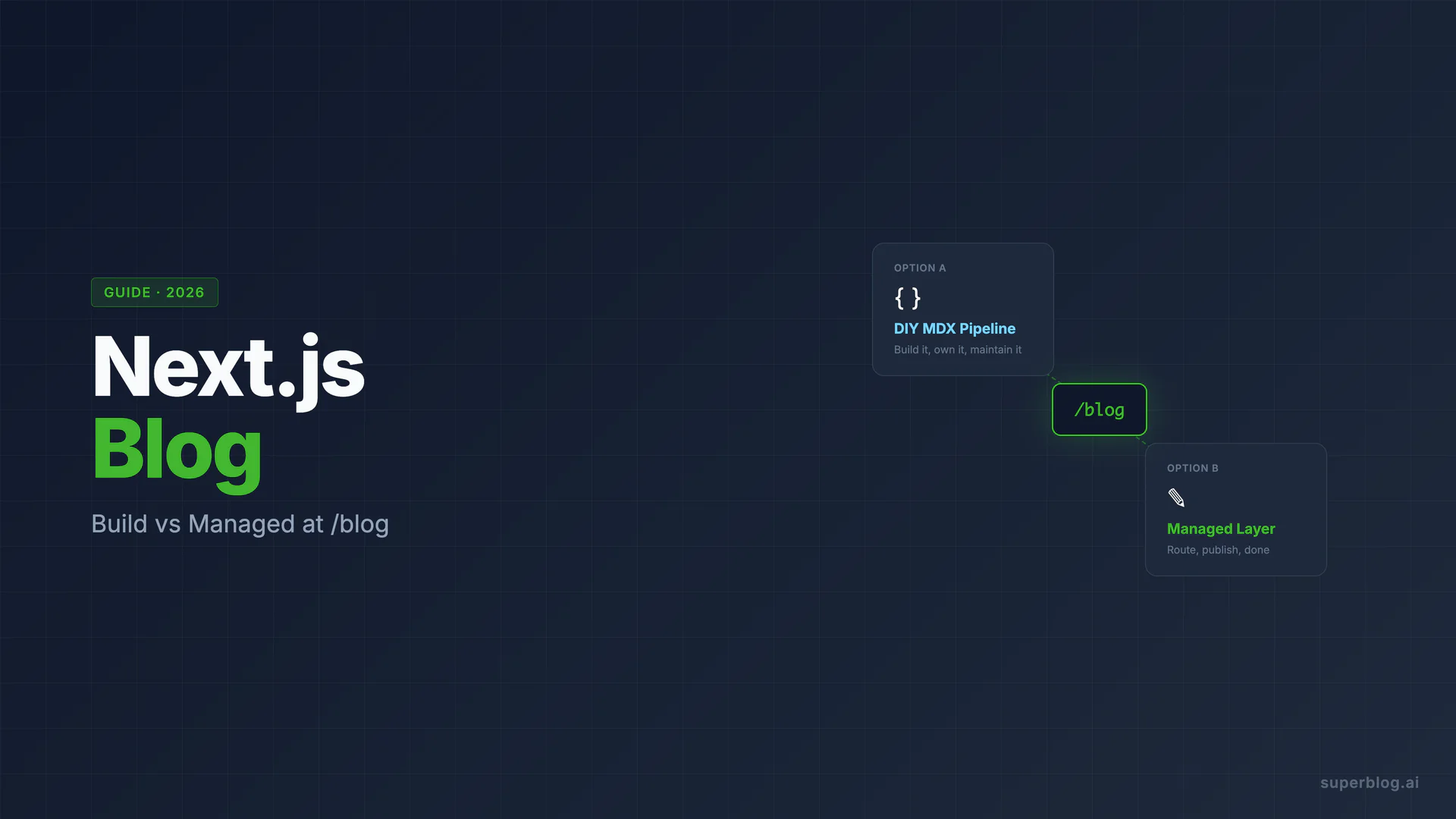
If your site runs on Next.js, you have real options for a Next.js blog, and they are not equal. The one you choose determines whether content publishing ever escapes your engineering team, whether blog posts trigger full app builds, and whether you end up owning a content infrastructure that competes with your product roadmap for attention.
This guide covers three real approaches: the MDX pipeline built into your App Router app, a headless CMS wired to your Next.js frontend, and a managed blog layer mounted at /blog via next.config.js rewrites. All three work. They solve different problems. What follows is an honest look at the trade-offs, plus the concrete configuration for the fastest path to a production-grade blog.
What makes a Next.js blog different from other frameworks
Next.js gives you more blog-building primitives out of the box than most frameworks. App Router, React Server Components, static generation with generateStaticParams, ISR with revalidate, and MDX support via @next/mdx or the community's Contentlayer: these are all real tools that produce fast, indexable pages.
The problem is not what Next.js can do. It is what you have to build, maintain, and own once you go down that path. Next.js is a rendering framework. It does not include a CMS, a writing interface, SEO automation, an image pipeline, or a publishing workflow. You are building a blog application, not using a blog platform.
That distinction matters at scale. A four-post developer blog and a 200-post content program for organic growth are different things. The MDX pipeline that felt great at post four starts to show its costs by post forty.
Why the MDX pipeline costs more than it looks
The canonical Next.js blog setup is a /blog directory of .mdx files, a dynamic route that renders them via generateStaticParams, and some frontmatter for titles and dates. It is straightforward to build and well-documented. Here is what it does not tell you upfront:
Every post is a code change and a deploy. To publish on an MDX blog, a writer opens a PR, waits for the Next.js build to complete, and merges. On Vercel, that consumes build minutes. In your CI pipeline, it blocks the deploy queue. A typo fix at 9pm means waking an engineer, or giving your marketing manager git access. Most teams underestimate how much this slows content velocity over time.
Contentlayer is deprecated. Contentlayer was the most popular type-safe MDX layer for Next.js. It is no longer actively maintained. Teams that built on it are now migrating to alternatives like next-mdx-remote, Velite, or rolling their own with gray-matter. If you are starting a new blog in 2026, you are choosing between community forks and immature replacements. This is not a reason to avoid MDX entirely, but it is a real maintenance consideration to factor in.
React Server Components change the rendering model. With App Router and RSC, your blog pages render on the server by default, which is good for performance. But MDX components that use client-side state, animations, or browser APIs need "use client" directives. As your blog grows, managing the RSC/client boundary in MDX content becomes a source of subtle bugs. It is solvable, but it is engineering work that compounds.
SEO is entirely manual. JSON-LD schemas (Article, FAQ, BreadcrumbList), canonical URLs, Open Graph tags, IndexNow pings on publish, per-language hreflang tags: none of these come with an MDX blog template. You build each one, test it, and maintain it. Teams with strong engineers build these correctly. Teams that are moving fast build them partially, inconsistently, or not at all.
The editor is whatever you build it to be. MDX in VS Code or Cursor is fine for developers. It is not viable for a marketing manager, a content lead, or a freelance writer. The moment you need non-developers to publish independently, you need to add a git-based CMS (Decap, Keystatic), a headless CMS, or a different approach entirely. For the specific tradeoffs of a markdown-first authoring workflow more broadly, not just MDX inside Next.js, see our markdown blog guide.
None of these are insurmountable. Together, they add up to a content infrastructure project that competes with your product for engineering cycles.
The three real options
Before committing to an approach, here is an honest comparison across the dimensions that matter for a business content program:
The headless CMS option is commonly presented as the sophisticated middle ground. The reality is more nuanced: a headless CMS handles content storage and gives your team a usable editor, but it leaves the Next.js frontend, schema generation, sitemap, IndexNow, and image pipeline entirely in your hands. You pay a monthly CMS fee and still own a significant engineering surface.
The managed layer approach is different in kind. You route /blog to a platform that owns the entire blog stack: CMS, frontend rendering, hosting, CDN, SEO engine. Your Next.js app stays exactly as it is. Blog publishes never touch your codebase.
The concrete setup: routing /blog to a managed blog layer
If you go with the managed layer approach, the routing configuration lives entirely in your Next.js project. No external infrastructure changes are required.
Platforms like Superblog support subdirectory hosting across any stack. You point /blog at the blog origin from your next.config.js or next.config.ts.
Option 1: next.config.js rewrites
This is the configuration to add to your existing next.config.js. The rewrites function tells Next.js to proxy any /blog request to your blog origin transparently:
/** @type {import('next').NextConfig} */
const nextConfig = {
  async rewrites() {
    return [
      {
        source: '/blog/:path*',
        destination: 'https://your-blog-name.superblog.click/blog/:path*',
      },
    ]
  },
}

module.exports = nextConfig
Or in TypeScript (next.config.ts):
import type { NextConfig } from 'next'

const nextConfig: NextConfig = {
  async rewrites() {
    return [
      {
        source: '/blog/:path*',
        destination: 'https://your-blog-name.superblog.click/blog/:path*',
      },
    ]
  },
}

export default nextConfig
The rewrite runs before Next.js route resolution. Visitors see yoursite.com/blog throughout. Static assets for the blog (CSS, JS, images) are served directly from Superblog's CDN, not proxied through Next.js, so there is no latency overhead on those requests.
One important note on App Router catch-all routes. If your Next.js app has a catch-all route like app/[[...slug]]/page.tsx, the rewrite must match before that route catches /blog/* paths. Next.js processes rewrites before the App Router, so the rewrites() function takes precedence. Verify this by testing /blog and /blog/any-post-slug in development after adding the config.
Option 2: vercel.json rewrites (if deploying on Vercel)
If your Next.js app deploys on Vercel, you have a second option: configure the rewrite in vercel.json instead of next.config.js. This applies the routing at the infrastructure layer, before Next.js even sees the request:
{
  "rewrites": [
    {
      "source": "/blog/:path*",
      "destination": "https://your-blog-name.superblog.click/blog/:path*"
    }
  ]
}
Both approaches produce identical results for visitors. The next.config.js approach is self-contained in your Next.js project and works regardless of where you deploy. The vercel.json approach is Vercel-specific but useful if you prefer to keep routing outside the framework config. For teams deploying on Vercel, the Vercel blog setup guide covers both approaches in detail.
Option 3: Cloudflare in front of your Next.js app
If your Next.js app sits behind Cloudflare, you can configure the routing at the Cloudflare level with a Transform Rule or a lightweight Worker. This is especially useful if you want the blog edge-cached independently from your application:
// Cloudflare Worker for /blog/* proxy
export default {
  async fetch(request) {
    const url = new URL(request.url)
    if (url.pathname.startsWith('/blog')) {
      const target = new URL(
        url.pathname + url.search,
        'https://your-blog-name.superblog.click'
      )
      return fetch(target, request)
    }
    return fetch(request)
  },
}
For all three setups, once the route is live, blog publishes are completely independent of your Next.js app. No build triggered, no deploy queued, no engineer required.
Keep app and blog on separate deploy tracks
The architectural principle worth committing to is this: blog content should never trigger application rebuilds.
When your blog lives inside your Next.js codebase, every post is a code change. Writers need git access or a PR workflow. Publishing depends on your CI pipeline. A failing type check blocks content. A dependency update that breaks MDX parsing silently kills your blog until someone investigates.
When your blog is a separate origin behind a rewrite, publishing a post is an operation the blog platform handles entirely. Your Next.js app is not involved. Your Vercel build queue is not involved. A writer can publish at midnight without notifying engineering.
This decoupling also means your blog's deploy cadence is independent of your product's deploy cadence. Teams that ship product changes multiple times a day and publish content multiple times a week benefit from these being separate pipelines. A product deployment freeze does not block content. A blog publish does not risk a bad product deploy.
For teams that built an MDX blog and are ready to migrate, Superblog imports from JSON, CSV, and ZIP files of markdown. Slugs transfer as-is, so existing URLs remain identical and rankings are preserved. For a deeper look at why subdirectory hosting at /blog matters for SEO rather than running the blog on a subdomain, see the subdomain vs subdirectory guide.
Superblog: the managed blog layer built for Next.js teams
For teams that want /blog on their Next.js site without building and maintaining a content infrastructure, Superblog is built for this setup. It is the platform referenced in the configuration examples above.
Superblog is a complete, fully-managed blogging platform: CMS, frontend UI, hosting, SEO engine, and performance infrastructure in one product. If your main site runs on Next.js, you add the rewrites() config above and your blog is live at yoursite.com/blog within an hour.
A few specifics worth knowing for Next.js teams:
No app rebuilds, ever. Blog posts are published and deployed through Superblog's own JAMStack pipeline. Your Next.js project is not involved. Build minutes stay free for your application.
90+ Lighthouse scores automatically. Superblog's frontend is pre-built static HTML served from a global CDN with 200+ edge locations. Every blog page loads in under a second. You get the performance without building a custom rendering pipeline or tuning ISR revalidation intervals.
SEO that runs on publish. When a writer publishes a post, Superblog automatically generates JSON-LD Article schema, updates the XML sitemap, and fires an IndexNow ping to Bing and other supporting search engines. Canonical URLs, Open Graph tags, and meta descriptions are configurable per post with a live SERP preview. None of this requires configuration from your team.
The editor works for non-engineers. Superblog's TipTap v3 editor has slash commands, markdown shortcuts, image upload with automatic WebP conversion, FAQ blocks that generate FAQ schema, and internal link suggestions. A content lead can write, edit, and publish without opening a terminal or touching the codebase.
LLMs.txt is generated automatically. Superblog generates a machine-readable /blog/llms.txt file. For teams competing in AI-driven search, this matters. Most Next.js blog setups do not generate this file at all.
Team collaboration out of the box. Pro plans support up to 5 team members with role-based permissions (Admin, Editor, Writer) and collaborative review before publishing. Super plans support up to 10 members.
Multilingual without engineering work. Superblog's Super plan supports 41 languages via AWS Translate, using subdirectory URL structure (/es/, /de/, /fr/) with automatically generated hreflang tags in both the HTML head and the XML sitemap. The approach Google recommends for international SEO, implemented without any Next.js frontend work from your team.
Migration from an existing MDX blog is one step. Export your posts as JSON, CSV, or a ZIP of markdown files. Superblog imports them with content, images, categories, slugs, and publish dates. Your existing URLs stay identical and rankings are preserved.
Pricing starts at $29/month (Basic: up to 300 posts, 1 member), $49/month (Pro: up to 1,000 posts, 5 members, privacy-friendly analytics, scheduled publishing), and $99/month (Super: unlimited posts, 10 members, AI helper, multilingual, API access, Zapier). All plans include subdirectory hosting, auto SEO, free SSL, CDN, and the full frontend. A 7-day free trial requires no credit card.
For the full feature breakdown for Next.js sites specifically, see the Superblog for Next.js use case page.
How this compares to other common approaches
Versus a subdomain blog (blog.yoursite.com). A subdomain blog works technically, but it splits domain authority between two origins. Google treats yoursite.com and blog.yoursite.com as separate sites for ranking purposes. Every link the blog earns strengthens the subdomain, not your main domain. A subdirectory blog at yoursite.com/blog keeps all authority on one domain. If SEO matters, subdirectory wins. The subdomain vs subdirectory guide covers the tradeoff in full.
Versus a headless CMS integration. As covered in the comparison table above, a headless CMS improves the editor experience but leaves the Next.js frontend, schema generation, sitemap, and IndexNow entirely on your team. If you have the engineering capacity to build and maintain that layer, a headless CMS is a reasonable choice. If the goal is faster content operations with less engineering overhead, the maintenance surface is larger than it appears at the start. The blog API integration guide covers what connecting external blog content to a Next.js frontend actually involves.
Versus a WordPress migration. Some teams run WordPress for the blog and point a subdomain at it. WordPress scores 40-60 on Lighthouse performance audits, requires constant plugin and security maintenance, and splits domain authority as a subdomain. A managed platform like Superblog at yoursite.com/blog delivers 90+ Lighthouse scores automatically and requires no maintenance. For teams that want to move off WordPress, Superblog imports from WordPress directly.
Versus the sibling guides in this series. If your site is on Astro rather than Next.js, see add a blog to Astro for the content collections vs managed layer comparison. If the deployment platform (Vercel vs. the Next.js framework itself) is your primary framing, add a blog to Vercel covers routing configuration from the Vercel infrastructure side. If you're running a static site generator like Hugo instead, see add a blog to Hugo for the build-time tradeoffs specific to that stack. For general guidance on adding a blog to any existing site, the add blog to website guide is the starting point.
FAQ
How do I add a blog to my Next.js app?
The fastest path is to route /blog to a managed blog platform using next.config.js rewrites. Add a rewrites() function that proxies /blog/:path* to your blog origin, deploy, and your Next.js site serves the blog at your domain without any additional app changes. Platforms like Superblog provide the blog origin and handle the CMS, SEO, and hosting. For teams who prefer to build their own, the alternative is creating a /blog directory in your Next.js app with MDX rendering via next-mdx-remote or Velite, then connecting a headless CMS for the editor layer.
Is Contentlayer still maintained?
No. Contentlayer, the most popular type-safe MDX layer for Next.js, is no longer actively maintained as of 2024. Teams building new Next.js blogs in 2026 are using alternatives like Velite, next-mdx-remote, or Fumadocs for documentation-focused sites. This is worth factoring into any decision to build an MDX pipeline from scratch.
Will blog posts trigger a Next.js rebuild?
If the blog lives inside your Next.js codebase as MDX files, yes: publishing content requires a new build. If the blog is a separate managed platform routed via next.config.js rewrites, no: blog publishes happen entirely on the blog platform's infrastructure. Your Next.js app is not involved and no build minutes are consumed.
How do I set up MDX in Next.js App Router?
Next.js App Router supports MDX via the @next/mdx package or community tools. With @next/mdx, you add the plugin to next.config.js, create an mdx-components.tsx file to map HTML elements to React components, and create .mdx files in your app/ directory. For a blog with dynamic routes, you pair this with generateStaticParams to pre-render post pages at build time. For type-safe frontmatter and a cleaner authoring experience, Velite is the current recommended replacement for Contentlayer.
Can I use Superblog with Next.js App Router?
Yes. The next.config.js rewrite approach works with any Next.js version and routing model. Whether you use Pages Router or App Router, the rewrites function runs before Next.js resolves any route, so /blog requests are proxied to Superblog before the App Router sees them. Your application code is unchanged.
What happens to my existing MDX blog if I migrate to a managed platform?
Superblog supports import from JSON, CSV, and ZIP files of markdown. If your current blog stores posts as MDX or markdown files, export them, import to Superblog, and configure the rewrite. Slugs transfer as-is, so existing URLs remain the same and you do not lose rankings. Featured images and inline images are fetched and re-hosted on Superblog's CDN once your plan is active, so a trial import leaves them on the old host until you subscribe.
Next.js blog vs WordPress: which is better for a business content program?
Neither is a complete answer. Next.js is a rendering framework that requires you to build the blog application. WordPress is a blogging platform that scores 40-60 on Lighthouse performance audits and requires constant plugin and security maintenance. For a business running on Next.js that wants a /blog, a managed platform like Superblog routes cleanly via next.config.js rewrites, delivers 90+ Lighthouse scores automatically, and requires zero maintenance. It is designed for exactly this use case in a way that WordPress was not.
If your team is serious about organic growth, the question is not whether to have a blog on your Next.js site. It is whether you want to spend engineering cycles maintaining blog infrastructure or spend them on your product.
The routing configuration takes under an hour. The maintained infrastructure takes indefinitely.
Start a free trial at superblog.ai. No credit card required.
For more on adding a blog to an existing site regardless of framework, start with the how to add a blog to your website guide.
Your blog, without the maintenance
Fast pages, automatic SEO, no plugins to patch. Runs on yoursite.com/blog.
Sai Krishna is the Founder and CEO of Superblog. Having built multiple products that scaled to tens of millions of users with only SEO and ASO, Sai Krishna is now building a blogging platform to help others grow organically.
superblog
Superblog is a blazing fast blogging platform for beautiful reading and writing experiences. Superblog takes care of SEO audits and site optimizations automatically.