
GoHighLevel Blog: What the Built-In Blog Covers (and What Agencies Add) 2026

GoHighLevel includes a native blog builder. If you manage client sites on HighLevel and want to add a GoHighLevel blog quickly, it works out of the box. But if your clients depend on content marketing for organic growth, the native blog has limits that matter for agencies trying to sell content and SEO services at scale.
This guide is for HighLevel agencies evaluating what the built-in blog can do, where it stops, and how agencies extend it with a managed blog layer at the client's domain.
What Is the GoHighLevel Blog?
GoHighLevel is an all-in-one marketing platform built for agencies. It handles CRM, funnels, email automation, reputation management, and website building under one roof. The blog builder is a native publishing module inside the HighLevel website and funnel system.
You create posts, assign categories and authors, set slugs and meta fields, and publish directly to any HighLevel-hosted site. There is no separate platform to log into. Everything lives inside the same GHL dashboard your team already uses.
For agencies managing many client accounts, the consolidation is genuinely useful.
What the Native HighLevel Blog Does Well
Publishing inside the existing GHL site
The blog integrates directly into any HighLevel-hosted website or funnel. Posts appear via a Blog Post List element you drop onto any page. Design inherits from the site's existing theme. For clients that already run their marketing site on GHL, adding a blog takes minutes with no second platform.
Standard SEO controls
Each post gets a customizable meta title, meta description, URL slug, and canonical URL field. The sitemap updates automatically when a post is published. That covers the minimum viable on-page SEO for basic business blogging.
Scheduling and draft management
Posts can be saved as drafts and published immediately or scheduled for a future date. Categories and authors are assignable per post. Bulk import via URL or CSV handles migrations from existing sites.
AI-assisted content creation
HighLevel's AI tools can generate outlines and draft copy directly inside the post editor. For agencies that need to produce content across many client accounts, the AI assistance reduces time-per-post.
Rich text editor
The editor handles standard formatting, images with alt text fields, and embedded media. The layout view is either Standard or Compact. Page width is fixed at 736 pixels.
Where the Native Blog Stops for Agencies Selling SEO
Here is where the picture gets more specific. The gaps below are verified from HighLevel's own documentation and current feature state, not invented.
Schema markup requires per-post manual work at scale
GoHighLevel now supports 140+ schema types including Article, BlogPosting, FAQPage, and Organization. The problem is workflow: schema is not auto-generated. The official documentation states explicitly that "schema is not auto-generated when creating a new page" and that it "does not automatically carry over to other pages or funnel steps."
Every post requires opening the specific post, navigating to SEO settings, and adding schema manually or triggering the AI schema generator per post. That process is fine for a client publishing two posts per month. It does not hold at eight or ten posts per month across a portfolio of client accounts.
An agency managing 10 clients, each publishing weekly, is looking at 40 or more manual schema passes per month. Organization schema and Breadcrumb schema across all client posts require additional setup on top of that.
For agencies selling content marketing as a service, the manual schema burden is a real operational cost.
No LLMs.txt generation
HighLevel does not generate an LLMs.txt file for client sites. Agencies positioning clients as authorities in their space are missing a growing discoverability channel that purpose-built blog platforms handle automatically.
Performance is site-dependent
HighLevel-hosted sites can score well on Lighthouse when kept lean. The platform manages CDN delivery and image processing. But performance depends heavily on the complexity of the funnel or page the blog sits inside. Heavy GHL websites with many widgets, forms, and tracking scripts can see meaningful Lighthouse score variance across different client sites and posts.
There is no guaranteed floor. A blog post on a well-optimized GHL site can score 90+. A post on a heavier GHL marketing site may score significantly lower. For agencies promising clients that content will rank, performance variability is a liability.
Multi-client workflow is agency-account-separated
Each HighLevel sub-account is its own silo. If you manage 15 client sites, each has its own blog, its own post list, its own categories, its own analytics. There is no cross-account blog dashboard that lets you see all client posts, content status, or publishing queues in one view.
For agencies that run content operations at scale, the per-account separation adds overhead: checking in on 15 separate blog sections, reporting across them, maintaining consistent quality.
Custom code and advanced embedding have limitations
At the time of writing, custom code support in blog posts is listed as "coming soon" in HighLevel's documentation. Forms and surveys cannot be embedded inside posts. Custom Values are not supported in blog content. For agencies that want to embed lead capture directly inside client blog posts, the native blog does not support it.
The blog lives on GHL's infrastructure
A client's blog on the native HighLevel builder is bound to the GHL platform. You cannot route a client's existing domain subdirectory (clientsite.com/blog) to the HighLevel blog while keeping the client's main marketing site on a different platform. If the client's main site is on Webflow, Framer, WordPress, or a custom stack, the native GHL blog requires moving the entire site to GHL hosting, which is a separate decision.
For agencies whose clients have existing marketing sites they do not want to migrate, this is a hard constraint.
The Managed Blog Layer: What Agencies Add
When the native HighLevel blog is not the right fit for a particular client, agencies add a managed blogging platform at the client's domain. The client's existing marketing site stays untouched. The blog runs at clientsite.com/blog through subdirectory routing.
This is where Superblog fits for HighLevel agencies. You route clientsite.com/blog to a Superblog site through the client's DNS or reverse proxy. The client's HighLevel funnels and marketing pages continue working exactly as before. What changes is what happens at /blog.
See the HighLevel blog use case page for setup details specific to GHL client sites.
One dashboard across all client blogs
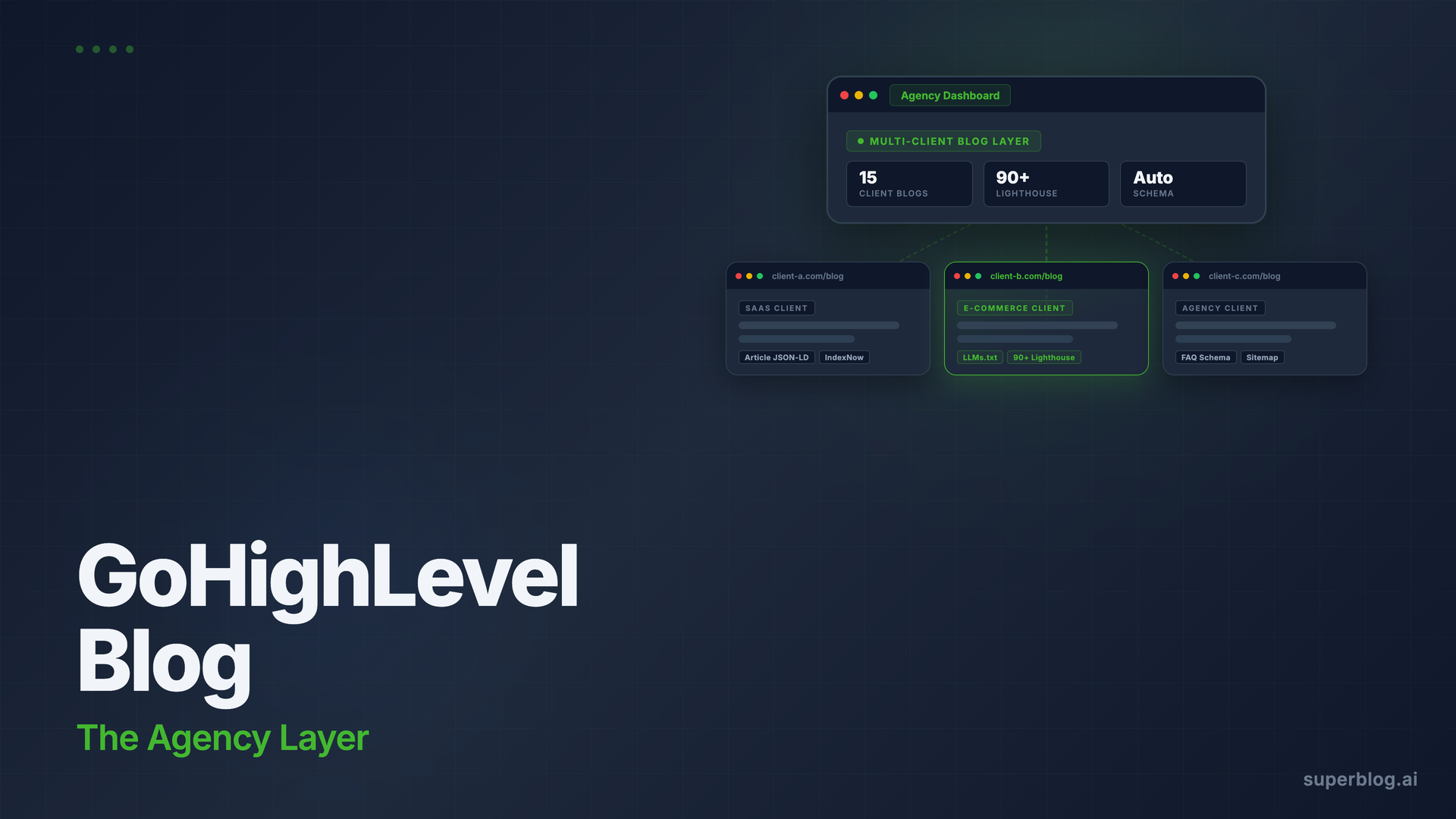
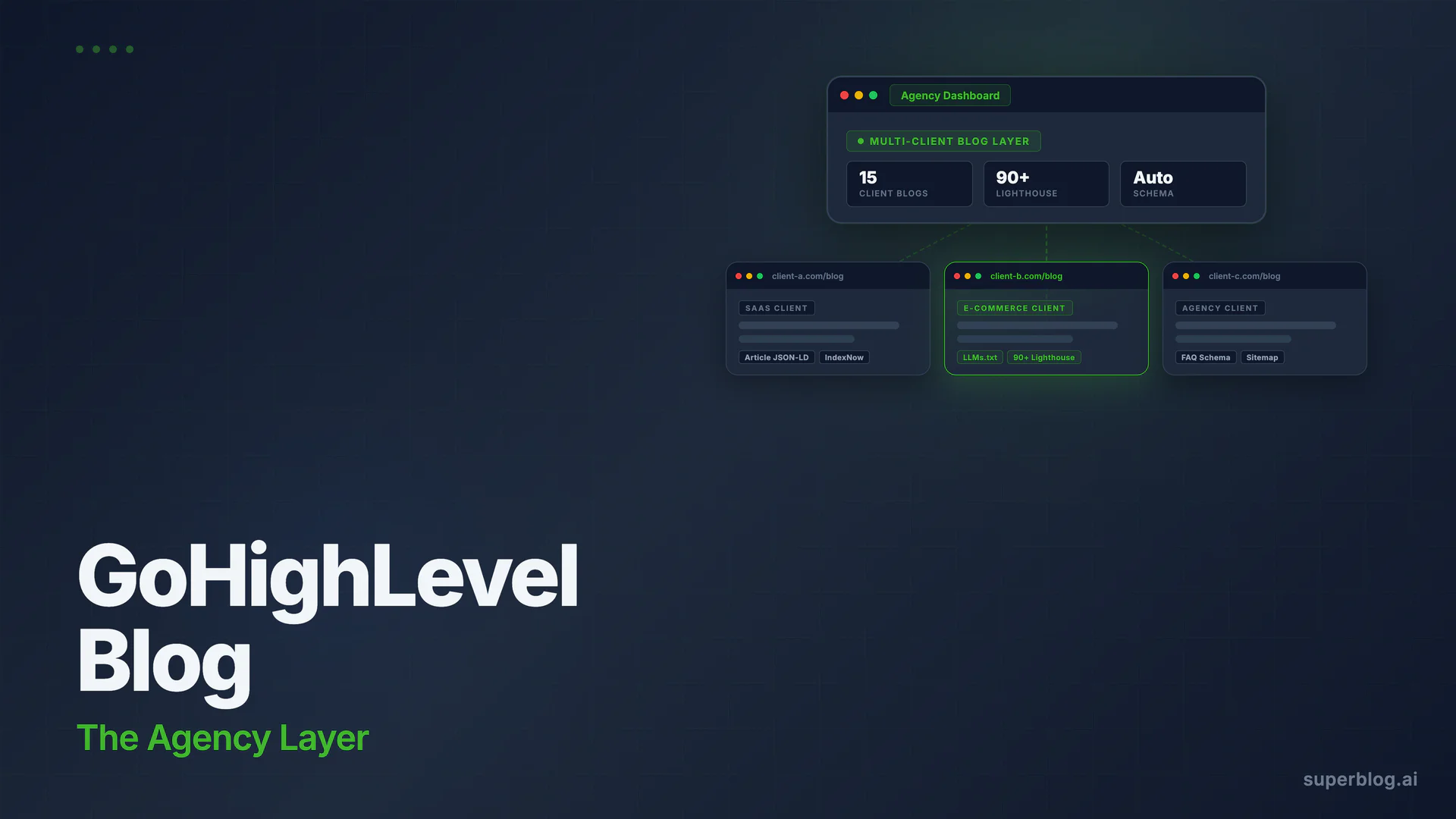
Superblog is priced per blog, not per seat. An agency running 15 client blogs manages all 15 from separate Superblog sites, each on the client's domain. Team member access (Admin, Editor, Writer roles) is configurable per site. Inviting a client's content team to their own blog does not require giving them access to the agency's GHL account.
For agencies structured around content delivery as a service, this separation is cleaner. The client owns their blog data and SEO performance. The agency manages the platform and content.
Schemas fire automatically on every post
Article JSON-LD schema, FAQ schema (from FAQ blocks in the editor), and Organization schema generate automatically on every Superblog post without any per-post configuration. There is no manual step, no per-post schema editor to open, no AI generation to trigger.
An agency publishing 10 posts per month across 15 client blogs gets 150 posts per month with correct schema automatically. The blog schema markup guide covers why this matters for rankings.
Performance is guaranteed, not site-dependent
Superblog uses a JAMStack architecture: posts are pre-built as static pages and served from a global CDN with 200+ edge locations. Every post on every client blog scores 90+ on Lighthouse automatically. There is no per-client performance variation based on what else is on the site, because the blog runs independently from the client's main site.
First Contentful Paint under 1 second. 99.99% uptime. These are platform defaults, not optimization targets.
LLMs.txt updates on every deploy
Superblog generates and updates LLMs.txt automatically at clientsite.com/blog/llms.txt on every publish.
IndexNow on every publish
When a client's post goes live, Superblog fires an IndexNow notification to Bing and other supporting search engines automatically. No plugin, no integration, no configuration. Faster indexing without the agency needing to manage it per client.
Subdirectory hosting for domain authority
Serving the blog at clientsite.com/blog rather than blog.clientsite.com keeps all content authority on the client's root domain. For clients who already have domain authority from their marketing site, subdirectory hosting compounds that authority into the blog. The subdomain vs subdirectory guide covers the SEO case for this in detail.
For the full walkthrough of adding a managed blog to an existing site, see how to add a blog to your website.
For agencies managing content across multiple clients, the blogging platform for agencies page covers the multi-client workflow in more detail.
GoHighLevel Native Blog vs Superblog: How They Compare
Where Superblog Fits for HighLevel Agencies
Superblog is not a replacement for GoHighLevel. It does not replace CRM, funnels, email automation, or reputation management. It replaces the native blog for clients where content marketing is a serious growth channel.
The typical agency use case: a client runs their marketing site and funnels on HighLevel. Content marketing is a new or expanding priority. The native blog is adequate for casual publishing but the agency needs automated SEO infrastructure and reliable performance to actually deliver rankings.
Superblog attaches at the client's domain via subdirectory routing. The HighLevel funnel and marketing pages continue working unchanged. The blog gets a dedicated, SEO-optimized platform with automatic schemas, guaranteed 90+ Lighthouse scores, LLMs.txt, and IndexNow. The agency delivers measurable SEO outcomes. The client does not need to leave HighLevel.
At $29/mo per blog on the Basic plan (up to 300 posts, 1 team member) or $49/mo on Pro (up to 1,000 posts, 5 team members with analytics and collaborative review), the per-client cost is a line item, not a budget decision. Agencies can mark it up or pass it through as part of a content retainer.
FAQ
Does GoHighLevel have a blog?
Yes. GoHighLevel includes a native blog builder inside its website and funnel platform. You can create and publish posts, set categories and authors, control meta titles, meta descriptions, canonical URLs, and URL slugs, and schedule posts for future publishing. The blog integrates directly into any HighLevel-hosted site with no separate tool required.
Is the GoHighLevel blog good for SEO?
The GoHighLevel blog covers the basics: meta fields, canonical URLs, slug customization, and an auto-updating sitemap. For light publishing on a client site, that is often sufficient. For agencies selling content marketing as a service, the gaps that compound at scale are schema markup (manual per post, does not carry over automatically), no LLMs.txt generation, no IndexNow, and performance that varies by site complexity rather than being guaranteed across all posts.
Can I use an external blog with GoHighLevel?
Yes. If a client's site is hosted on HighLevel, you can route a subdirectory of their domain (clientsite.com/blog) to a separate blogging platform without affecting their HighLevel pages. This requires subdirectory routing through DNS or a reverse proxy, but the HighLevel funnels and marketing pages outside /blog continue working normally. Platforms like Superblog are built specifically for this subdirectory setup.
How do agencies manage client blogs in GoHighLevel?
In GoHighLevel, each client account is a separate sub-account with its own blog section. There is no cross-account blog view. Agencies managing multiple client blogs need to log into each sub-account separately. For agencies that want a centralized content operation across clients, a managed blog platform with per-site access controls gives each client their own blog while the agency manages operations from one place.
Your blog, without the maintenance
Fast pages, automatic SEO, no plugins to patch. Runs on yoursite.com/blog.
Sai Krishna is the Founder and CEO of Superblog. Having built multiple products that scaled to tens of millions of users with only SEO and ASO, Sai Krishna is now building a blogging platform to help others grow organically.
superblog
Superblog is a blazing fast blogging platform for beautiful reading and writing experiences. Superblog takes care of SEO audits and site optimizations automatically.